DECAN_F2_Service(Eng_Ver1).pdf - 第411页
Troubleshooting
16-16
Fast & Flexible Chip Shooter DECAN F2 Service Manual
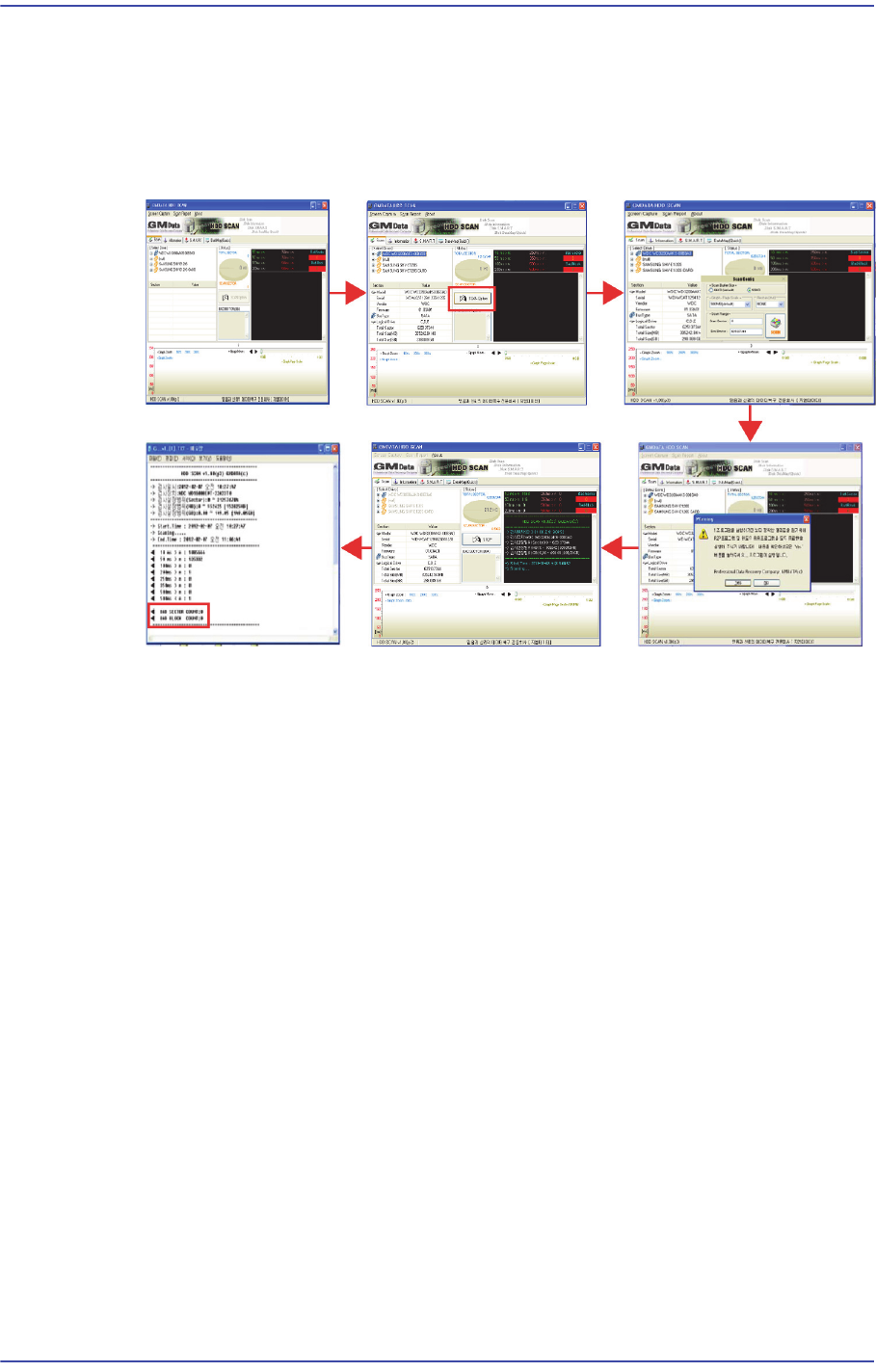
6) Connect the HDD SCAN USB to copy the "HDD SCAN" program to the desktop and
inspect the bad sector disc. Check that the inspection result shows "Bad Sector
COUNT: 0" and save the result.
For the *.HDDSCAN program, use HDDSCAN V1.8 or higher version, a public
program of GMDATA.
COUNT : 0 : “??” ??
7) Exit the Windows, turn off the power supply to the CPU and disconnect the cables.
8) Check the tightening status of the panel bolts again. If there are no problems with the
bolt tightening, store the panel in the designated place.

Troubleshooting