DECAN_F2_Service(Eng_Ver1).pdf - 第71页
3-9 Installation & Operation 3.1.5. Power Connection 1) Check the temperature at the where the m achine is installed using the temperature gauge. (Recommended temperature: 24 ± 4 ˚ C) (Allowable range: +10 ˚ C ~ +35 …
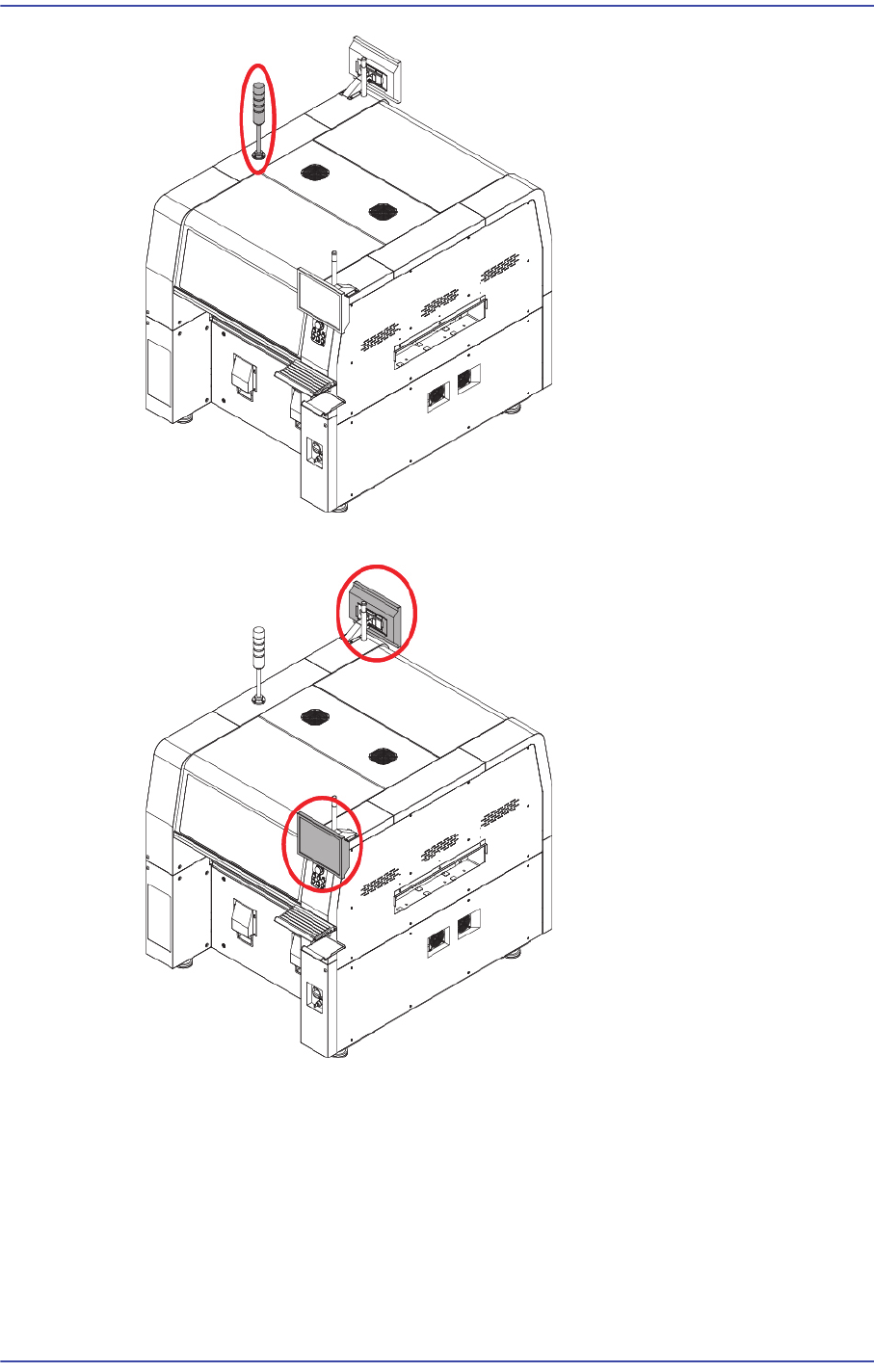
3-8
Fast & Flexible Chip Shooter DECAN F2 Service Manual
2) Install the monitor using a hex wrench.
3) Install the Keyboard, Mouse
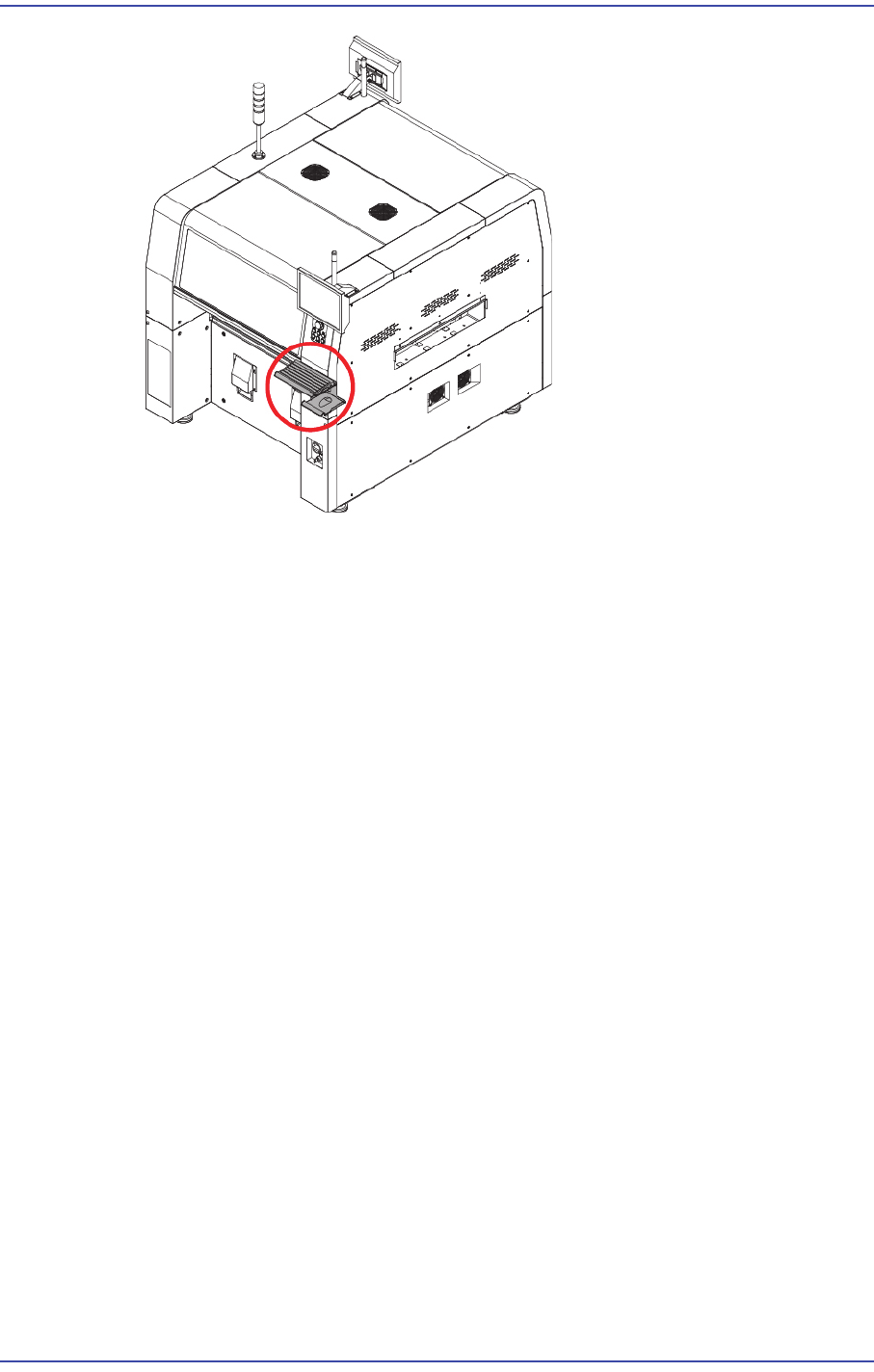
3-9
Installation & Operation
3.1.5. Power Connection
1) Check the temperature at the where the machine is installed using the temperature
gauge.
(Recommended temperature: 24 ± 4˚C)
(Allowable range: +10˚C ~ +35˚C)
2) Check the power supply voltage at the place where the machine is installed.
Ex) 3 Phase 200, 208, 220, 240, 380, 415V
3) After checking the power supply to the place where the machine is being installed,
check whether the measured voltage is normal or not using a digital multimeter.
4) Open the Right Cover using a wrench.
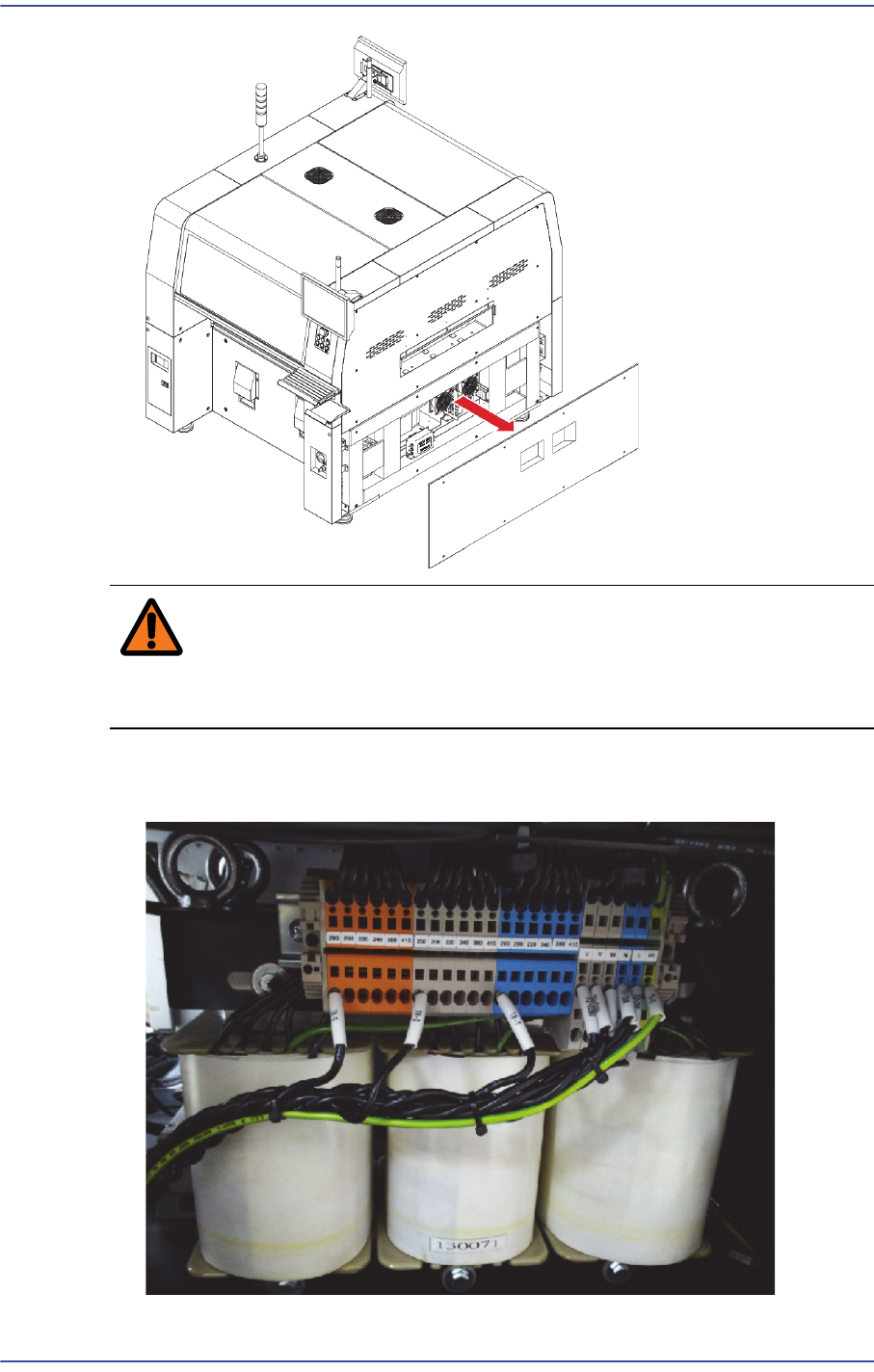
3-10
Fast & Flexible Chip Shooter DECAN F2 Service Manual
Warning If a 3 phase voltage cable is connected to the main power
line, it may damage the machine. Therefore, connect it
correctly.
5) Check the input of the transformer of the machine and set the input power according to
the voltage applied to the machine installation site.
200V