DECAN_F2_Service(Eng_Ver1).pdf - 第444页
17-32 Fast & Flexible Chip Shooter DECAN F2 Service Manual 17.3.5. Errors related to PCB transfer E0900 When there is no PCB, the system recognizes that there is a PCB or when there is a PCB, it recognizes that there…

17-31
Troubleshooting
E0805 A part jumps when placing parts
[Cause]
Defective PCB Clamp setup
Defective BUT flatness
[How to Check]
With the PCB being clamped up, check whether there is a clearance between the board
and Clamp Plate.
Check the BUT flatness by attaching an indicator to the gantry.
[Measures]
Set the PCB Clamp correctly.
Reassemble the BUT by maintaining flatness.
E0806 Parts jump while placing them
[Cause]
Defective PCB clamp
Defective BUT flatness
[How to Check]
Check whether there is a clearance between the board and clamp plate with the clamp
being moved up
Attach an indicator on the gantry to check the flatness
[Measures]
Set the PCB clamp properly.
Assemble the BUT maintaining flatness.
17-32
Fast & Flexible Chip Shooter DECAN F2 Service Manual
17.3.5. Errors related to PCB transfer
E0900 When there is no PCB, the system recognizes that there is a PCB or when there is a
PCB, it recognizes that there is no PCB
[Cause]
Defective PCB cable connection
Defective PCB detection sensor connector
The sensor is contaminated with foreign material
[How to Check]
Check whether the sensor cable is cut off
Check whether the PCB detection sensor connector has a problem
Check whether the sensor is contaminated with foreign materials
[Measures]
Replace the sensor cable.
Reassemble the connector of the PCB detection sensor.
Remove foreign materials on the sensor or replace it.
E0901 Unable to transfer the PCB
[Cause]
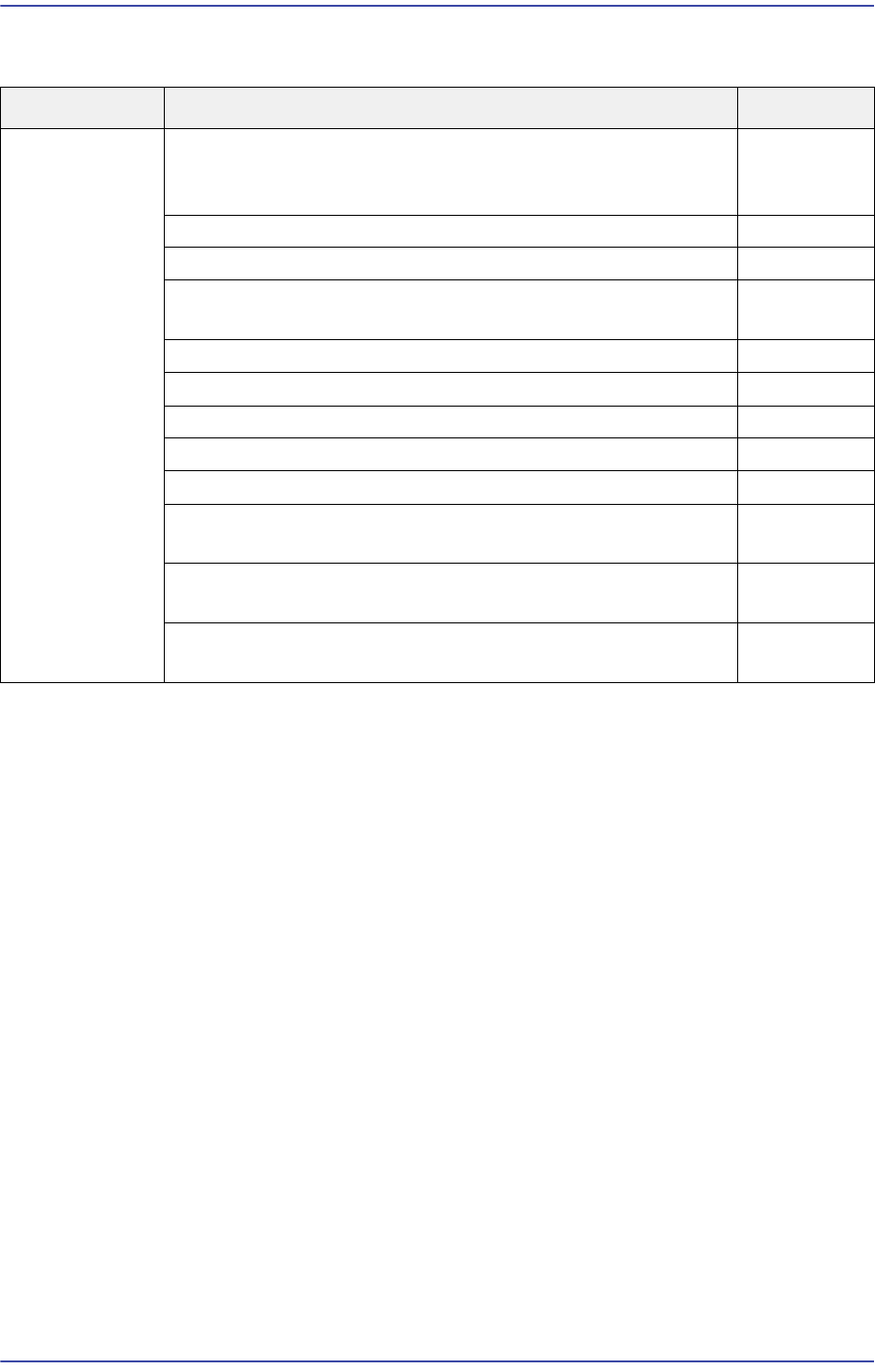
Cause Description Remarks
PCB jamming When there is no PCB, the system recognizes that there is a
PCB or when there is a PCB, it recognizes that there is no
PCB
E0900
Unable to transfer the PCB E0901
Abnormal PCB transfer E0902
Defective PCB width adjustment – PCB dropped/ PCB
jammed/unable to transfer the PCB
E0903
PCBs are not fed or discharged E0904
The PCB is jammed in the placement range E0905
Abnormal belt tension E0906
Incorrect conveyor parameter setup E0907
A PCB does not stop at the normal position E0908
When transferring PCBs from the previous machine to the
entry station, a PCB is jammed
E0909
Interference occurs while transferring the PCB from the
current machine to the next machine
E090A
After the BUT moved down, the PCB does not move to the
exit station
E090B

17-33
Troubleshooting
Defective step motor
Interference occurs due to foreign materials on the belt
Defective step motor and pulley
Defective step motor cable
[How to Check]
Check the step motor control cable connection. If it has no problems, replace the step
motor and check whether the same problem occurs.
Check whether foreign materials exist on the belt
Move the corresponding belt manually to check for any problems and check whether
the motor and pulley are loosened
Check whether the step motor cable is cut off
[Measures]
Replace the step motor.
Remove foreign materials on the belt.
Replace the step motor and pulley.
Replace the step motor cable.
E0902 Abnormal PCB transfer
[Cause]
The motor cable and connector are defective(The conveyor moves in the reverse
direction)
The output voltage (24V) of the power supply is low(Belt vibration and abnormal belt
movement during PCB transfer)
The cable connected to the step motor driver is not connected properly(Belt vibration
and abnormal belt movement during PCB transfer)
[How to Check]
Check whether the motor power cable and connector have any problems
Check whether the output voltage (24V) of the power supply is normal
Check whether the cable connected to the step motor driver is properly connected
[Measures]
Replace the motor power cable.
Adjust the power supply so that it outputs 24V.
Reconnect the cable connected to the step motor drive properly.