00195982-03_SM_SWS_EN.pdf - 第15页
1 Introduction 1.2 Preparatory work... Service Manual SIPLACE Wafer System (SWS) 11/2018 15 1.2 Preparatory work... Purpose and scope Before performing any preventive maintenance work, conversion work or service work, a …
1 Introduction
1.1 Safety instructions
14 Service Manual SIPLACE Wafer System (SWS) 11/2018
1.1.2 Safety instructions for the power supply
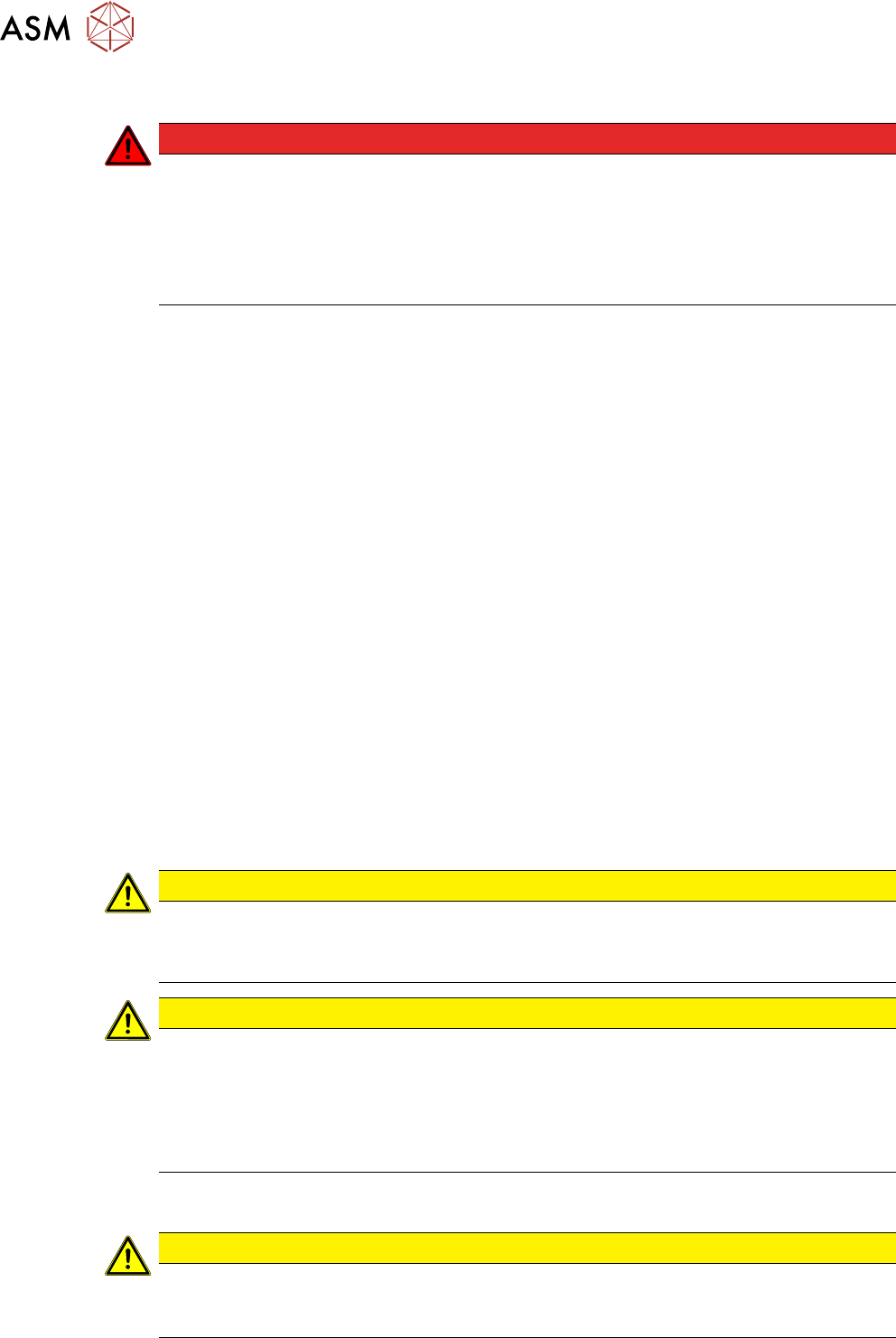
DANGER
Hazardous Voltages!
The machine is supplied with 3x400V~ (or 3x204V~ / 3 x 220V~ / 3 x 230V~ / 3 x
380V~ / 3x415V~) ± 5%, 50/60Hz mains voltages.
► Observe the safety instructions in the user manual during all service work!
► Before you start working on the power supply, check it for absence of voltage and
observe the waiting times!
●
This means that some parts of the system carry potentially lethal voltages - even when
switched off at the main power switch.
●
Incorrect handling of the placement system can therefore result in fatal injuries, severe injuries
or considerable damage to equipment.
●
Measurements and maintenance work must always be carried out by appropriately qualified
personnel.
●
Always follow the applicable accident prevention and DIN regulations (particularly DIN EN 60
204, part 1) or the regulations specific to your country.
●
Before starting any maintenance work, switch the machine off at the main switch and discon-
nect it from the main power supply.
●
Always secure the machine against unauthorized reactivation. If these instructions are not fol-
lowed, you may be able to touch live parts, which could result in fatal or severe injuries.
Maintaining, installing or removing assemblies
► End all placement operations on the machine.
► Shut down the Windows operating system correctly, otherwise problems may occur when
restarting the system or data may be lost.
► Switch off the machine at the main switch.
► Disconnect the machine from the main power supply.
► Switch off the machine and attach warning signs to indicate that service work is in progress.
1.1.3 Safety instructions for the compressed air supply
CAUTION
Risk of injury from compressed air!
Risk of injury when disconnecting the compressed air lines.
► Never disconnect compressed air lines while they are still pressurized.
CAUTION
Prolonged interruptions to the compressed air supply can cause damage.
When the machine is switched on, do not use the shutoff valve to interrupt the compressed
air supply for more than 30 minutes.
► If you need to shut off the compressed air system for longer in order to carry out your
work, you must switch the machine off at the main switch and disconnect it from the
power supply.
1.1.4 Safety instructions on hazardous materials
CAUTION
Observe the safety data sheets
Observe the applicable safety data sheet, when handling hazardous materials (e. g. Loctite
241, ethanol).
1 Introduction
1.2 Preparatory work...
Service Manual SIPLACE Wafer System (SWS) 11/2018 15
1.2 Preparatory work...
Purpose and scope
Before performing any preventive maintenance work, conversion work or service work, a procedure
of locking and tagging must be followed and warning signs must be attached if not stated other-
wise. If it is not necessary to switch off the machine, it is explicitly mentioned.
The procedure, when followed correctly as described in this section, eliminates the possibility of an
employee being injured.
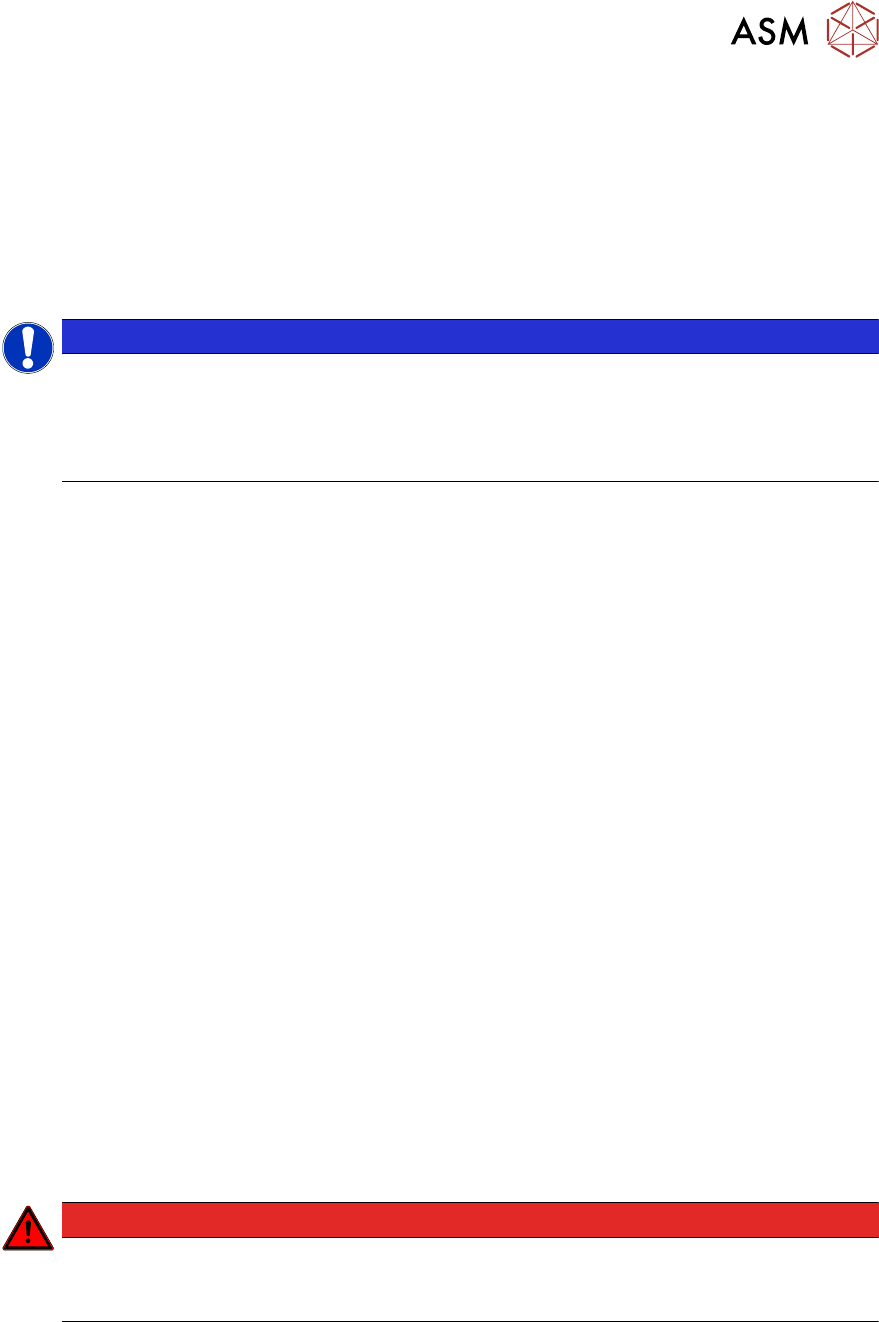
NOTICE
Additional safety measures
This procedure represents the minimum lock out and tag out requirements for the machine
during preventive maintenance work and service work. Any additional safeguards needed
to complete work safely can be specified by facilities supervision, the safety officer, the
safety committee and the health department.
Description
Whenever it becomes necessary to isolate, control and release energy, the following procedure is
to be followed.
► Notify all affected employees.
► Switch off the machine and all additional devices. Carry out all normal stopping procedures:
ð Press the STOP button.
ð Shut down the station computer.
ð Switch off the machine using the main switch.
► Isolate the machine from all its energy sources:
ð Shut off the compressed air supply.
ð Shut off the main power supply.
► Lock out the machine.
ð Attach a lock wherever possible.
► Alternatively, you can attach warning signs:
Any machine that can be locked must be locked.
However, there are situations where energy isolating devices cannot accommodate locks. In
these cases, the energy isolating devices must be tagged appropriately to warn employees
that the machine is currently de-energized for service purposes. The tag or label must be
fastened securely in a position visible from all sides and it may only be removed by the person
who attached it.
► Release of stored energy:
Energy stored as compressed air in the compressed air supply or electrical energy stored in
electrolytic capacitors must be released by appropriate means.
After switching off the machine, wait until the voltages have discharged and the compressed
air has released, so that work can be performed without any risk.
DANGER
Checking for absence of voltage!
► Before you start working, check the power supply for absence of voltage and observe
the waiting times!
► Testing the lock out:
The lock can be easily tested by pressing the START button.

1 Introduction
1.3 Other instructions
16 Service Manual SIPLACE Wafer System (SWS) 11/2018
The following steps must be taken to restore the machine to operation.
► Check the workspace. Authorized employees should remove all of their tools and reinstall all
safety features.
► Notify all affected employees.
► Before removing even one lock or tag, inform all workers in the affected area that the machine
is going to be restarted.
► Remove all locks/tags.
Every authorized employee must remove his own lock and shut it away.
► Turn the machine on. Make sure that authorized staff check the equipment in operation to en-
sure that all repairs were performed correctly.
Testing
Service personnel may test circuits by energizing them briefly without suspending the Lock Out /
Tag Out Procedure. This may only be done when no other work is being performed by any other
person on the equipment being tested.
It is extremely important that all remote START switches are tagged with the "Do Not Operate" tag
to prevent inadvertent operation of the equipment during these periods.
Responsibilities
●
It shall be the responsibility of the maintenance and service personnel to make sure this pro-
cedure is adhered to.
●
It shall be the responsibility of the maintenance and service personnel's immediate supervisor
to instruct their personnel on this procedure.
●
It shall be the responsibility of the Safety Officer to administer the Lock Out / Tag Out Proced-
ure.
1.3 Other instructions
1.3.1 Environmentally-friendly disposal of materials and components
Our products are manufactured using only materials and parts that can be easily separated and
disposed of in an environmentally-friendly way.
NOTICE
Observe the applicable regulations
The company operating the system has sole responsibility for the proper, environmentally-
friendly disposal of machines, working materials, consumable materials and wear parts.
► Please observe your national statutory provisions for waste disposal and environ-
mental protection.
1.3.2 Use of original accessories and spare parts
Only use original spare parts and authorized accessories. The use of other parts will affect safety
and will invalidate the liability for any consequential damage.
1.3.3 Information about this service manual
WARNING
Additional qualifications required
The service work described in this manual may only be performed by specially trained ser-
vice technicians, with appropriate qualifications and expertise.
If you should have any questions during the service work, please contact the SIPLACE customer
hotline directly or send an e-mail to hotline.siplace@asmpt.com.