00195982-03_SM_SWS_EN.pdf - 第84页
5 Basic frame – X/Y unit 5.3 Replacing parts 84 Service Manual SIPLACE Wafer System (SWS) 11/2018 Fig.72: ► Connect the Y motor cable. Pay attention to the orange wires SHL and HB. The orange wire which might be slightl…
5 Basic frame – X/Y unit
5.3 Replacing parts
Service Manual SIPLACE Wafer System (SWS) 11/2018 83
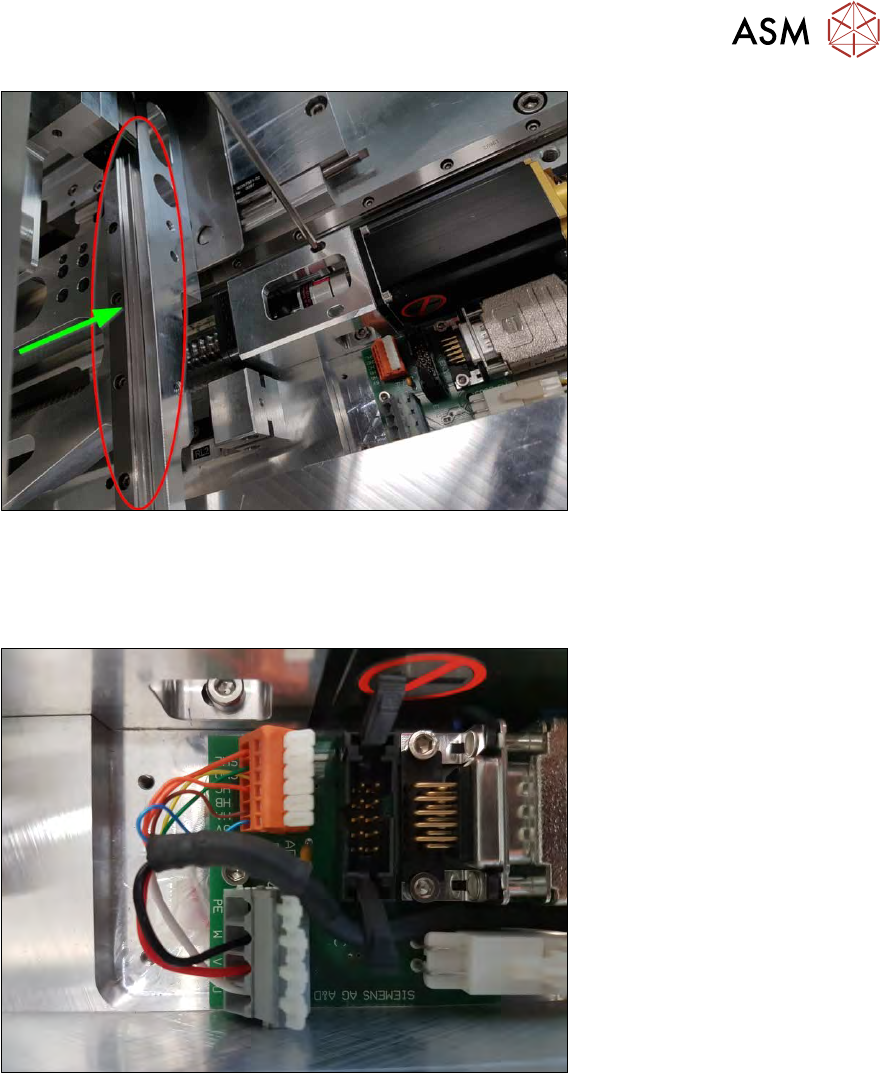
Fig.70:
► Manually pull the complete wafer table unit in the direction of the Y motor.
ð The spindle will now align itself with the coupling plate.
► Tighten the four screws fastening the coupling unit (2x top and 2x bottom).
Fig.71:
5 Basic frame – X/Y unit
5.3 Replacing parts
84 Service Manual SIPLACE Wafer System (SWS) 11/2018
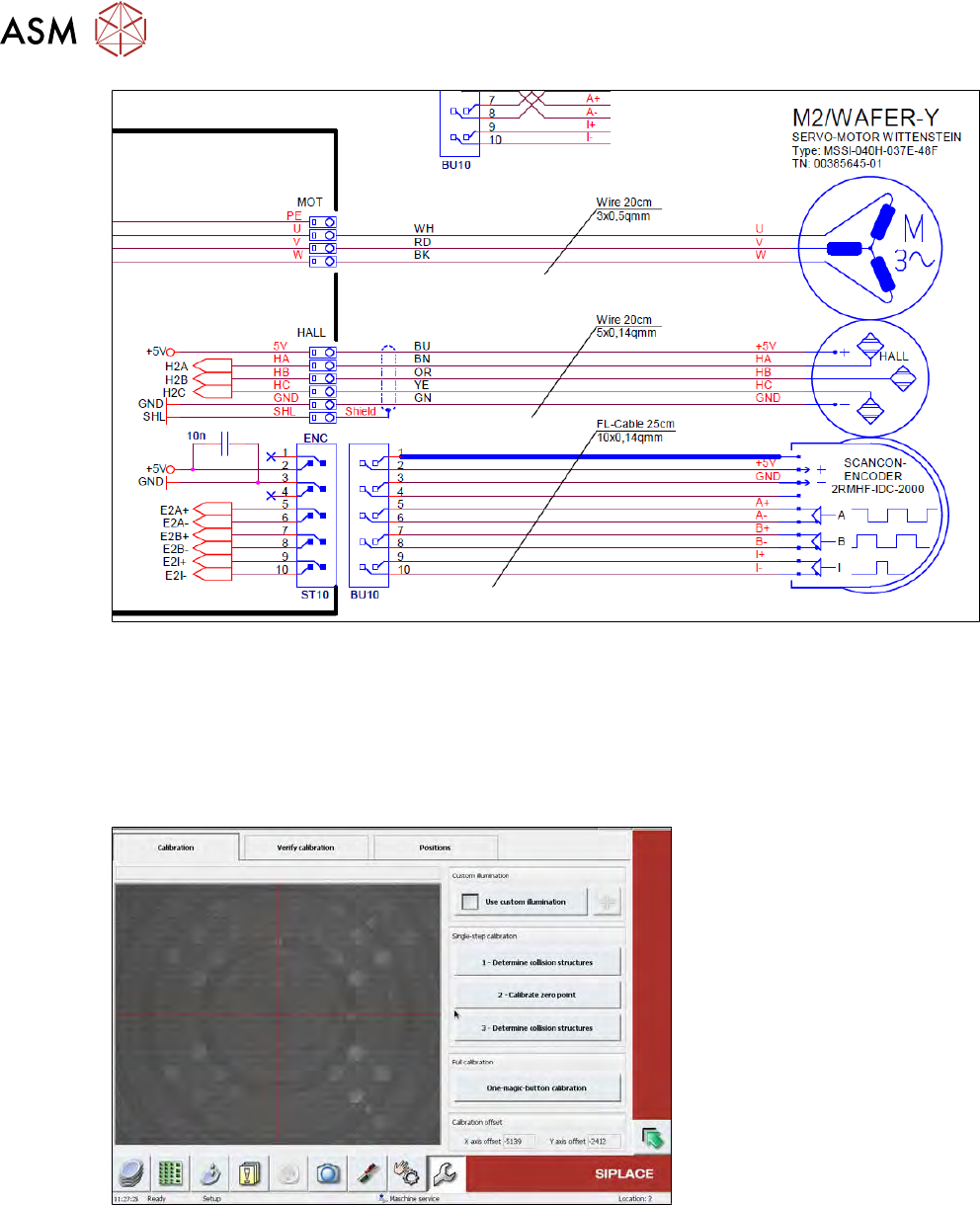
Fig.72:
► Connect the Y motor cable. Pay attention to the orange wires SHL and HB.
The orange wire which might be slightly thicker is the SHL and is used for shielding!
► Fit the cover plate.
5.3.1.4 Required calibration after Y motor replacement
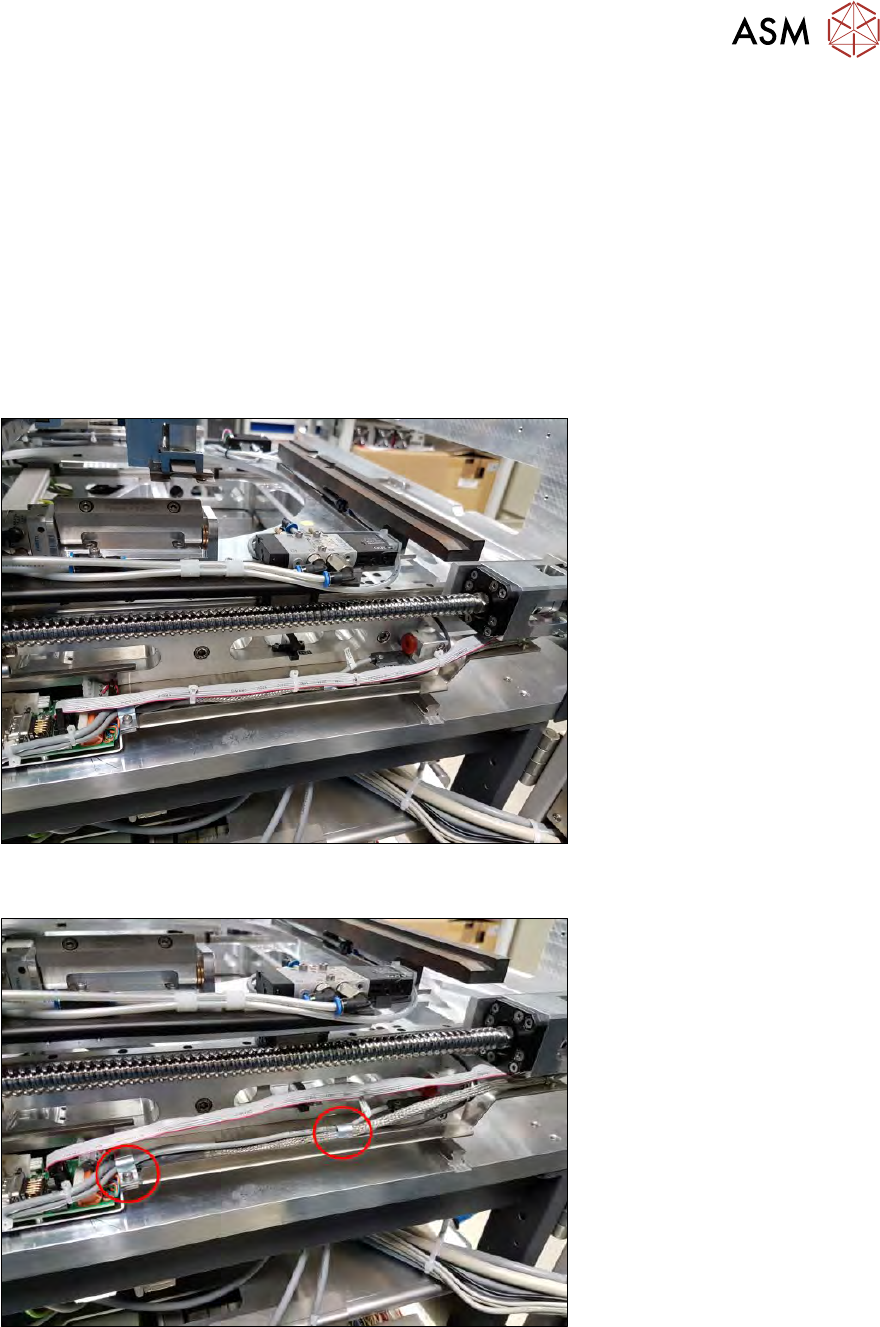
► Calibrate the complete wafer table with the One-magic-button calibration.
Fig.73:
5 Basic frame – X/Y unit
5.3 Replacing parts
Service Manual SIPLACE Wafer System (SWS) 11/2018 85
5.3.2 Replacing the X motor
Preconditions
●
The die ejector is in the lower secure position.
●
The SWS is switched off.
Preparation
► Support the tower with the folded-out support foot.
► Swivel the wafer lift to one side.
5.3.2.1 Removing the X motor and coupling
► Pull the complete wafer table unit in the direction of the X motor.
Fig.74:
► Open the cable ties!
Fig.75:
► Remove the two downholders. Take care of the washers.