00195982-03_SM_SWS_EN.pdf - 第235页
10 Option Die Attach Unit SWS 10.1 Installing the Option Die Attach Unit SWS Service Manual SIPLACE Wafer System (SWS) 11/2018 235 Fig.312: ► Adjust the jaw by turning the adjustment screw with a 1.5mm Allen key (see f…
10 Option Die Attach Unit SWS
10.1 Installing the Option Die Attach Unit SWS
234 Service Manual SIPLACE Wafer System (SWS) 11/2018
10.1.4.3 Mechanical adjustment of the Transfer-x axis holding cylinder
If the ball bearing of segment 1 does not move smoothly over the transfer X jaw (axis powerless in
emergency mode or SWS switched off), the holding cylinder must be mechanically adjusted.
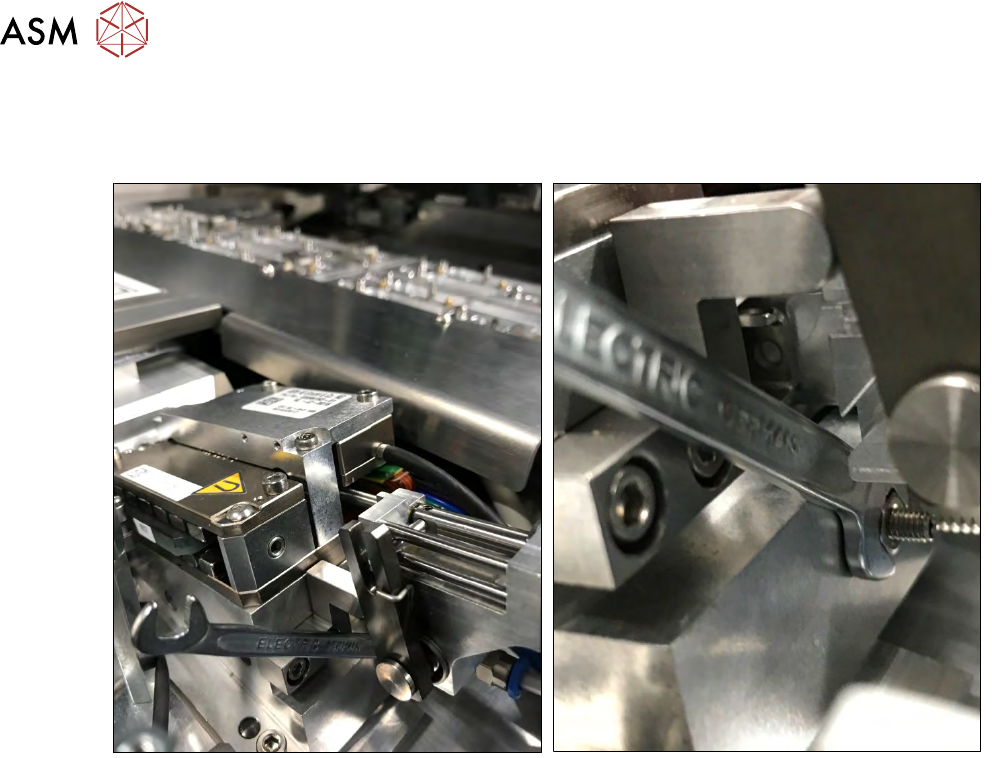
Fig.311:
► Open the locking nut of the holding cylinder alignment screw using a 5.5mm open-end
wrench (see figure).
10 Option Die Attach Unit SWS
10.1 Installing the Option Die Attach Unit SWS
Service Manual SIPLACE Wafer System (SWS) 11/2018 235
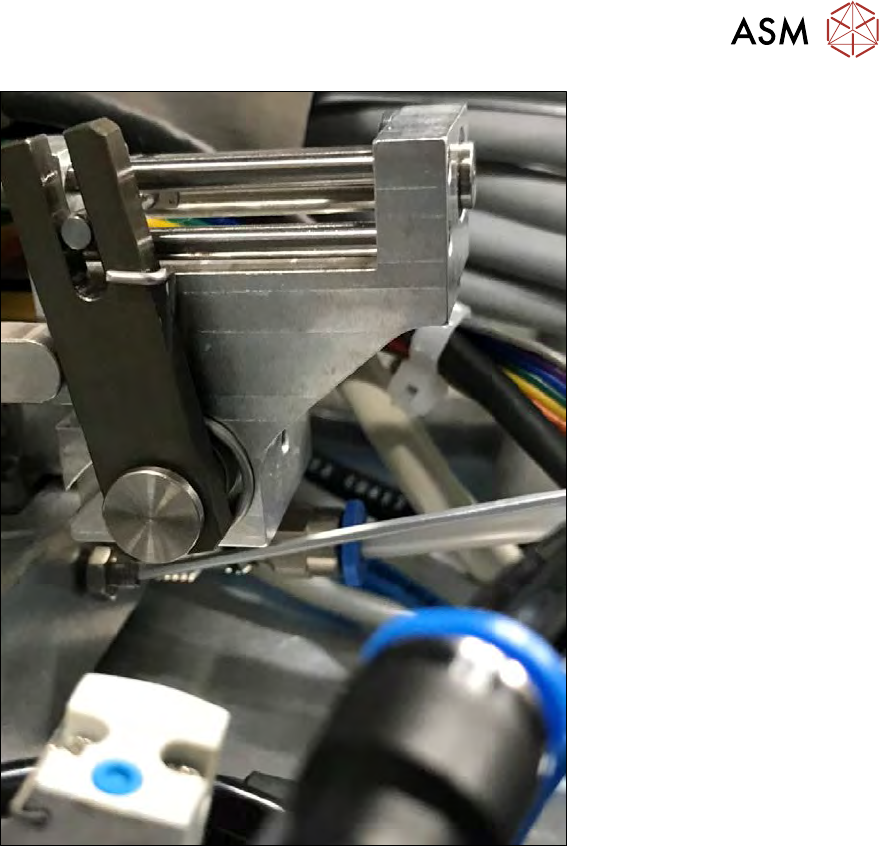
Fig.312:
► Adjust the jaw by turning the adjustment screw with a 1.5mm Allen key (see figure).
► If you cannot adjust the jaw position with the adjustment screw so that the ball bearing of seg-
ment 1 moves smoothly over the transfer X jaw, the jaw might be twisted with respect to the
flip head raceway. In that case, loosen the safety screws of the Die Attach Unit again (see
above).
► Move the Die Attach Unit then press it down. Tighten the three safety screws stepwise.
Sometimes, the Die Attach Unit is stuck on the alignment bolt. As a result, the Die Attach Unit
is slightly tilted and cannot be placed down onto the ground plate completely. In this case the
jaw of the transfer x axis is misaligned.
10 Option Die Attach Unit SWS
10.1 Installing the Option Die Attach Unit SWS
236 Service Manual SIPLACE Wafer System (SWS) 11/2018
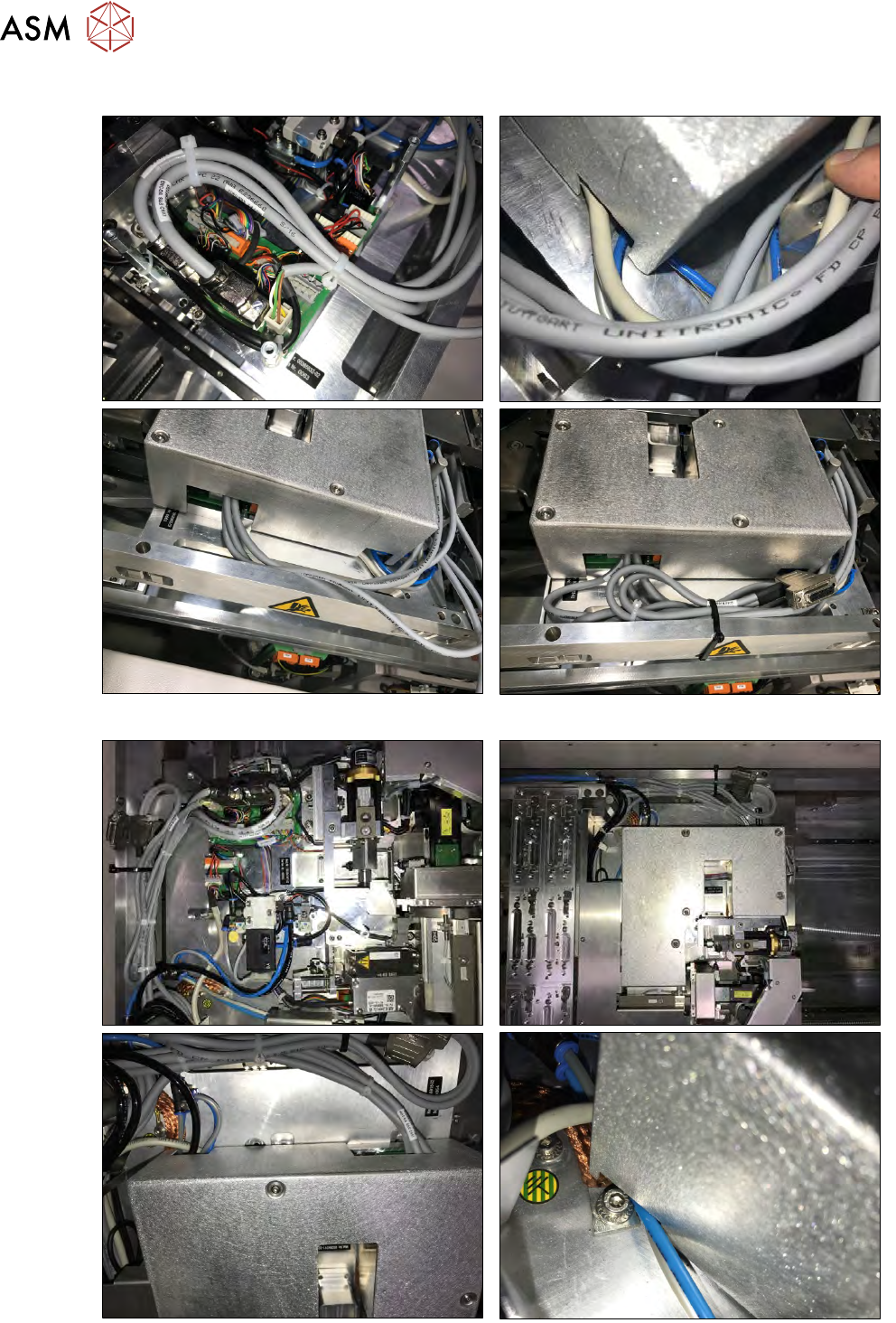
10.1.4.4 Storing the cables
Fig.313: Cover and cable routing for SWS (2,4) in location 2 or 4.
Fig.314: Cover and cable routing for SWS (1, 3) in location 1 or 3.