00195982-03_SM_SWS_EN.pdf - 第243页
10 Option Die Attach Unit SWS 10.2 Dissambling Die-Attach-Unit SWS Service Manual SIPLACE Wafer System (SWS) 11/2018 243 10.2 Dissambling Die-Attach-Unit SWS Required tool ● 2.5mm Allen key Procedure ► Shut down the SWS…
10 Option Die Attach Unit SWS
10.1 Installing the Option Die Attach Unit SWS
242 Service Manual SIPLACE Wafer System (SWS) 11/2018
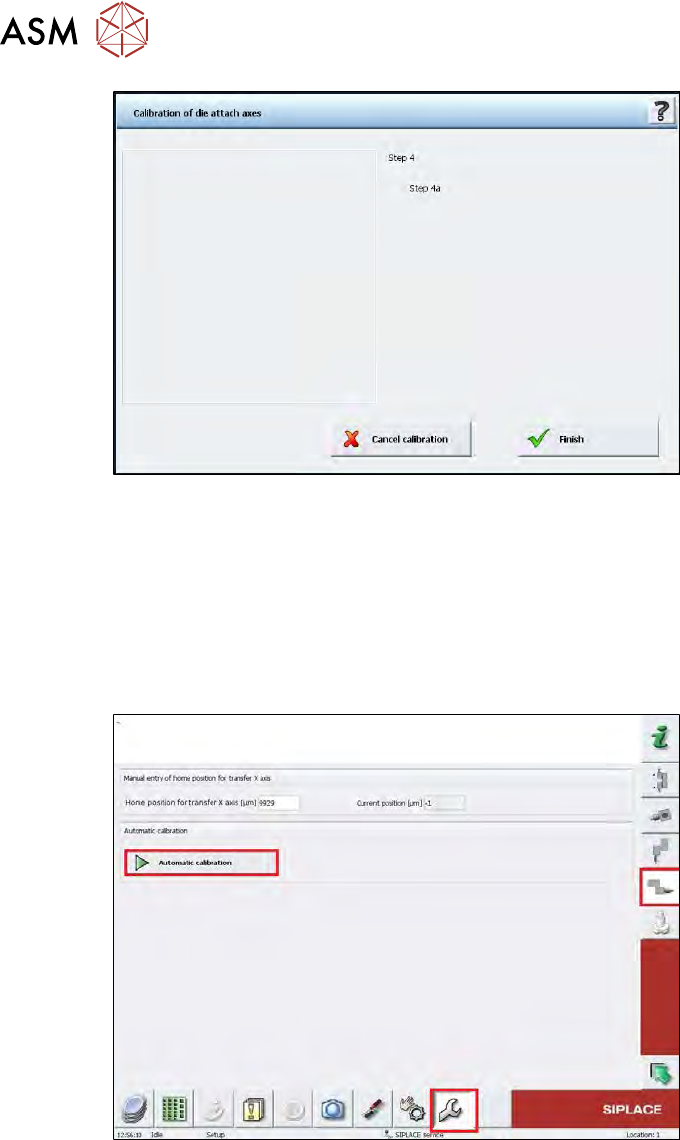
Fig.324:
► Choose Finish.
ð The die attach rotation axis is initialized.
ð If the calibration was done correctly, the segment must be in the upper transfer position
after the initialization.
10.1.5.2 Calibration of the Die Attach Transfer X Axis
► Change to the operator level Service.
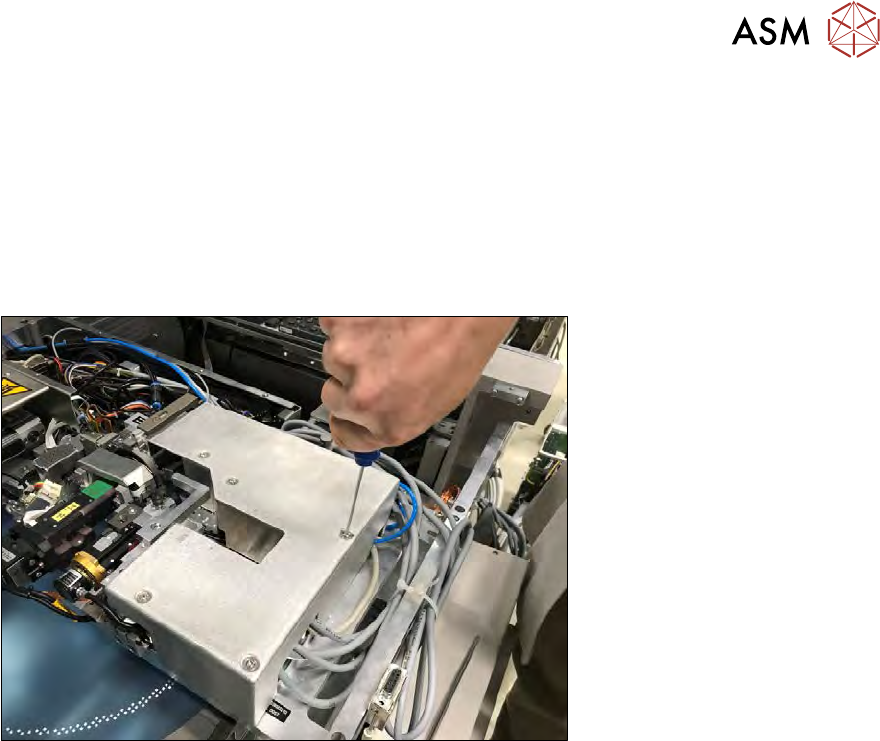
Fig.325:
► Choose the Service menu and then choose the button for the transfer X axis.
► Choose the Automatic calibration button.
ð The calibration of the transfer X home position is done automatically.
10 Option Die Attach Unit SWS
10.2 Dissambling Die-Attach-Unit SWS
Service Manual SIPLACE Wafer System (SWS) 11/2018 243
10.2 Dissambling Die-Attach-Unit SWS
Required tool
●
2.5mm Allen key
Procedure
► Shut down the SWS in the GUI.
► Switch the SWS off at the main switch.
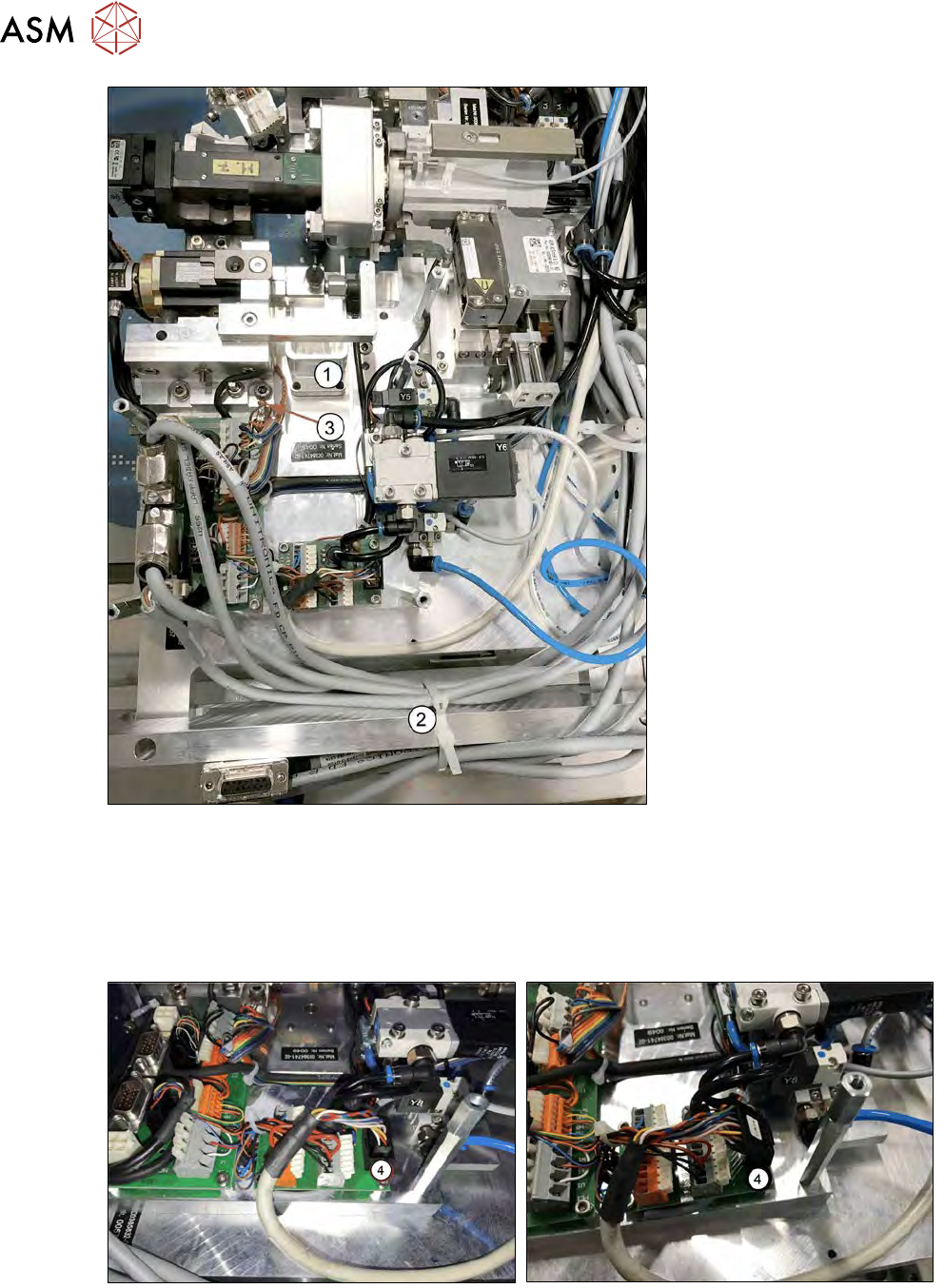
Fig.326:
► Remove the cover of the Die Attach Unit.
10 Option Die Attach Unit SWS
10.2 Dissambling Die-Attach-Unit SWS
244 Service Manual SIPLACE Wafer System (SWS) 11/2018
Fig.327:
► Remove the reject bin (1) of the Die Attach segment (see 10.1.3 "Installing the Option Die At-
tach Unit in SWS" [}219]).
► Remove the cable ties (2) that binds together the cables for the Die Attach Segment and
transfer X motor (see 10.1.3 "Installing the Option Die Attach Unit in SWS" [}219]).
► Remove the grounding cable (3).
Fig.328:
► Remove the control/power (4) cable of Die Attach Unit.