00195982-03_SM_SWS_EN.pdf - 第418页
16 Software 16.2 Installation of operating system 418 Service Manual SIPLACE Wafer System (SWS) 11/2018 Fig.615: Fig.616: Fig.617:
16 Software
16.2 Installation of operating system
Service Manual SIPLACE Wafer System (SWS) 11/2018 417
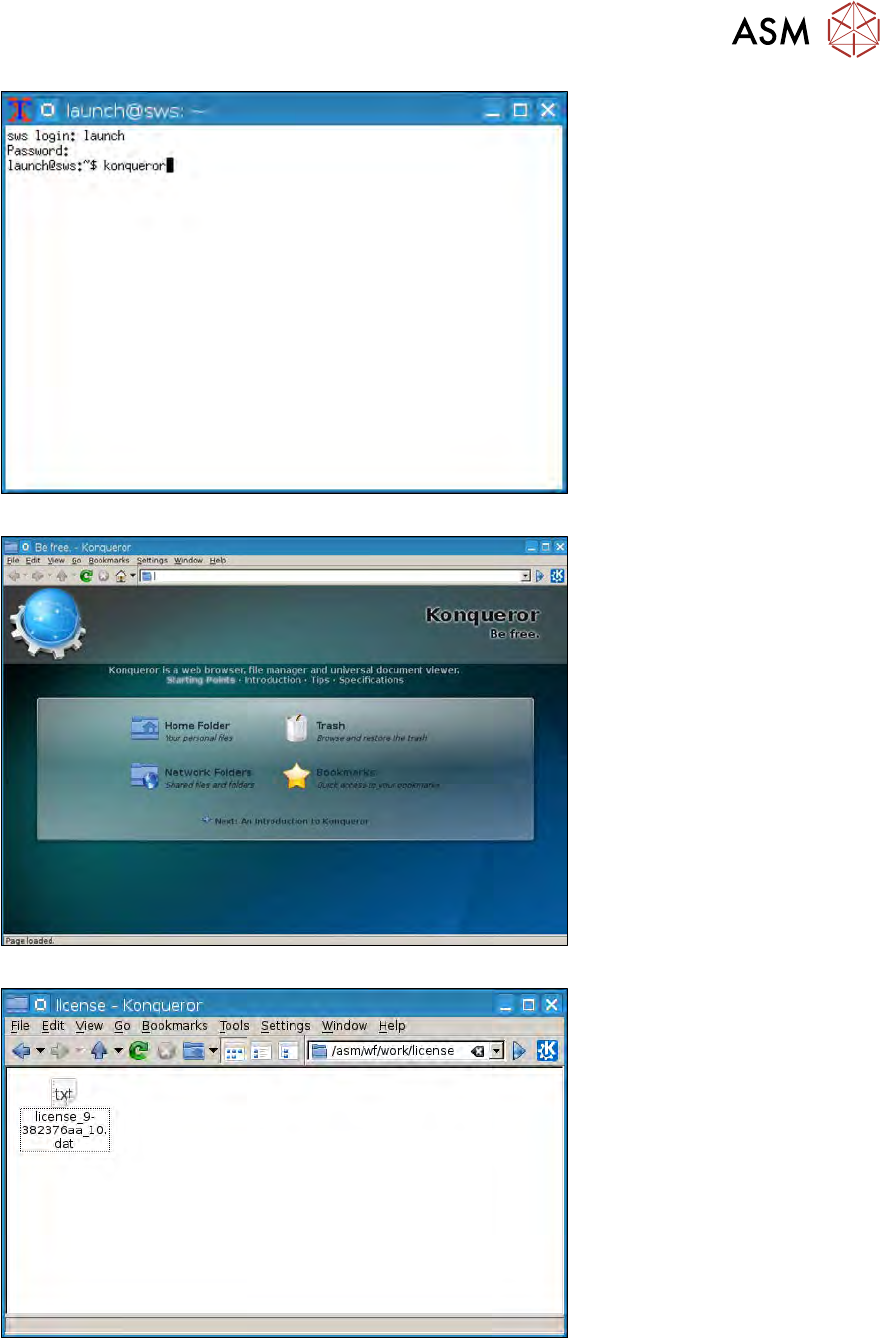
Fig.612:
Fig.613:
Fig.614:
16 Software
16.2 Installation of operating system
418 Service Manual SIPLACE Wafer System (SWS) 11/2018
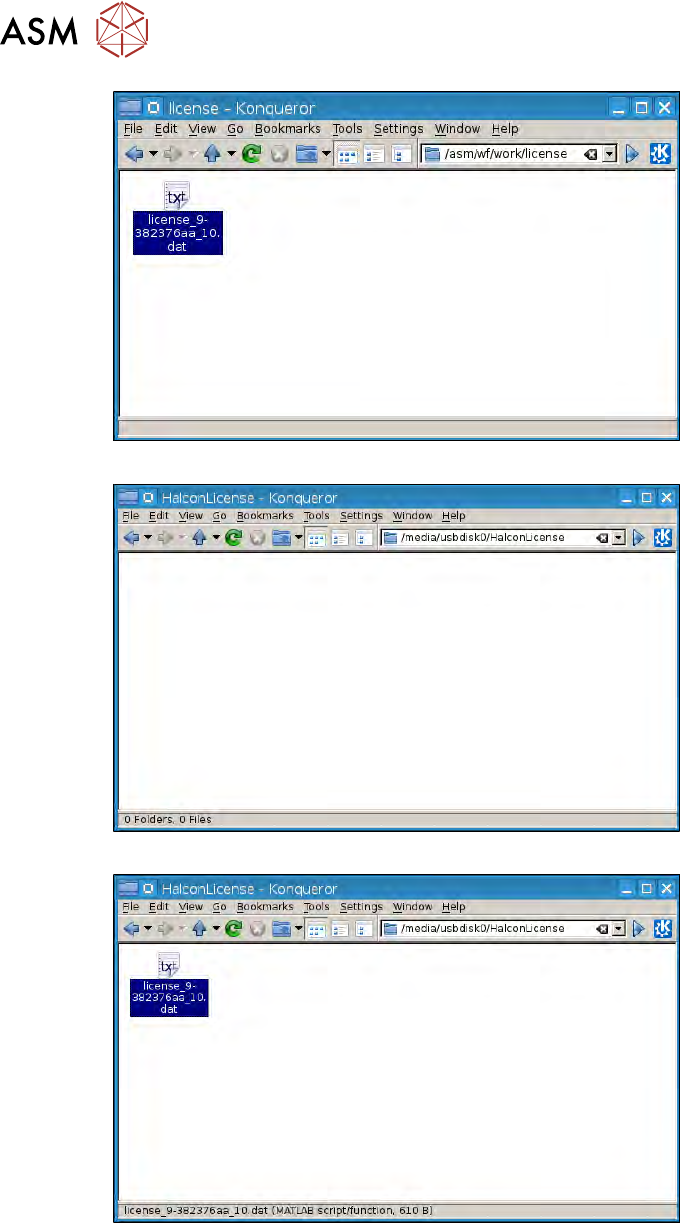
Fig.615:
Fig.616:
Fig.617:
16 Software
16.2 Installation of operating system
Service Manual SIPLACE Wafer System (SWS) 11/2018 419
16.2.1.4 Restoring the Halcon license via the GUI
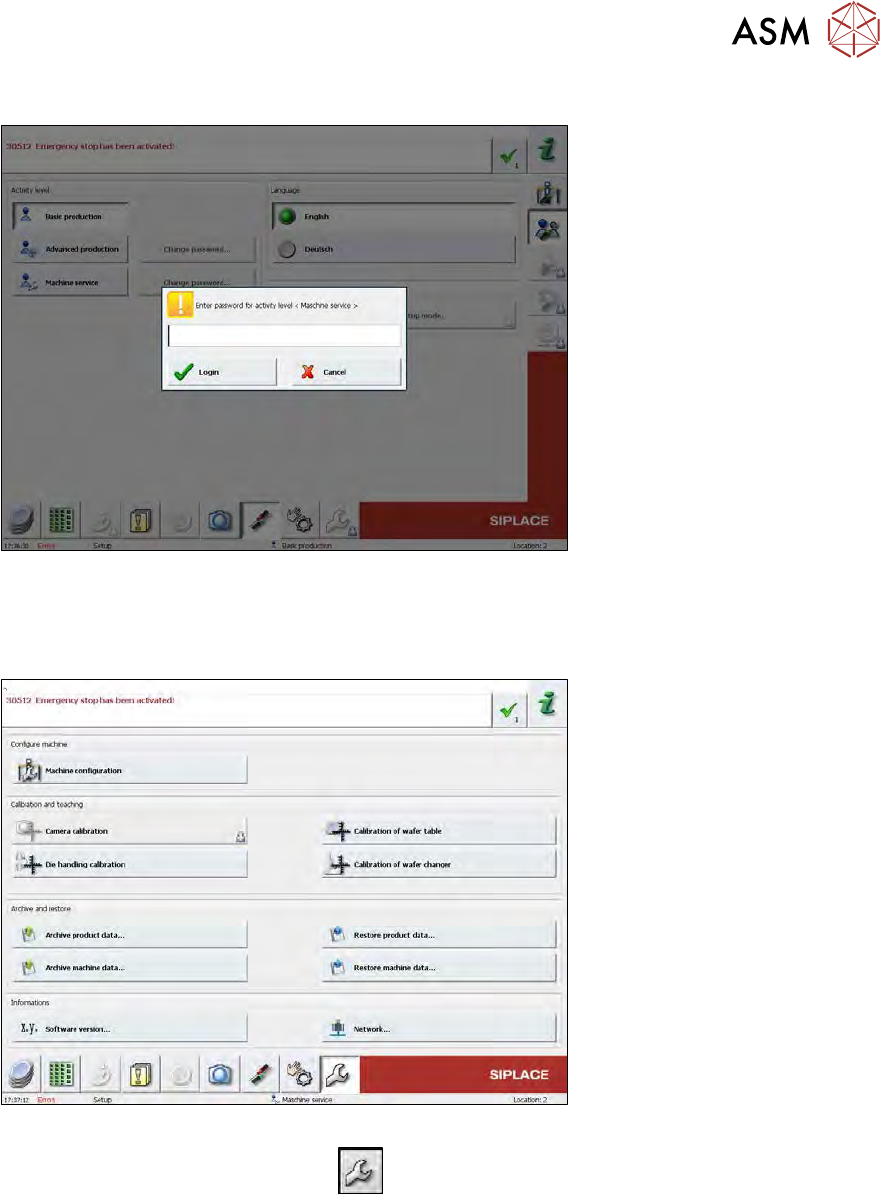
Fig.618:
► Switch over to the user level Machine service, by selecting the Machine service button and
entering the password service1.
► Select Login.
Fig.619:
► Switch over to the Service menu
.
► Select Machine configuration.