RS-1_instruction manual.pdf - 第105页
Part 1 B asic O peration Chapter 1 Overv iew of the Machine 1- 87 The check ed special logs are acqu ired, and then s aved. When you ch eck of f the “ Set Date ” check box, spe cify the “ Start Da te ” and t he “ End Dat…
Part 1 Basic Operation Chapter 1 Overview of the Machine
1-86
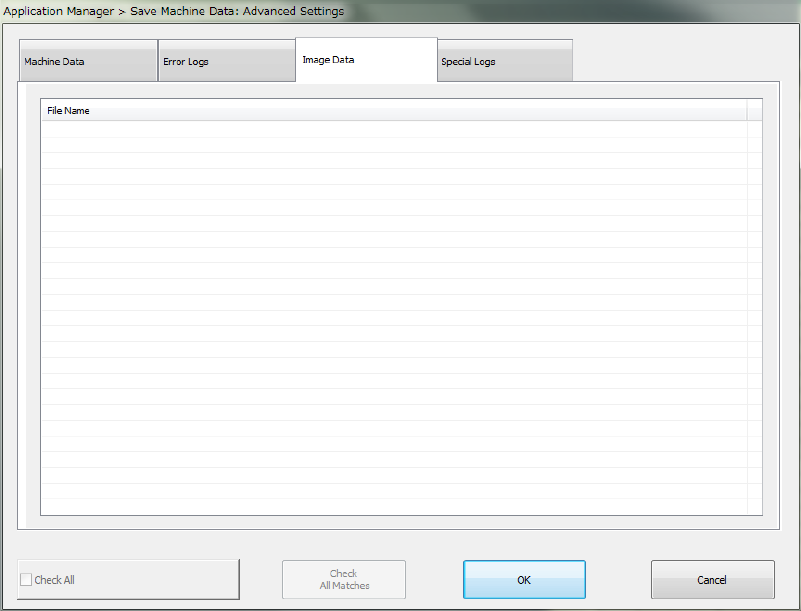
The system gets the image data you have checked off and saves it.
If you check off the “Check All” check box, all items displayed in the dialog box are checked off.
If you uncheck the “Check All” check box, all items are then unchecked.
All image data files are checked on by default.
If you click <OK>, the settings you have made are saved and the “Save Machine Data: Advanced
Settings” dialog box is closed.
If you click <Cancel>, the settings are not saved and the “Save Machine Data: Advanced
Settings” dialog box is closed.
Part 1 Basic Operation Chapter 1 Overview of the Machine
1-87
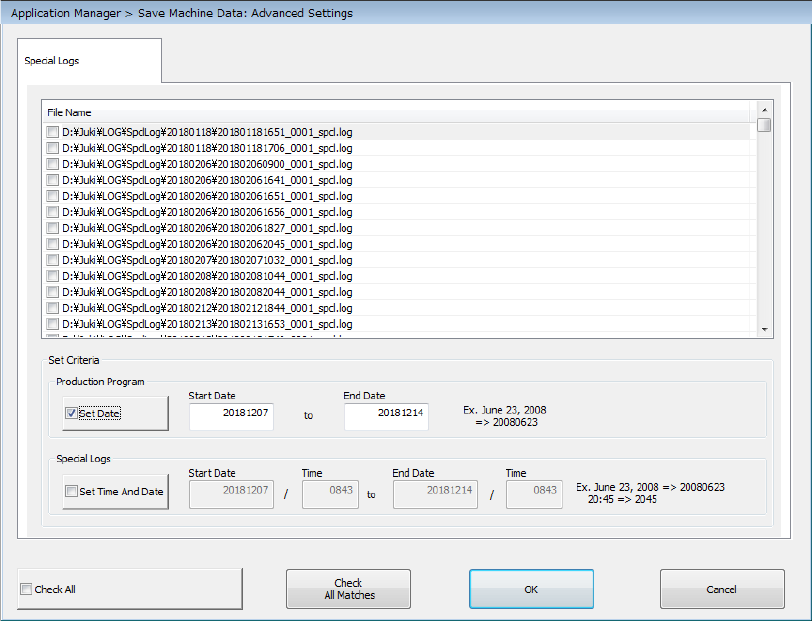
The checked special logs are acquired, and then saved.
When you check off the “Set Date” check box, specify the “Start Date” and the “End Date” in the
“Production Program” column of the “Set Criteria” area, and then press the <Check All Matches>
button, the system checks off items that match the specified criteria.
When you check off the “Set Time And Date” check box, specify the “Time” of the “Start Date”
and the “Time” of the “End Date” in the “Special Logs” column of the “Set Criteria” area, and then
press the <Check All Matches> button, the system checks off items that match the specified
criteria.
When you check off both the “Set Date” check box in the “Production Program” column and the
“Set Time And Date” check box in the “Special Logs” column of the “Set Criteria” area, and then
press the <Check All Matches> button, the system checks off items that match both specified
criteria.
When you check off the “Check All” check box, the system checks all displayed items.
When you clear this check box, checkmarks are erased from all displayed items.
By default, checkmarks are put in the check boxes of production programs, special logs and
operation information all of which were created from the day one week before to today.
The <OK> button closes the “Save Machine Data: Advanced Settings” dialog box.
The <Cancel> button closes the dialog box without making settings of the “Save Machine Data:
Advanced Settings” dialog box.
Part 1 Basic Operation Chapter 1 Overview of the Machine
1-88
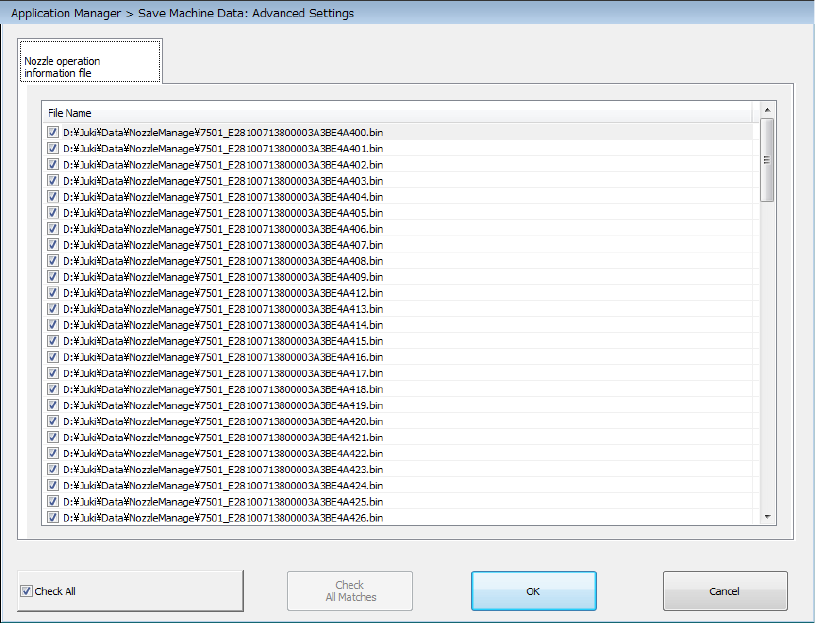
The checked nozzle operation information files are acquired, and then saved.
When you check off the “Check All” check box, the system checks off all displayed items.
When you clear this check box, checkmarks are erased from all displayed items.
By default, checkmarks are put in the check boxes of all nozzle operation information files.
The <OK> button closes the “Save Machine Data: Advanced Settings” dialog box.
The <Cancel> button closes the dialog box without making settings of the “Save Machine Data:
Advanced Settings” dialog box.