RS-1_instruction manual.pdf - 第71页
Part 1 B asic O peration Chapter 1 Overv iew of the Machine 1- 53 Basi c Operations Screen organi zation (1) D eskt op screen Screen co mponents and over view of their funct i ons Element Description ① Appl ication are a…
Part 1 Basic Operation Chapter 1 Overview of the Machine
1-52
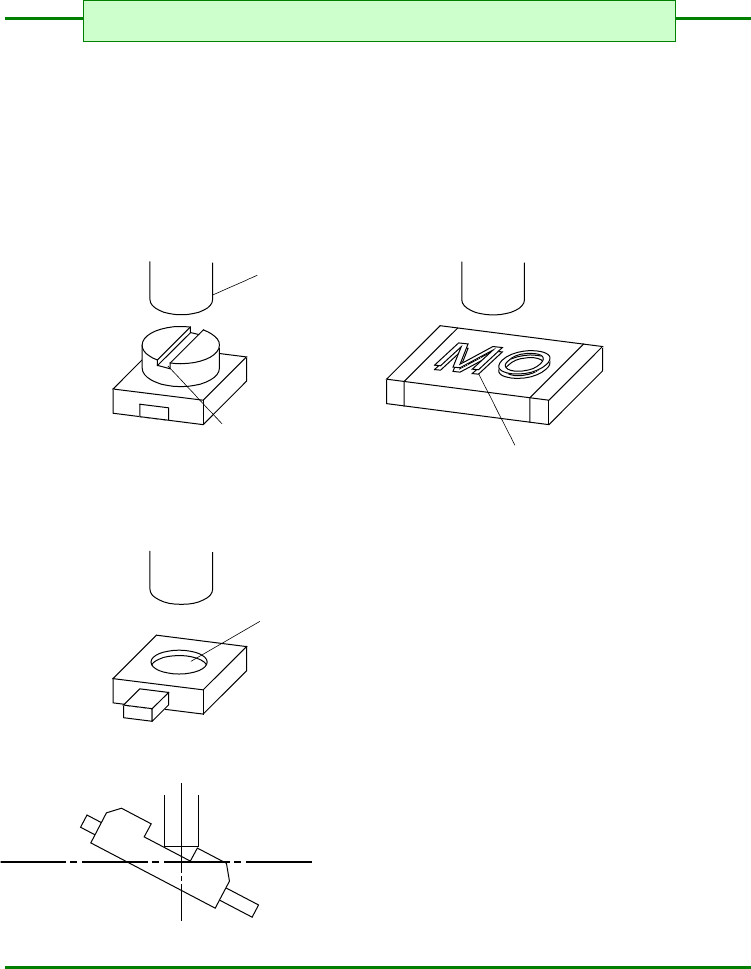
1) A poor pickup or placement accuracy could result if the top surface of the component to be
placed is curved, protruded, or dented. Avoid using such components. (Some such
components may, however, be handled by changing the nozzle number.)
<Typical pickup failures>
<Typical poor placement accuracy>
Pickup nozzle
Slotted groove
Embossed characters
Dented
Laser recognition
§ For the shape of chip components to be mounted §
Part 1 Basic Operation Chapter 1 Overview of the Machine
1-53
Basic Operations
Screen organization
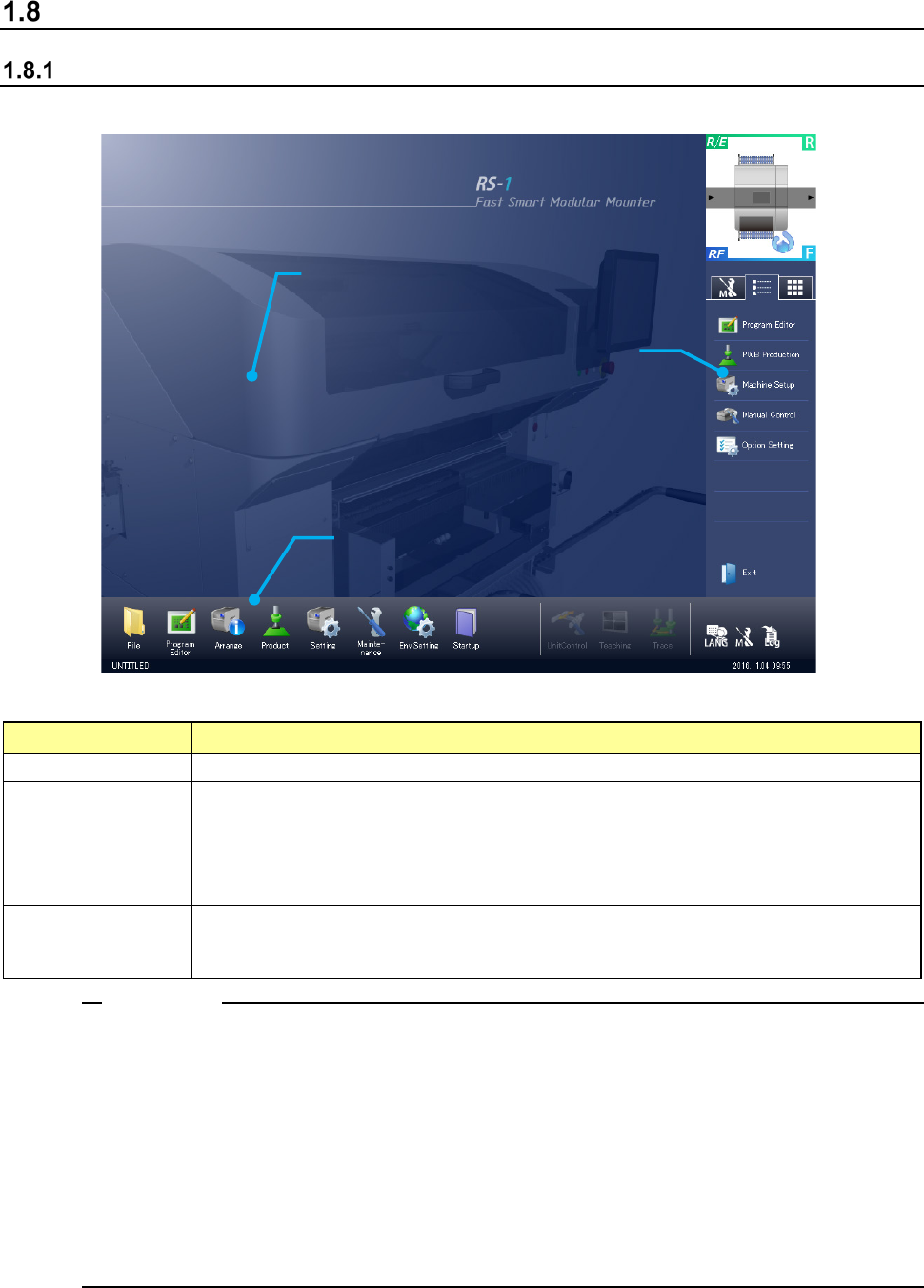
(1) Desktop screen
Screen components and overview of their functions
Element
Description
① Application area Each application screen is displayed here.
② Operation area
You can invoke a command to be used on the desktop screen or with each application
program.
You can invoke the typical functions that can be executed with each application program also.
Several functions such as a function for switching the displayed language are provided.
The production program name and the current time are displayed here.
③ Information area
A simple asynchronous event and maintenance information are displayed here.
When you switch the tabs, you can display the maintenance menu, the application shortcut
keys and the software keyboard here also.
1. When you use the Operating System (OS) other than the English edition (that is, Japanese
edition or Chinese edition) to switch the used language with the [Language Selection]
command in order to display English, a part of or the entire screen may not be switched to the
English screen and the screen may be displayed in the language used in the OS.
<Examples of the screens not changing the language to English>
File management and System menu
2. When you set data that can be set in Japanese (Chinese) such as the PWB ID, component
name and comment on a component in Japanese (Chinese), the screen may not be displayed
correctly when you switch the screen with the [Language Selection] command.
Notes:
①
Application area
③ Information area
② Operation area
Part 1 Basic Operation Chapter 1 Overview of the Machine
1-54
Display device and Data input devices
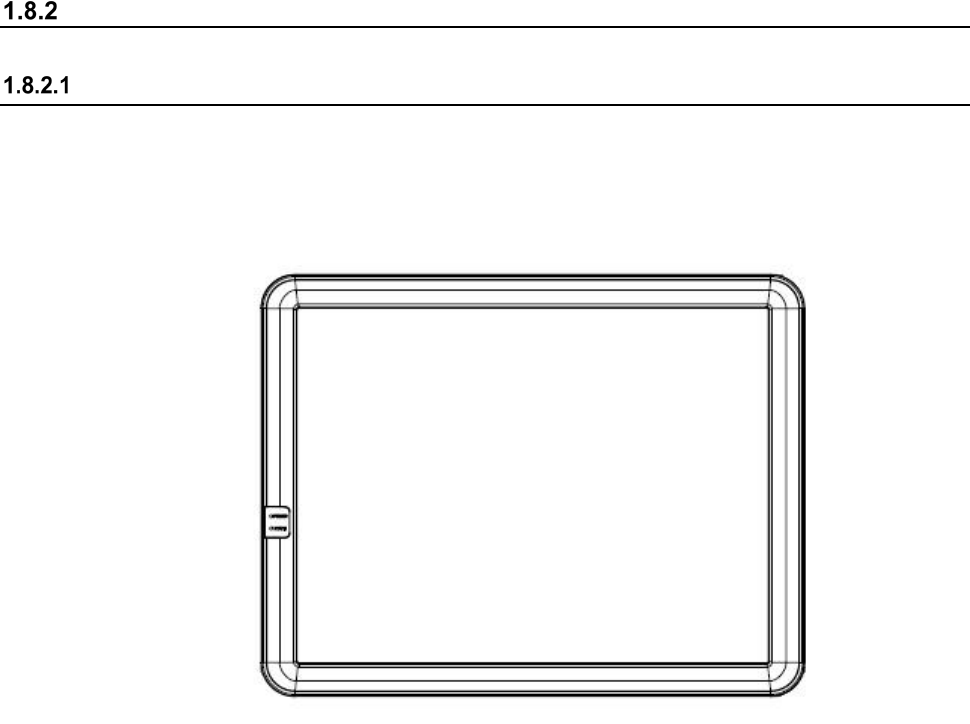
Display device (touch panel)
The display device used in the machine is a color liquid crystal display (LCD) equipped with touch
panel operating functions. (Standard XGA 1024×768 dots) The rear side display is provided as
an optional device.