RS-1_instruction manual.pdf - 第187页
Part 1 B asic O peration Chapter 2 Pr oduction 2- 76 Retry list Overview When you select t he [Progr am] com mand fro m the “Prod uct” menu, and then the [R etry list (Supplier) ] command or t he [Retry list (Not plac ed…
Part 1 Basic Operation Chapter 2 Production
2-75
Schedule creation
Creates the master schedule.
Schedule check
Checks coherence of the ATC, nozzles, Pick data and Placement data.
Checks the layers of the block, component types, banks and heads.
Checks usage, specification and movement range of heads.
The check results are displayed as shown below.
Operation
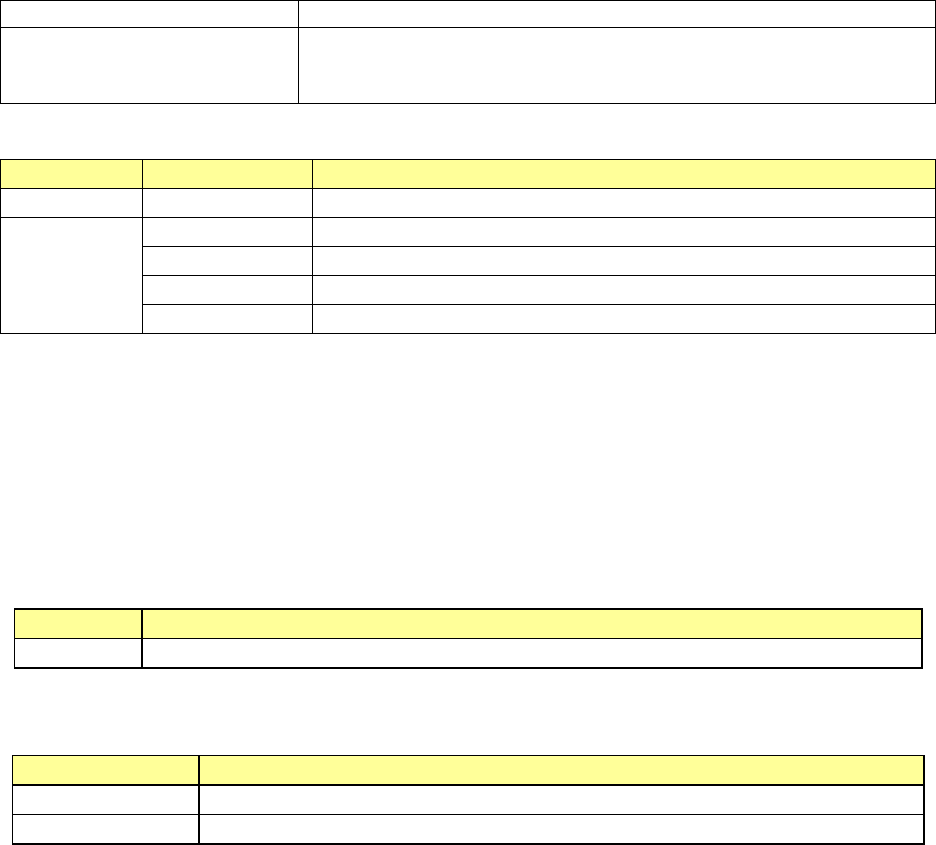
Displayed result
Description
Before check (None) The system has not checked any items.
After check
Error
An error has occurred.
Warning A warning has been issued.
Setting
The system can produce a PWB if you change the production conditions.
Normal Data is normal.
(2) <Mark> button
When you press this button, the setting(s) of the item(s) selected on the “Check items” list is
(are) changed so that the item (items) will not be checked (○ is deleted).
When you press the button at the item set not to be checked, its setting is changed so that it is
will be checked (○ is put).
When you select two or more items in the “Check items” list and press this button, you can
change marks of those items at a time.
(3) Check results
The check results of the items selected in the “Check items” list are displayed here.
Item
Description
Detail Displays items for which an error has occurred and the detailed information on the errors.
(4) Sequence
Select the order of placement sequences to be checked, Input order or Optimized order.
Columns of the list
Description
Input
Checks a production program in input order of Placement data.
Optimized Checks a production program according to the optimization result.
(5) <Check>/<OK> button
When you press the <Check> button, the system starts checking a production program.
When you press the <OK> button, the system finishes checking a production program, and
returns to the previous screen.
Part 1 Basic Operation Chapter 2 Production
2-76
Retry list
Overview
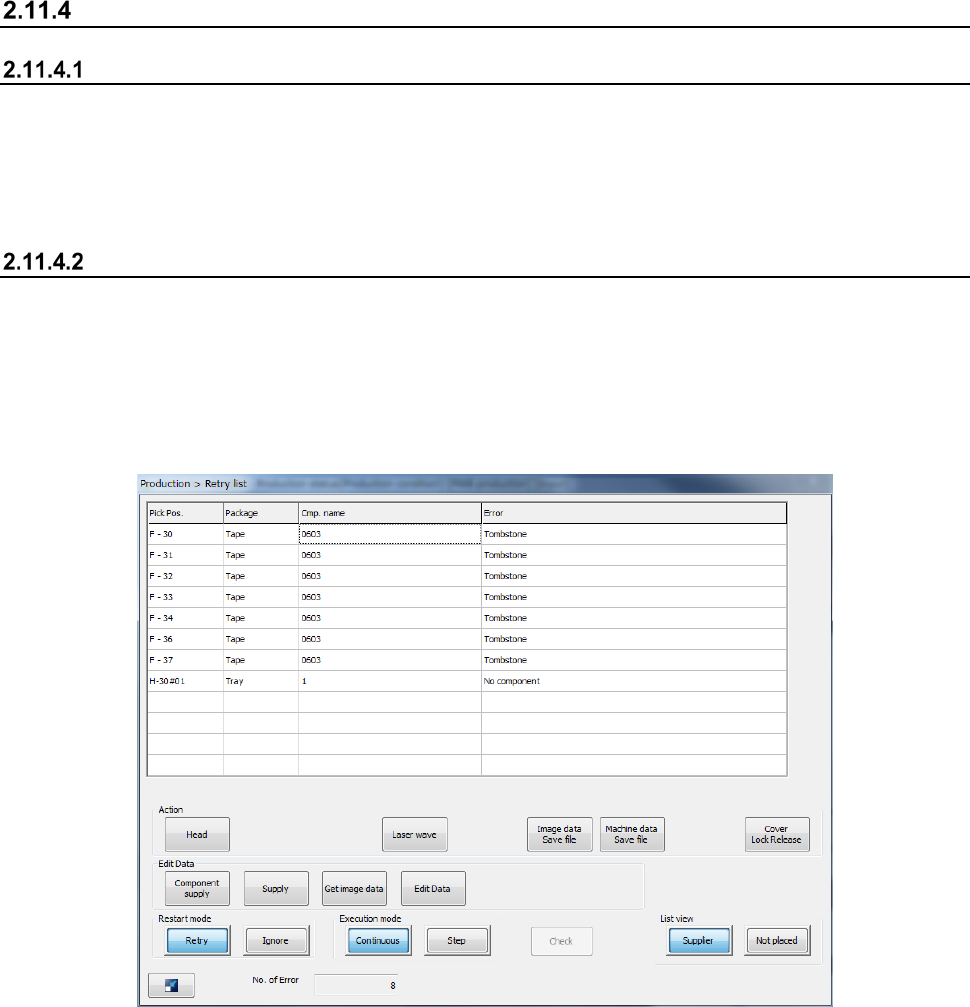
When you select the [Program] command from the “Product” menu, and then the [Retry list
(Supplier)] command or the [Retry list (Not placed)] command after PWB production, details of
errors that have occurred at both stations during PWB production are displayed for both stations.
Even though a retry error occurs during PWB production, the error is displayed so that you can
judge whether to continue or abort PWB production.
Displayed screen
When you select the “List view” button, the system displays retry errors that have occurred at
component supply units or those that have occurred due to unplaced components.
During PWB production, the button for hiding the screen appears, while after PWB production, the
<OK> button appears at the lower left corner.
Up to 160 errors are displayed in the list.
(1) Supplier
Part 1 Basic Operation Chapter 2 Production
2-77
1) List (Supplier)
The system displays errors in ascending order of the component supply unit positions.
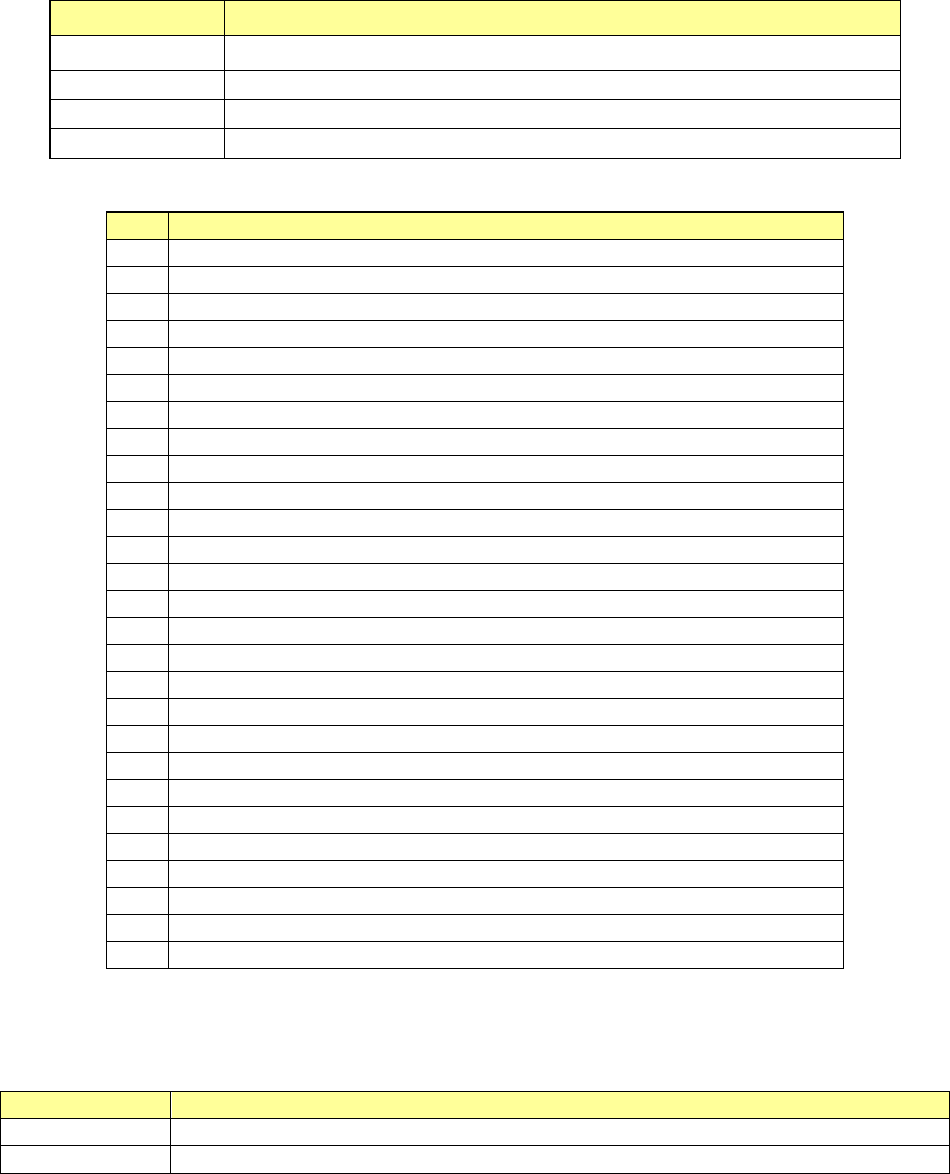
Menu item Description
Pick Pos. Displays a component supply unit that failed to pick up a component.
Package
Displays the packaging style of a component that the machine failed to pick up.
Cmp.
Displays the name of a component that the machine failed to pick up.
Error
Displays a cause of a component pick-up failure.
The errors that have occurred at component supply unit and their causes are shown below.
No.
Displayed information (reason why an error occurred)
1
No component
2
Different component type
3
LA retry over
4
Retry over
5
Offline
6
Supply
7
Move failed
8
LA recognition error
9
Tombstone
10
Transfer mistake
11
Feeder bank invalid
12
Stacker invalid
13
Tray invalid
14
Pick position check error
15
Component direction error
16
Laser recog angle error
17
Pick error
18
Laser Alignment Error
19
HMS error
20
Axis error
21
MTS tray polarity error
22
Interference with Laser Unit
23
Sensor Unworking
24
An empty pocket overdetection
25
No empty pocket
26
Splicing Verify Error
27
Splice sensor unavailable
2) No. of Errors
The number of errors shown in the list is displayed here.
3) List view
Button
Description
Supplier
Shows the list of component supply units that failed to pick up a component.
Not placed
Shows the list of placement data on which the system failed to place a component based.