RS-1_instruction manual.pdf - 第494页
Part 1 B asic O peration Chapter 4 Cr eating a Produc tion Progra m 4- 159 4.5.1 .7 Mark database This comm and copies t he mark data regist ered in th e mark database in data a s a BOC mark or an area mark. Screen Funct…
Part 1 Basic Operation Chapter 4 Creating a Production Program
4-158
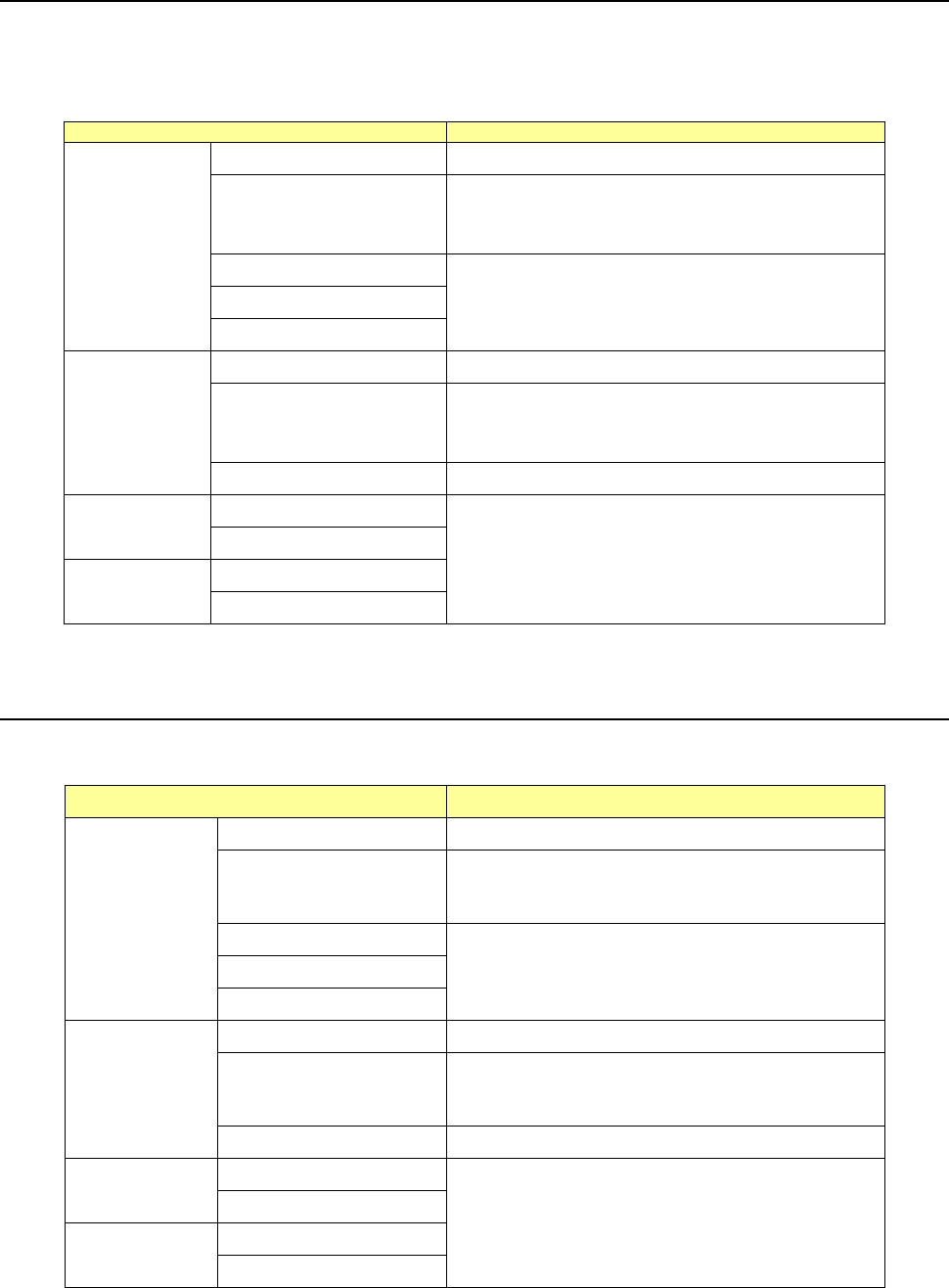
4.5.1.5 Mark copy
This command copies the selected mark data into the memory buffer. To paste mark data onto
another mark data, execute the [Mark paste] command.
The copied mark data is effective on the displayed screen only. When you move to another
screen, it becomes invalid.
Screen
Function
PWB data
Basic setting screen This command cannot be used.
Dimension setup screen
Only when the cursors is located in the “BOC mark
name” cell or the ( ) cell, you can select this
command from the menu.
Circuit Layout screen
This command cannot be used. Ex. Bad Mark screen
PWB Conveyor screen
Placement
data
List screen This command cannot be used.
This command cannot be
used.
Only when the cursor is located in the “Mark Name”
cell or the “TI” cell, you can select this command
from the menu.
Area Mark screen This command cannot be used.
Component
data
List screen
This command cannot be used.
Form screen
Pick data
List screen
Form screen
If you used the sort function, you cannot select the [Mark paste] command.
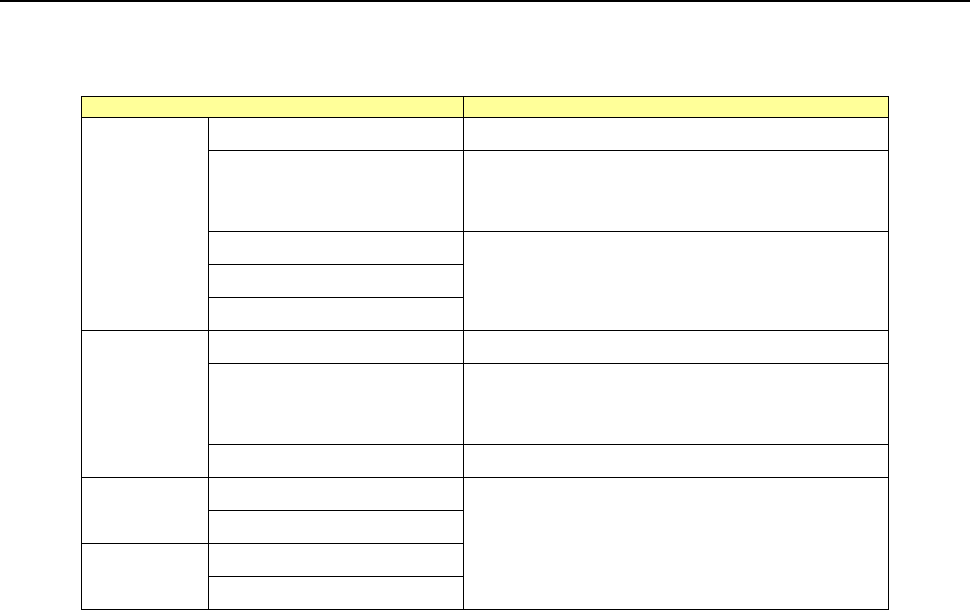
4.5.1.6 Mark paste
This command pastes the mark data loaded with the [Mark copy] command into the specified mark
data.
Screen Function
PWB data
Basic setting screen This command cannot be used.
Dimension setup screen
Only when the cursors is located in the “BOC mark
name” cell or the ( ) cell, you can select this
command from the menu.
Circuit Layout screen
This command cannot be used.
Ex. Bad Mark screen
PWB Conveyor screen
Placement data
List screen This command cannot be used.
Area Mark screen
Only when the cursor is located in the “Mark Name”
cell or the “TI” cell, you can select this command
from the menu.
Area Bad Mark screen This command cannot be used.
Component
data
List screen
This command cannot be used.
Form screen
Pick data
List screen
Form screen
If you used the sort function, you cannot select the [Mark paste] command.
Part 1 Basic Operation Chapter 4 Creating a Production Program
4-159
4.5.1.7 Mark database
This command copies the mark data registered in the mark database in data as a BOC mark or an
area mark.
Screen
Function
PWB data
Basic setting screen This command cannot be used.
Dimension setup screen
Only when the cursors is located in the “BOC
mark name” cell or the ( ) cell, you can select this
command from the menu.
Circuit Layout screen
This command cannot be used.
Ex. Bad Mark screen
PWB Conveyor screen
Placement
data
List screen This command cannot be used.
Area Mark screen
Only when the cursor is located in the “Mark
Name” cell or the “TI” cell, you can select this
command from the menu.
Area Bad Mark screen This command cannot be used.
Component
data
List screen
This command cannot be used.
Form screen
Pick data
List screen
Form screen
Part 1 Basic Operation Chapter 4 Creating a Production Program
4-160
4.5.1.8 Matrix copy
Screen
Function
PWB data
Basic setting screen
This command cannot be used.
Dimension setup screen
Circuit Layout screen
Ex. Bad Mark screen
PWB Conveyor screen
Placement data
List screen
See the descriptions below for how
to use this command.
Area Mark screen
This command cannot be used.
Area Bad Mark screen
Component data
List screen
This command cannot be used.
Form screen
Pick data
List screen
See the descriptions below for how
to use this command.
Form screen This command cannot be used.
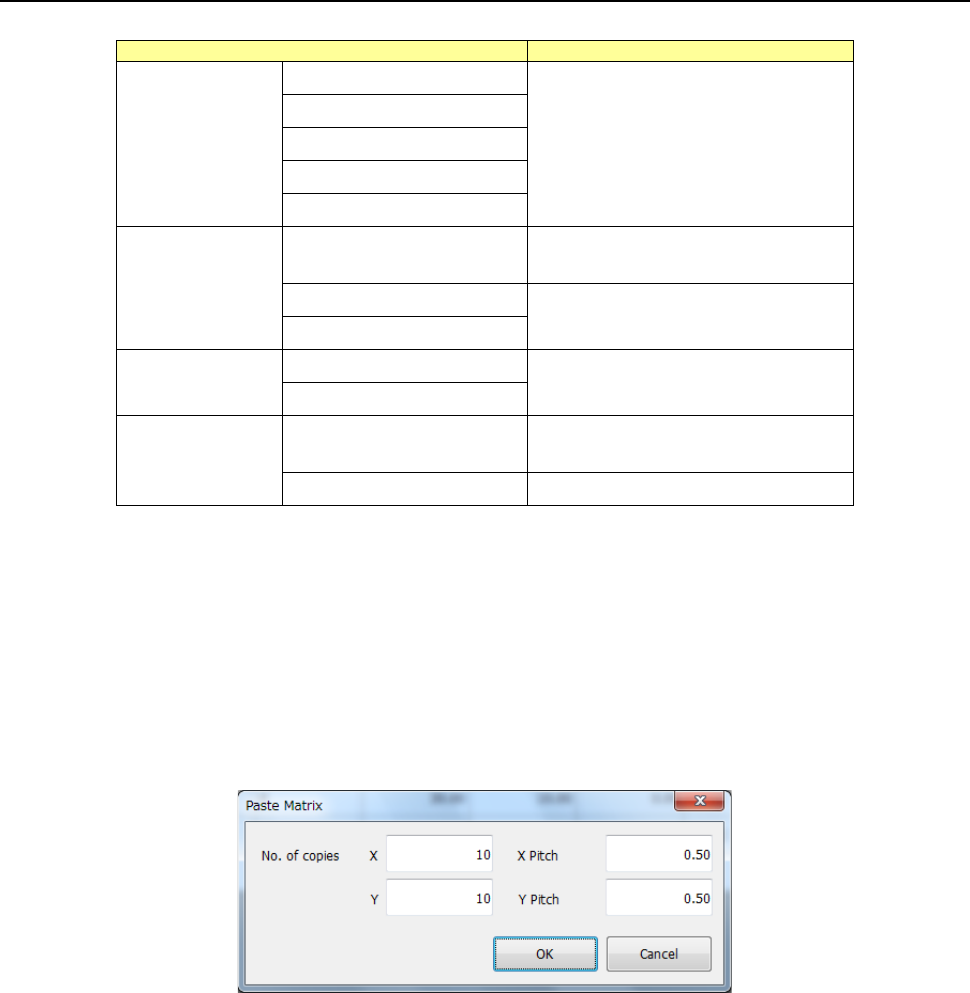
As for the Placement data, this command inserts data that has been loaded into the memory buffer
with the [Cut] or [Copy] command before the cursor. When you specify the “X” and “Y” fields of
“No. of copies” and the “X Pitch” and “Y Pitch” fields, the system allows you to copy the data in a
matrix with adding or subtracting the entered values to/from the component placement position in
the X direction and that in the Y direction.
After you execute the [Matrix Copy] command for the Placement data, all the placement IDs are
changed to “#.”
If the memory buffer is empty, you cannot select this command for the Placement data.
After you execute the [Matrix Copy] command for the Placement data, all the placement IDs are
changed to “#.”
No. of copies X
: Specify the number of times the system will copy data in the X
direction.
“1” is set by default.
No. of copies Y
: Specify the number of times the system will copy data in the Y direction.
“1” is set by default.
X Pitch
: Specify the amount to increment or decrement a value of the component
placement position in the X direction. “0.000” is set by default.
Y Pitch
: Specify the amount to increment or decrement a value of the component
placement position in the Y direction. “0.000” is set by default.
OK
: This button pastes the data
Cancel
: This button cancels the paste operation.