RS-1_instruction manual.pdf - 第998页
Part 2 D etaile d Descript ion of E ach Functi on Chapter 12 Handling th e Optional Device s 12 - 114 To reset Manu al nozzle att achment mode to Productio n mode with us ing t he ATC, follow the procedure be l ow. No . …
Part 2 Detailed Description of Each Function Chapter 12 Handling the Optional Devices
12-113
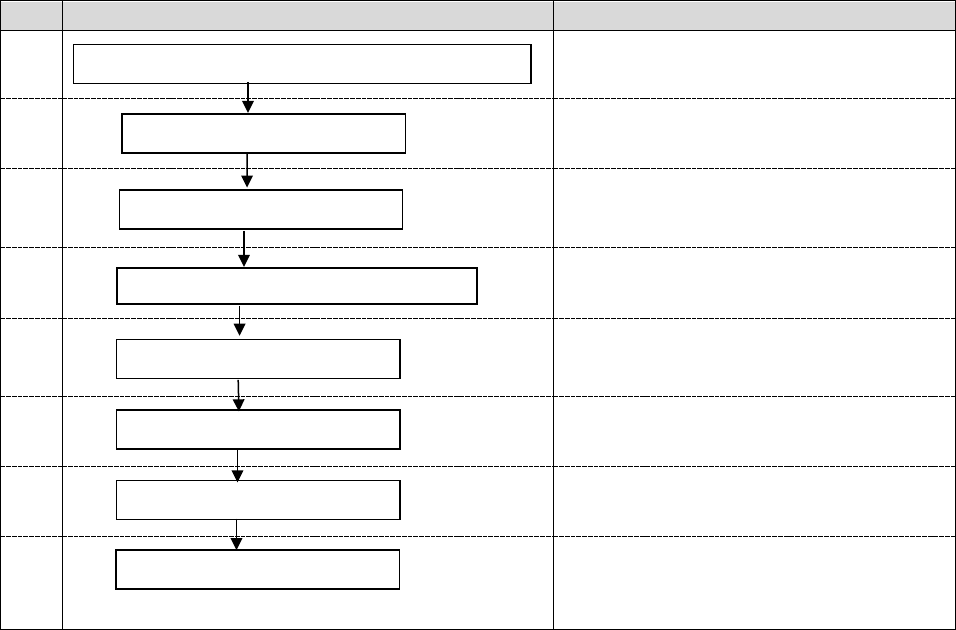
When you attach a nozzle on a head manually for the second time and thereafter, follow the
procedure below.
No.
Flowchart
Remarks
1
Push the nozzle into the head until it is
locked.
2
Refer to Chapter 2 “Production” of the
Instruction Manual.
3
Refer to Chapter 2 “Production” of the
Instruction Manual.
4
Refer to Chapter 4 “Creating a Production
Program” of the Instruction Manual.
5
Refer to Chapter 2 “Production” of the
Instruction Manual.
6
Refer to Chapter 2 “Production” of the
Instruction Manual.
7
Refer to Chapter 2 “Production” of the
Instruction Manual.
8
Perform inspections at the regular
intervals.
(Refer to Chapter 3 “Maintenance” of the
Instruction Manual.)
Finish the production.
Turn off the power.
Create/edit a production program.
Check the manual nozzle attachment condition.
Turn on the power.
Production
Daily inspection
Return to the origin.
Part 2 Detailed Description of Each Function Chapter 12 Handling the Optional Devices
12-114
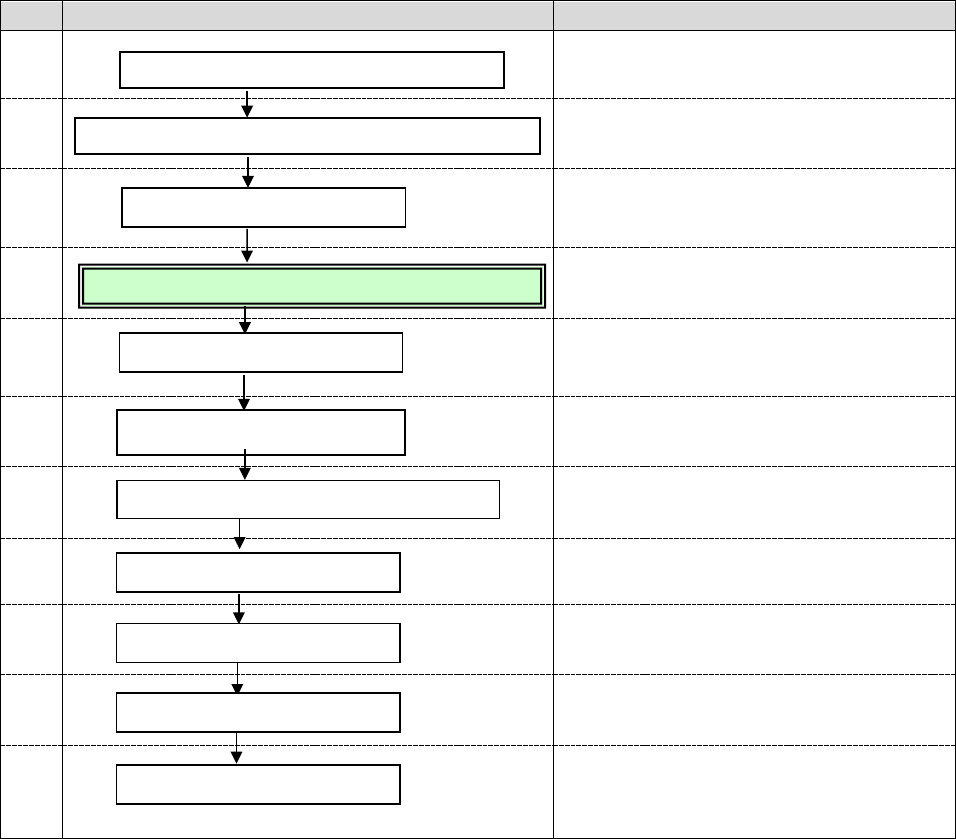
To reset Manual nozzle attachment mode to Production mode with using the ATC, follow the
procedure below.
No.
Flowchart
Remarks
1
Refer to Chapter 8 “Machine Setup” of the
Instruction Manual.
2
3
Refer to Chapter 2 “Production” of the
Instruction Manual.
4
(See Section 4.4.1.)
5
Refer to Chapter 2 “Production” of the
Instruction Manual.
6
Refer to Chapter 8 “Machine Setup” of the
Instruction Manual.
7
Refer to Chapter 4 “Creating a Production
Program” of the Instruction Manual.
8
Refer to Chapter 2 “Production” of the
Instruction Manual.
9
Refer to Chapter 2 “Production” of the
Instruction Manual.
10
Refer to Chapter 2 “Production” of the
Instruction Manual.
11
Perform inspections at the regular
intervals.
(Refer to Chapter 3 “Maintenance” of the
Instruction Manual.)
Daily inspection
Disable the manual nozzle attachment function.
Release the fixed adjacent heads.
Assign nozzles.
Remove the nozzle manually attached on the head.
Turn on the power.
Return to the origin.
Production
Finish the production.
Turn off the power.
Create/edit a production program.
Part 2 Detailed Description of Each Function Chapter 12 Handling the Optional Devices
12-115
12.16.4 Machine Setup
12.16.4.1 Setting for the manual nozzle attachment function to be used or not
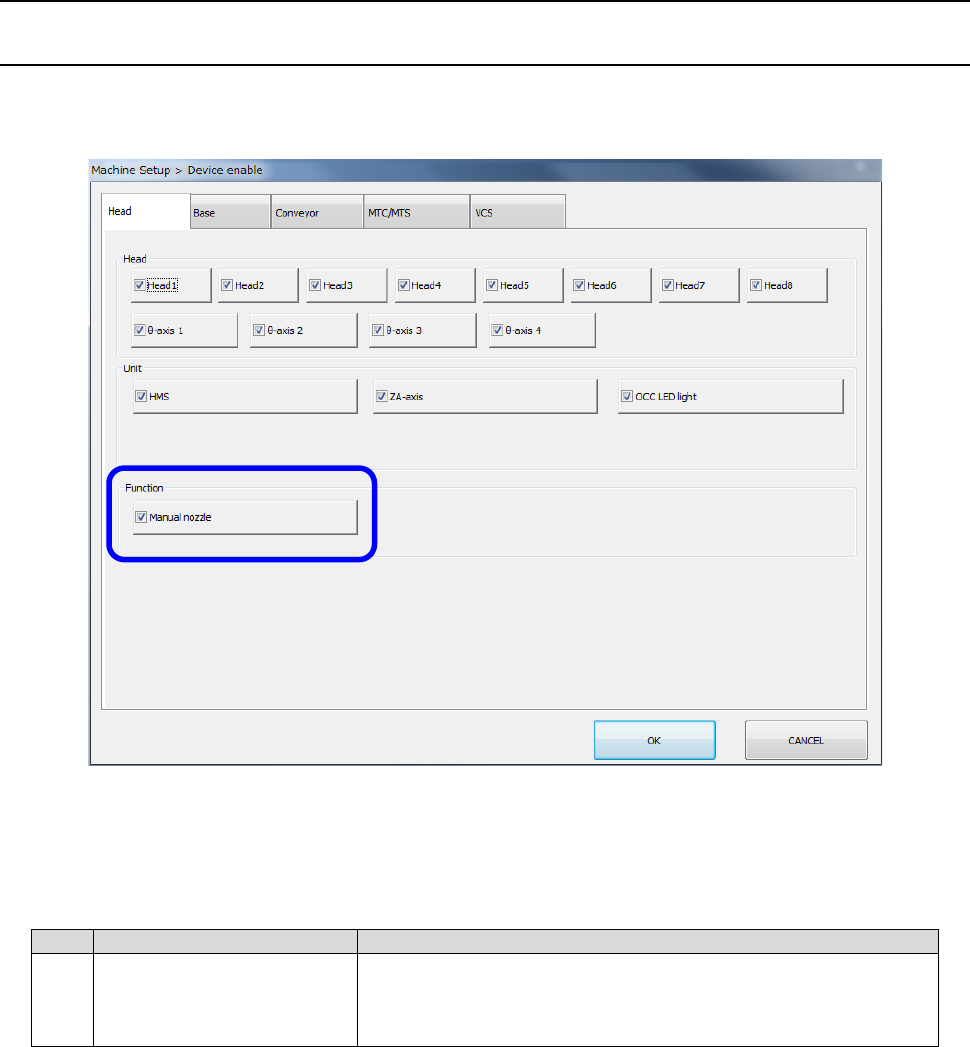
Select [Setting] – [Machine Setup] from the menu to open the “Machine Setup” screen. Then,
select [Device enable] – [Head] to set the menu item “Manual nozzle” to be used or not.
1) When the unit selected on the “Machine Setup” screen is required to finish placing components
with the production program, whether a component is placed on a board actually or not is
described in the table below.
No.
Unit
Production operation
1 Manual nozzle
Production using a nozzle to be attached on a head
manually cannot be performed since the check to be run
before production starts detects an error.