RS-1_instruction manual.pdf - 第750页
Part 2 D etaile d Descript ion of E ach Functi on Chapter 8 Machine Set up 8- 42 Nozzle sliding fail check When you se lect [Noz zle sliding fail chec k ], the scre en shown below wil l appear . ( 1) Se tting items No. U…
Part 2 Detailed Description of Each Function Chapter 8 Machine Setup
8-41
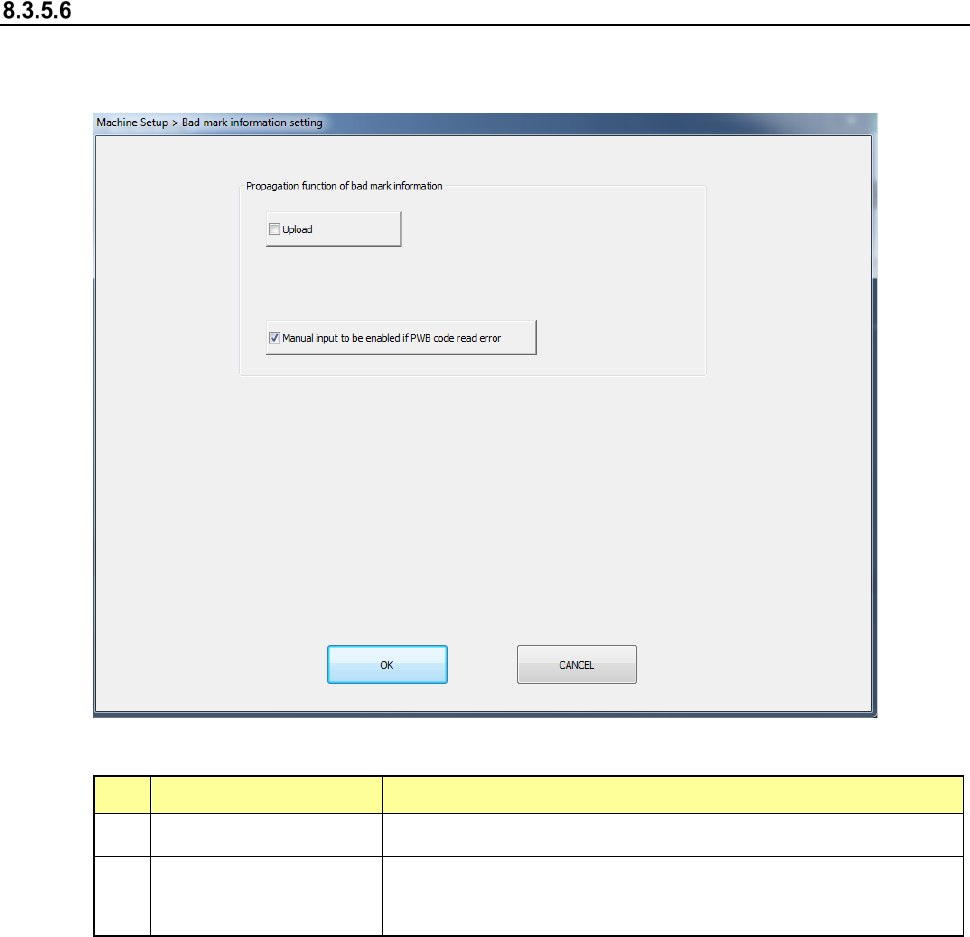
Bad mark information setting
The bad mark information can be set when the bad mark propagation is effective. After the bad
mark information setting is selected, the following screen is displayed.
(1) Setting items
No.
Item
Description
1
Upload Check it off for the case of the upload mounter.
2
Manual input function
at occurrence of PWB
code read error
When a PWB code reading results in an error, check off this
item so that the manual input can be performed on the
temporary stop screen.
(2) How to set
1) Select each item by radio button.
Part 2 Detailed Description of Each Function Chapter 8 Machine Setup
8-42
Nozzle sliding fail check
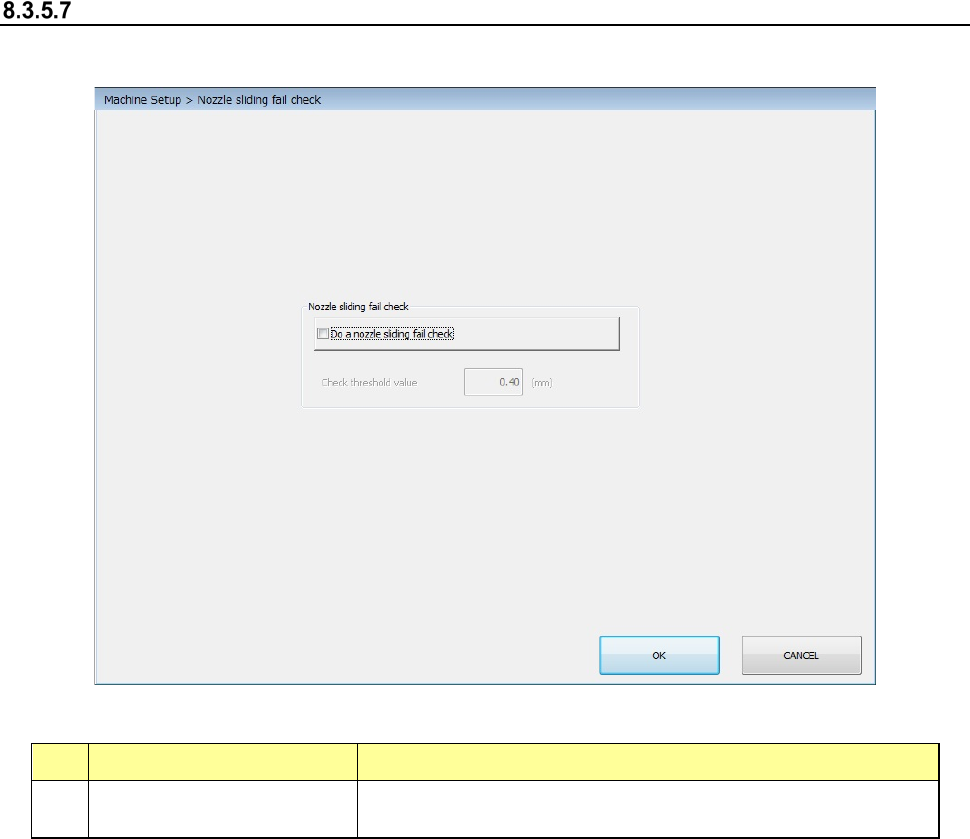
When you select [Nozzle sliding fail check], the screen shown below will appear.
(1) Setting items
No. Unit Production operation
1 Do a nozzle sliding fail check
Checks the nozzle sliding fail. When the nozzle sliding fail is
detected, the production is stopped.
(2) How to set
1) Select the setting by check button.
“Do a nozzle sliding fail check”
When the setting items are checked on, they can be used. When the setting items are
checked off, they not be used.
Part 2 Detailed Description of Each Function Chapter 8 Machine Setup
8-43
Splicing setup
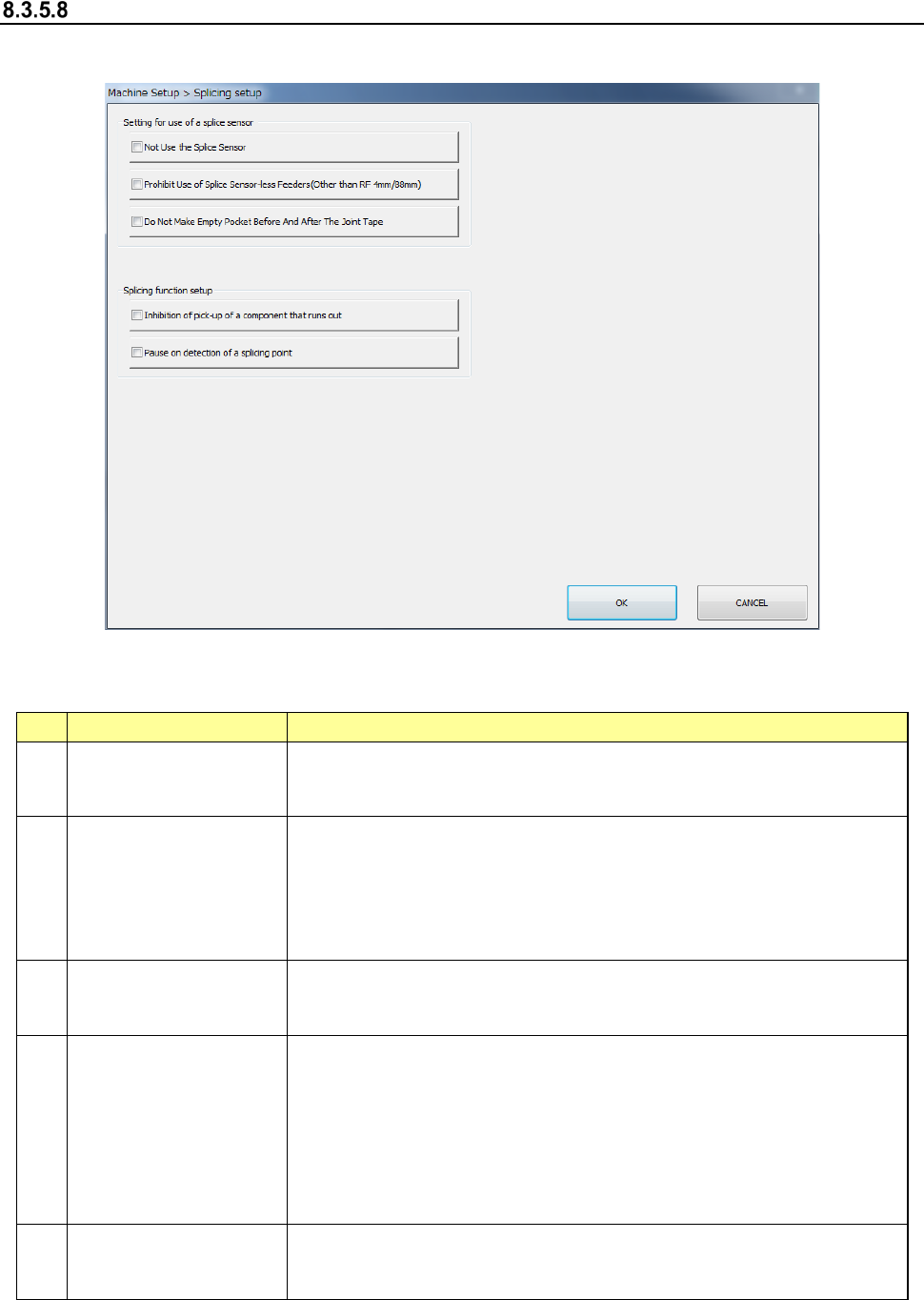
When you select [Splicing setup], the screen shown below will appear.
(1) Setting items
This tab allows you to make settings of connection to the IFS server.
No.
Setting item
Description
1
Not Use the Splice
Sensor
Does not use the splice sensor of the electric feeder (RF). Detects the
splicing point by detecting the number of pickup mistakes.
(Conventional method)
2
Prohibit Use of Splice
Sensor-less Feeders
(Other than
RF4mm/8mm)
Disables the electric feeder (RF) without splice sensor for the
production. An error occurs in the feeder without splice sensor during
check before production start. Additionally, the production stops when
the feeder without splice sensor is mounted during production.
Note: Since an RF04AS/RF88AS is not equipped with a splice sensor,
this setting item is not applied to them.
3
Do Not Make Empty
Pocket Before and After
the Joint Tape.
Stops the empty pocket before and after the joint tape after the retry
has been performed for the number of pickup retries. The splicing
point is detected only using the splice sensor detection.
4
Inhibition of pick-up of
a component that runs
out*
The parts not remained in [Production program] – [Number of parts
setting] from Production Menu shall be Out of Parts and suction
operation is not performed. In the case of “Not set”, production
continues even if the remaining number becomes 0.
When setting this item to be valid in case of external output, the setting
becomes valid by linking [Obtain remained number of parts from
external storage system] in [External output setting 2] of online
connection.
5
Pause on detection of
a splicing point*
When detecting a splicing point, production is paused in order to check
whether it is the splicing point or not. Production continues in case of
“Not set”.
* Refer to the instruction manual for Production Support System for function details.