RS-1_instruction manual.pdf - 第973页
Part 2 D etaile d Descript ion of E ach Functi on Chapter 12 Handling th e Optional Device s 12 - 89 12.14 Cop lana rity 12.14.1 Overv iew of t he function This is a coplanar ity i nspec tio n unit that ins pects ele ctr…
Part 2 Detailed Description of Each Function Chapter 12 Handling the Optional Devices
12-88
12.13.6.2 Error handling during PWB production
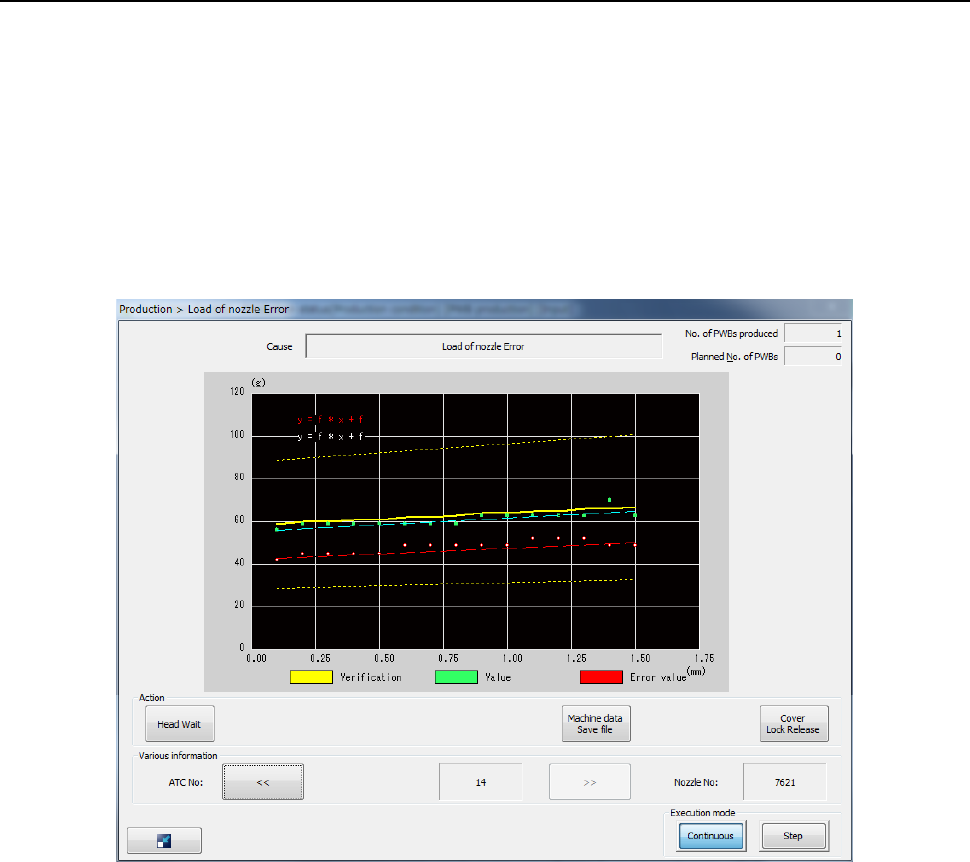
(1) Load check error
When you place a checkmark in the “Check load of nozzle during production” check box on
the “Operation option” screen, the machine runs a load check when PWB production starts or
when a board is loaded to the machine. If an error is detected, the machine stops the
current production temporarily, and displays the load measurement data obtained when the
error occurred, data currently set and a theoretical value onto a graph.
To produce a PWB with using the values calculated with the previous load correction
expression, press the <START> switch.
To abort the production, press the <STOP> switch.
Part 2 Detailed Description of Each Function Chapter 12 Handling the Optional Devices
12-89
12.14 Coplanarity
12.14.1 Overview of the function
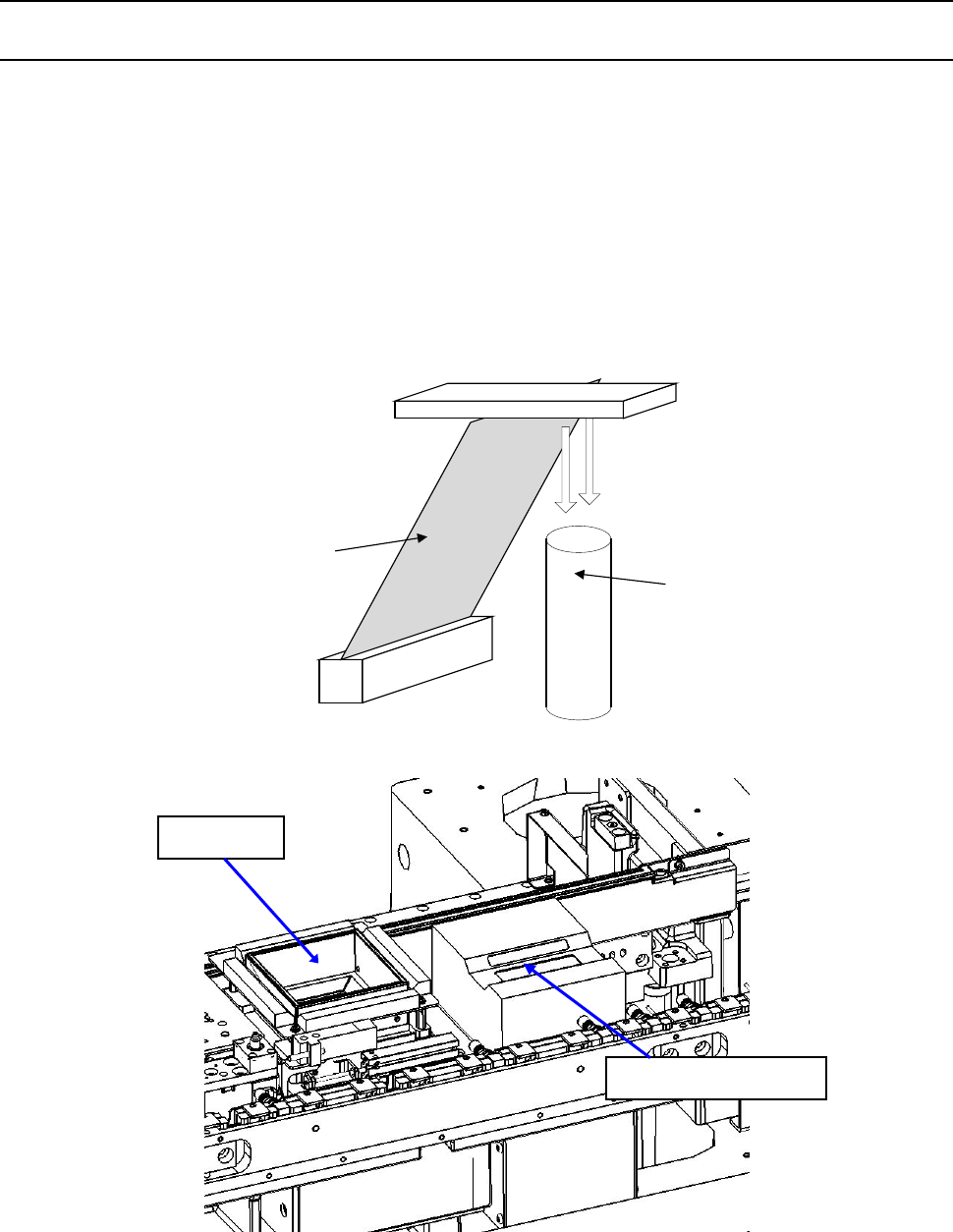
This is a coplanarity inspection unit that inspects electronic component with a laser line.
By moving a component, which is an object to be measured, in the direction (Y direction)
perpendicular to a laser line (X direction) at certain speed, the machine uses a camera to shoot
diffuse reflection of a laser beam emitted to the measured object to create its 3-D image, that is, the
machine measures displacement without touching it.
◇ This unit determines that a component can be accepted (checks the height of an electrode)
based on the component information sent from the machine in advance and the obtained 3-D
image.
レーザビーム
カメラ
Camera
Laser beam
VCS unit
Coplanarity sensor
Part 2 Detailed Description of Each Function Chapter 12 Handling the Optional Devices
12-90
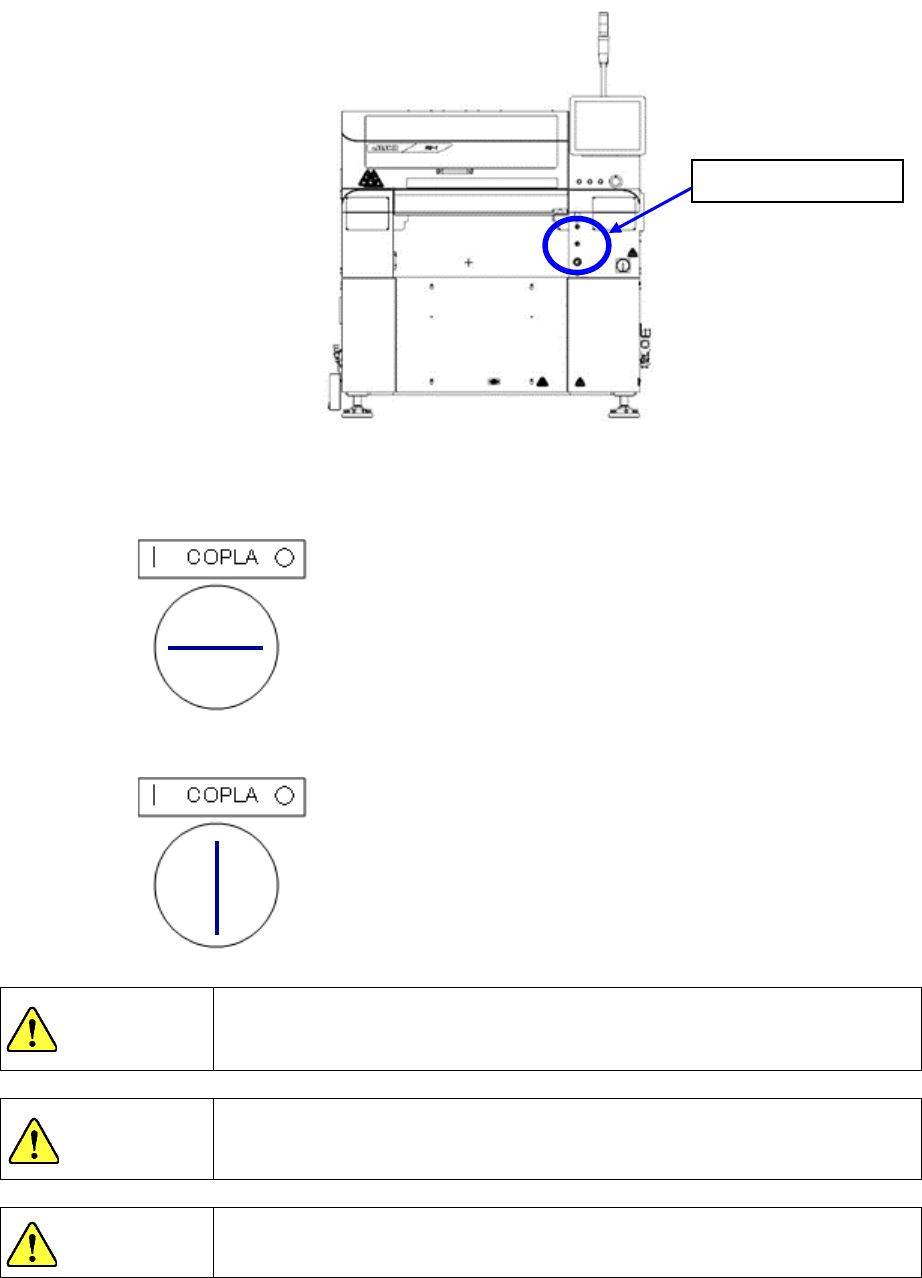
When you use a coplanarity sensor, you have to operate the key for the coplanarity sensor. Insert
the key into the machine, and turn it counterclockwise. The coplanarity sensor can be used.
◇ When the coplanarity sensor can be used
◇ When the coplanarity sensor cannot be used
The coplanarity sensor uses a Laser Class 3B product.
Exposure of an eye or skin to a laser beam is dangerous. Never look
directly at a laser beam nor touch it.
When the cover is opened, you cannot use the coplanarity sensor even
though the machine is in Maintenance mode. The sensor neither scans
nor radiates laser.
If you control or adjust the unit according to a procedure other than that
regulated in this document, it may expose you to dangerous laser radiation.
DANGER
CAUTION
CAUTION
Coplanarity key