RS-1_instruction manual.pdf - 第503页
Part 1 B asic O peration Chapter 4 Cr eating a Produc tion Progra m 4- 168 4.5.2 .4 Paste This comma nd pastes dat a stored in the memor y buf fer with the [C ut] command or the [ Copy] command. Screen Func tion PWB data…
Part 1 Basic Operation Chapter 4 Creating a Production Program
4-167
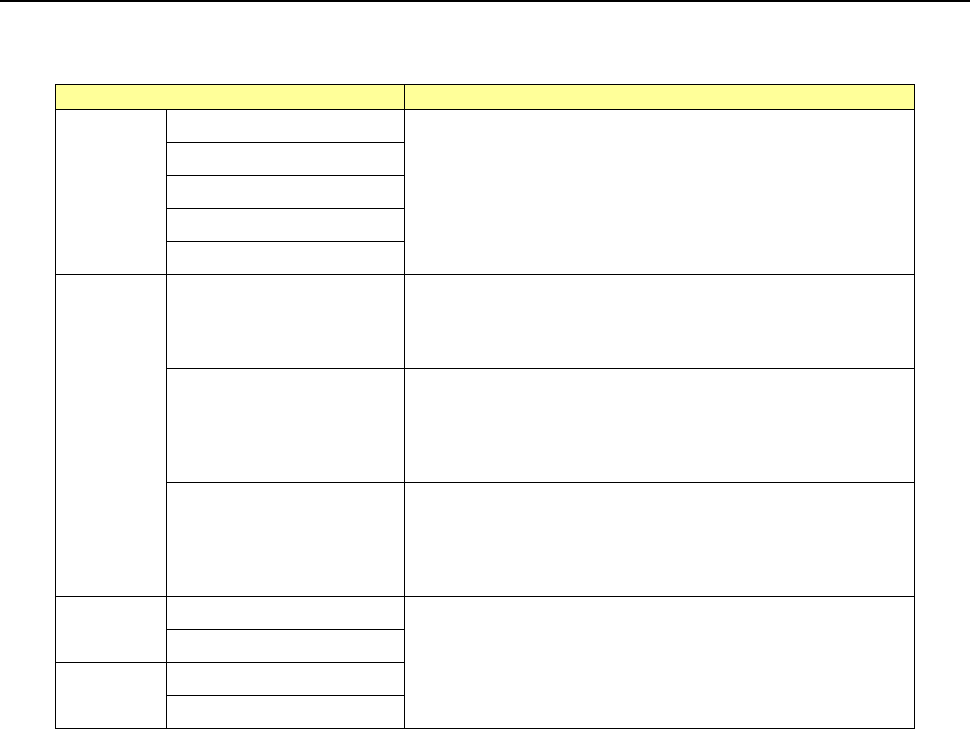
4.5.2.3 Copy
This command stores data whose range is selected and highlighted into the memory buffer.
To paste the stored data in another data, use the [Paste] command.
Screen
Function
PWB
data
Basic setting screen
This command cannot be used.
Dimension setup screen
Circuit Layout screen
Ex. Bad Mark screen
PWB Conveyor screen
Placeme
nt data
List screen
This command copies a record in which the focus is located
into the memory buffer.
You can paste the copied record with the [Paste] command.
Area mark screen
You cannot use this command in Browse mode.
This command copies the entire mark group in Line Selection
mode.
You can paste the copied data with the [Paste] command.
Area Bad Mark screen
You cannot use this command in Browse mode.
This command copies the entire mark group in Line Selection
mode.
You can paste the copied data with the [Paste] command.
Compone
nt data
List screen
This command cannot be used.
Form screen
Pick data
List screen
Form screen
Part 1 Basic Operation Chapter 4 Creating a Production Program
4-168
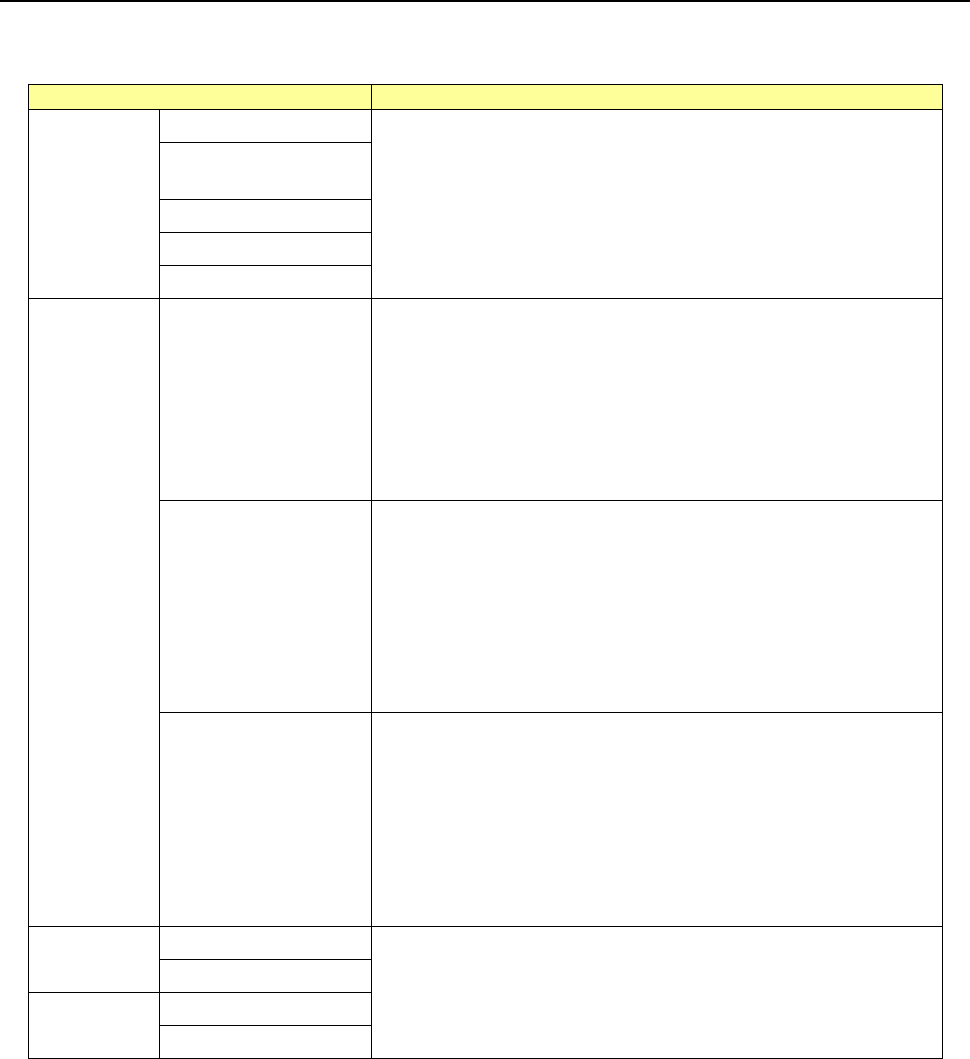
4.5.2.4 Paste
This command pastes data stored in the memory buffer with the [Cut] command or the [Copy]
command.
Screen
Function
PWB data
Basic setting screen
This command cannot be used.
Dimension setup
screen
Circuit Layout screen
Ex. Bad Mark screen
PWB Conveyor screen
Placement
data
List screen
You can select this command only if data is stored in the memory
buffer with the [Cut] command or the [Copy] command. Otherwise,
this command is dimmed.
After the data is pasted, the placement ID becomes “#.”
When you specify the “X Pitch” and the “Y Pitch,” you can use the
incremental copy function that copies data by adding or subtracting
a value of the placement position in the X direction and that in the Y
direction.
See the next page for how to operate this command in details.
Area mark screen
You can select this command only if data is stored in the memory
buffer with the [Copy] command. Otherwise, this command is
dimmed.
When this command is executed, the dialog box shown below is not
displayed (that is, the incremental copy function is not used), but the
copied data is pasted. If the paste destination line is not a blank
line, the message (OK/Cancel) appears on the screen. When you
select the <OK> button, the system overwrites the line with the
copied data.
(A blank line means a line on which no data is entered.)
Area Bad Mark screen
You can select this command only if data is stored in the memory
buffer with the [Copy] command. Otherwise, this command is
dimmed.
When this command is executed, the dialog box shown below is not
displayed (that is, the incremental copy function is not used), but the
copied data is pasted. If the paste destination line is not a blank
line, the message (OK/Cancel) appears on the screen. When you
select the <OK> button, the system overwrites the line with the
copied data.
(A blank line means a line on which no data is entered.)
Component
data
List screen
This command cannot be used.
Form screen
Pick data
List screen
Form screen
If you used the sort function, you cannot select the [Paste] command.
Part 1 Basic Operation Chapter 4 Creating a Production Program
4-169
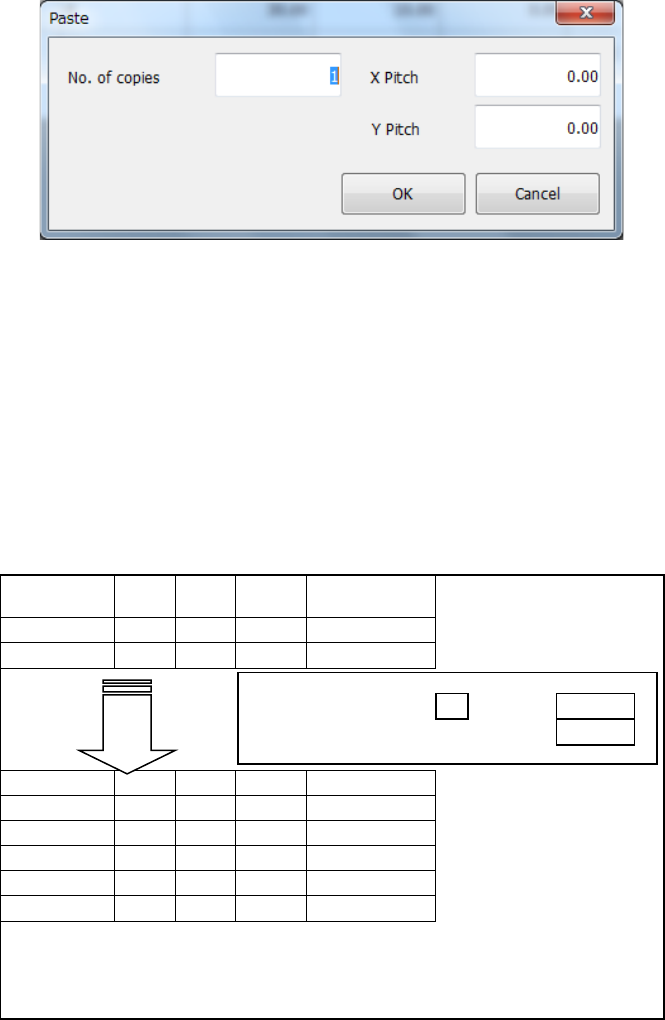
When you execute the [Paste] command, the dialog box like one shown below appears on the
screen.
No. of copies
: Specify the number of times the system will copy data. “1” is set by default.
X Pitch
: Specify the amount to increment or decrement a value of the component
placement position in the X direction. “0.000” is set by default.
Y Pitch
: Specify the amount to increment or decrement a value of the component
placement position in the Y direction. “0.000” is set by default.
OK
: This button pastes the data.
Cancel
: This button cancels the paste operation.
An example of the result of execution of the [Paste] command for the Placement data is shown
below.
Placement ID
X
Y
Angle
Component
name
R1
5.000
10.000
45.00
1608-A
R2
10.000
10.000
0.00
1608-A
No. of copies:
3
X Pitch:
0.500
Y Pitch:
1.000
#
5.500
11.000
45.00
1608-A
#
10.500
11.000
0.00
1608-A
#
6.000
12.000
45.00
1608-A
#
11.000
12.000
0.00
1608-A
#
6.500
13.000
45.00
1608-A
#
11.500
13.000
0.00
1608-A
– The copied block is inserted above the specified line.
– All placement IDs are set to “#.”
– The input focus is positioned in the first
“Placement ID” column of
the inserted block.