RS-1_instruction manual.pdf - 第241页
Part 1 B asic O peration Chapter 2 Pr oduction 2- 130 2.13 Tool Operation option When you selec t the [Tool] co mmand from the “P roduct” menu, and then t he [Operation opt ion] command, the “Operat i on optio n” screen …

Part 1 Basic Operation Chapter 2 Production
2-129
Clearing correction of a component pick-up position
Overview
Select the menu command [Auto-Correct pick position Clear] from the “Support” menu invoked from
the “Production” menu.
This function clears data for correcting a component pick-up position.
You can select this function when the menu item “The feed amount is adjusted by teaching.” is
selected on the “Operation option” screen.
Part 1 Basic Operation Chapter 2 Production
2-130
2.13 Tool
Operation option
When you select the [Tool] command from the “Product” menu, and then the [Operation option]
command, the “Operation option” screen appears.
See Chapter 7 “Operation Option” for details.
Setting of the displayed items
When you select the [Tool] command from the “Product” menu, and then the [View Log File]
command, the error log display screen appears.
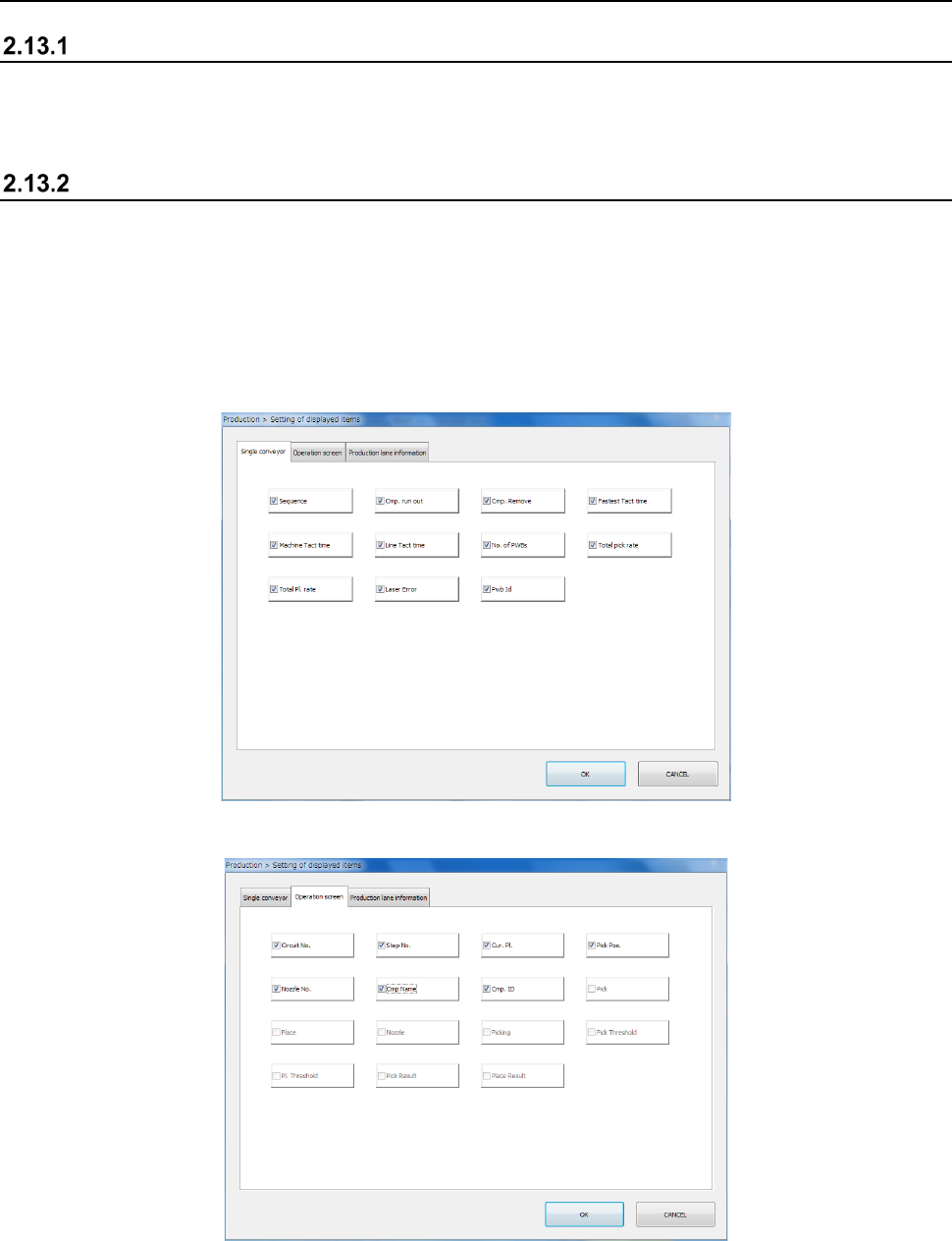
This screen allows you to display or hide an item to be displayed during PWB production.
The items displayed on the “Production condition” screen when the machine uses the single-lane
conveyor to produce PWBs are different from those when it uses the dual-lane conveyor to produce
PWBs.
The “Single conveyor” tab allows you to display or hide the items on the “Production condition”
screen when the machine uses the single-lane conveyor to produce PWBs.
The “Operation screen” tab allows you to display/hide menu items on the “Production status
(Operation condition)” screen.
Part 1 Basic Operation Chapter 2 Production
2-131
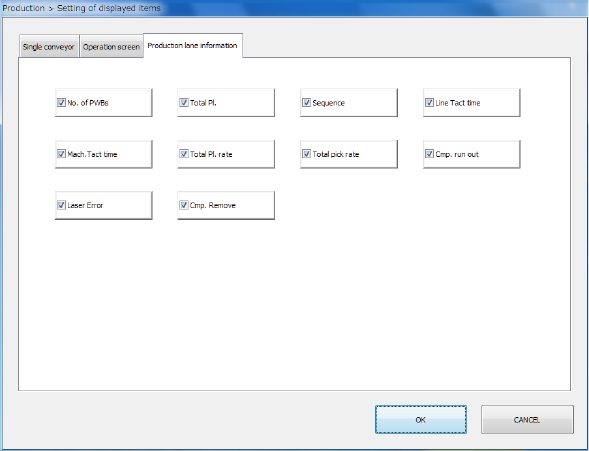
The “Production lane information” tab allows you to display/hide the production lane information on
the upper section of the “Production status (Vision)/(Operation condition)/(Number of produced
PWBs)” screen.