RS-1_instruction manual.pdf - 第183页
Part 1 B asic O peration Chapter 2 Pr oduction 2- 72 MTC S huttle Sp ecif y the type of the pa d on the shuttle side of t he MTC. Operator MTS Speed Set the speed at which a t ray of the MTS is to be pulled o ut. Operato…
Part 1 Basic Operation Chapter 2 Production
2-71
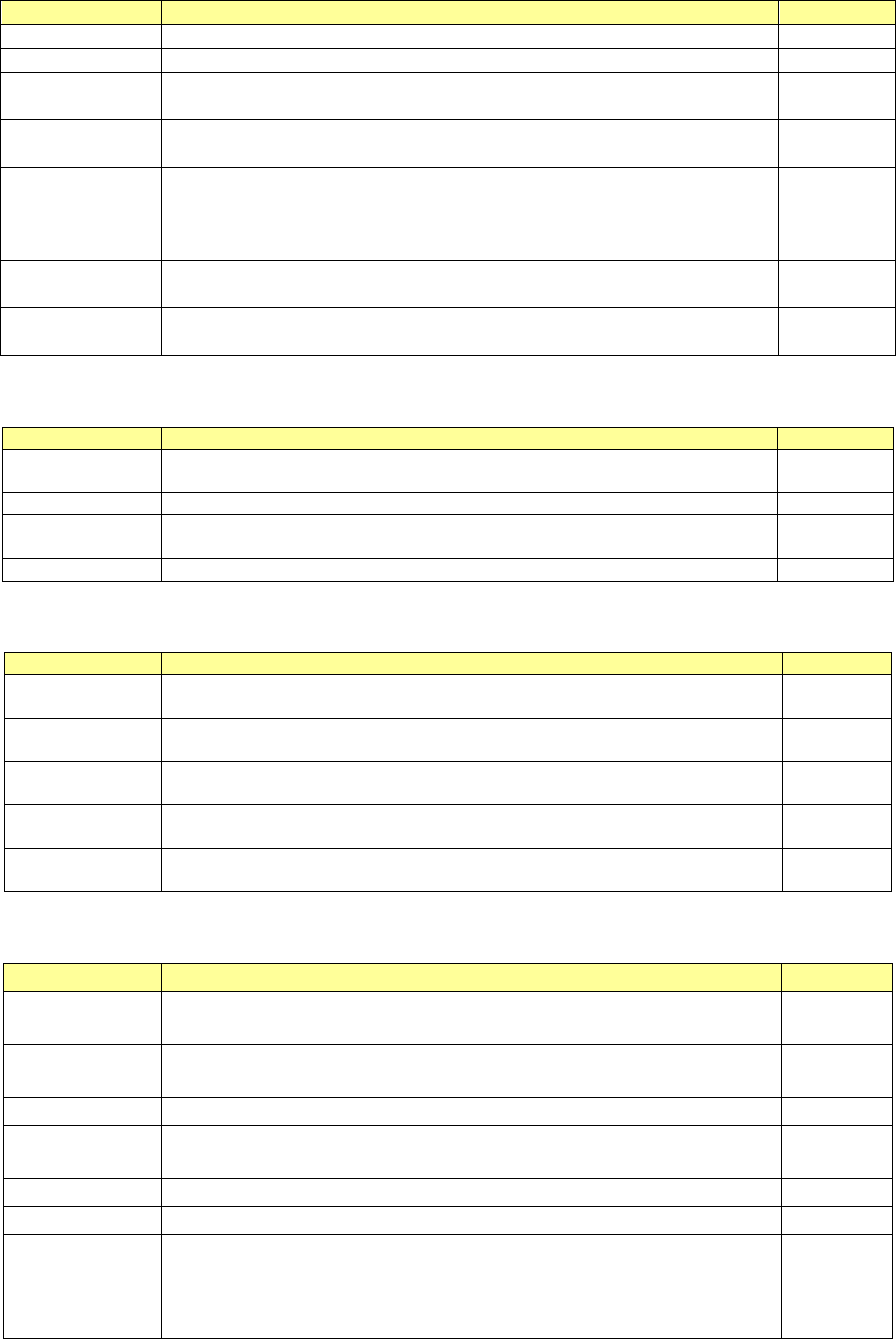
(6) Pick Condition
This menu item allows you to display and/or edit items on pick-ups of components.
Menu item
Description
User level
Nozzle No.
Displays the number of a nozzle that will pick up a component.
Operator
Picking stroke
Enter how much to push the tip of a nozzle when it picks up a component.
Operator
Retry
Enter the number of retries to be performed when the system fails to pick up a
component.
Operator
Auto correct pick
Select whether to correct a component pick-up position error based on a result
of recognition of a component with laser.
Operator
Auto teaching
Select whether to perform auto-teaching to track a component pick-up
position.
(8mm paper tape, 8mm emboss, the outer dimensions of a component: 0402
to 3216)
Operator
Speed Pick Z
down
Select the speed at which the Z-axis moves down at the component pick-up
position.
Operator
Speed Pick Z up
Select the speed at which the Z-axis moves up at the component pick-up
position.
Operator
(7) Place Condition
These menu items allow you to display and/or edit placement data.
Menu item
Description
User level
Placing stroke
Enter how much to push a component against the surface of a board when the
system places the component on the board.
Operator
Trial
Select whether to place a component on a board during trial production.
Operator
Release check
Select whether to check to see if a component is released with laser after the
system places it on a board.
Operator
Component skip
Select whether to skip a component without placing it on a board.
Programmer
(8) Speed
These menu items allow you to display and/or edit the speed of each axis.
Menu item
Description
User level
XY
Select the acceleration to be applied when the XY-axes move to the
component placement position after a component is picked up.
Operator
Place Z down
Select the speed at which the Z-axis moves down at the component placement
position.
Operator
Place Z up
Select the speed at which the Z-axis moves up at the component placement
position.
Operator
Theta (Means)
Select the acceleration of the theta axis to be applied when a component is
recognized with laser.
Operator
Theta (Other)
Select the acceleration of the theta axis to be applied when a component is not
recognized with laser.
Operator
(9) Supply unit
These menu items allow you to display/edit the menu items of component supply units.
Menu item
Description
User level
Component
name
Displays a component name.
-
Component
type
Displays a component type.
Package
Displays a package of a component.
-
Supply unit
Displays the attachment position of a component supply unit to be
used.
-
MTC speed
Set the operating speed of the MTC shuttle.
Operator
MTC Pickup
Specify the type of the pad on the pick-up side of the MTC.
Operator
MTC Auto
Selects both pads for the same type components during production
as long as the size of these components are in the range of □10
mm to □14 mm (□10 mm to □16 mm when a seesaw nozzle is
used), and then picks up these components.
Operator
Part 1 Basic Operation Chapter 2 Production
2-72
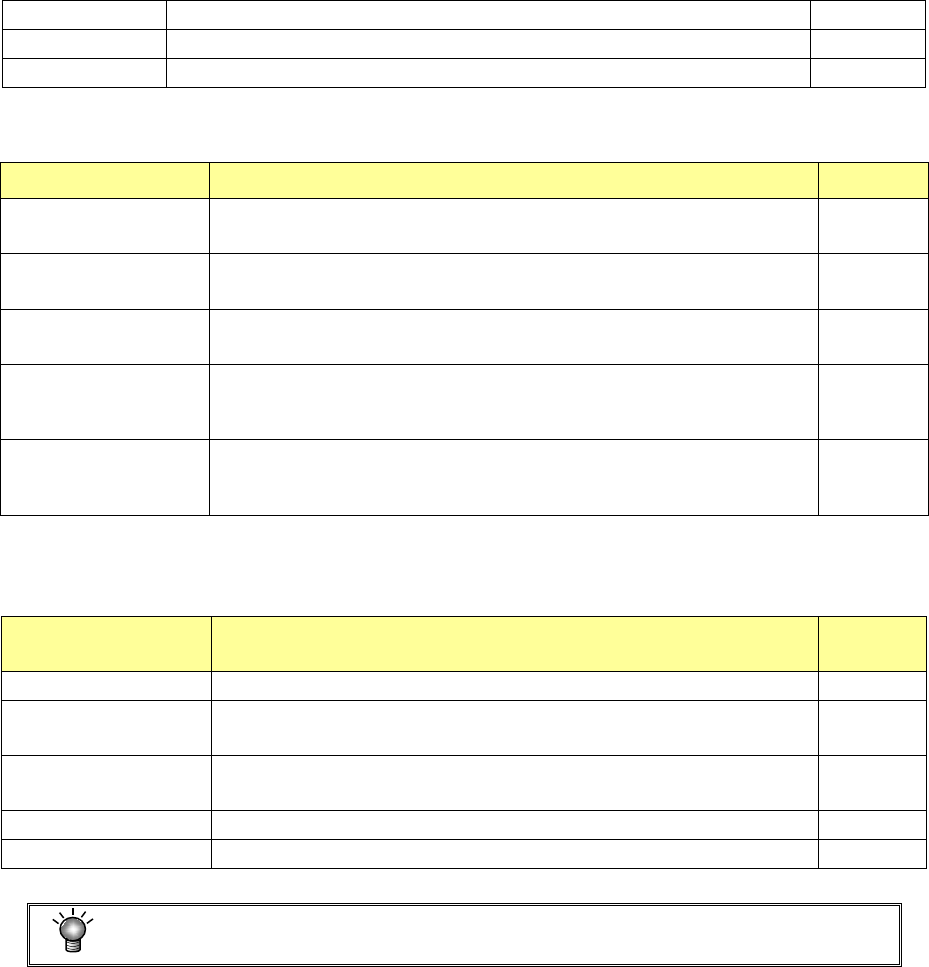
MTC Shuttle
Specify the type of the pad on the shuttle side of the MTC.
Operator
MTS Speed
Set the speed at which a tray of the MTS is to be pulled out.
Operator
DTS Speed
Set the speed at which a tray of the DTS is to be pulled out.
Operator
(10) Inspection
These menu items allow you to display/edit the menu items on inspection.
Menu item Description User level
Tombstone
Select whether to use the tombstone error detecting option or not.
Enter a value for judging whether a tombstone error occurs or not also.
Operator
PickPosition Detection
Select whether to detect a component pick-up position error or not.
Enter a value for judging whether a pick-up position error occurs or not also.
Operator
GNRL. Vision direction
continuous inspection
Select whether component direction inspection is performed or not.
(When the component type is GNRL. Vision)
Operator
Dimension check
Select whether to check a dimension error or not.
(When the component type is “Chip,” “LED,” “Melf,” “SOT,” “Lead
connector” or “Socket.”)
Operator
Component verification
Select whether to detect the resistance, capacity and polarity of a
component or not. (When the component type is “Chip,” “LED,” “Melf,” or
“Electrolytic capacitor”)
Operator
(11) Vision
These menu items allow you to display/edit the menu items for recognition of components that
are to be recognized with a VCS.
Menu item Description
User
level
VCS Selection
Displays a VCS to be used to recognize a component.
-
Split ViewSettings
Displays the number of divisions of the field of view when a
component is recognized.
-
Lighting main
division
Displays the light type.
-
Lighting sub-division
Displays the light style.
-
Light setting
Set the brightness of each light.
Operator
You cannot edit certain data such as a feeder type.
Part 1 Basic Operation Chapter 2 Production
2-73
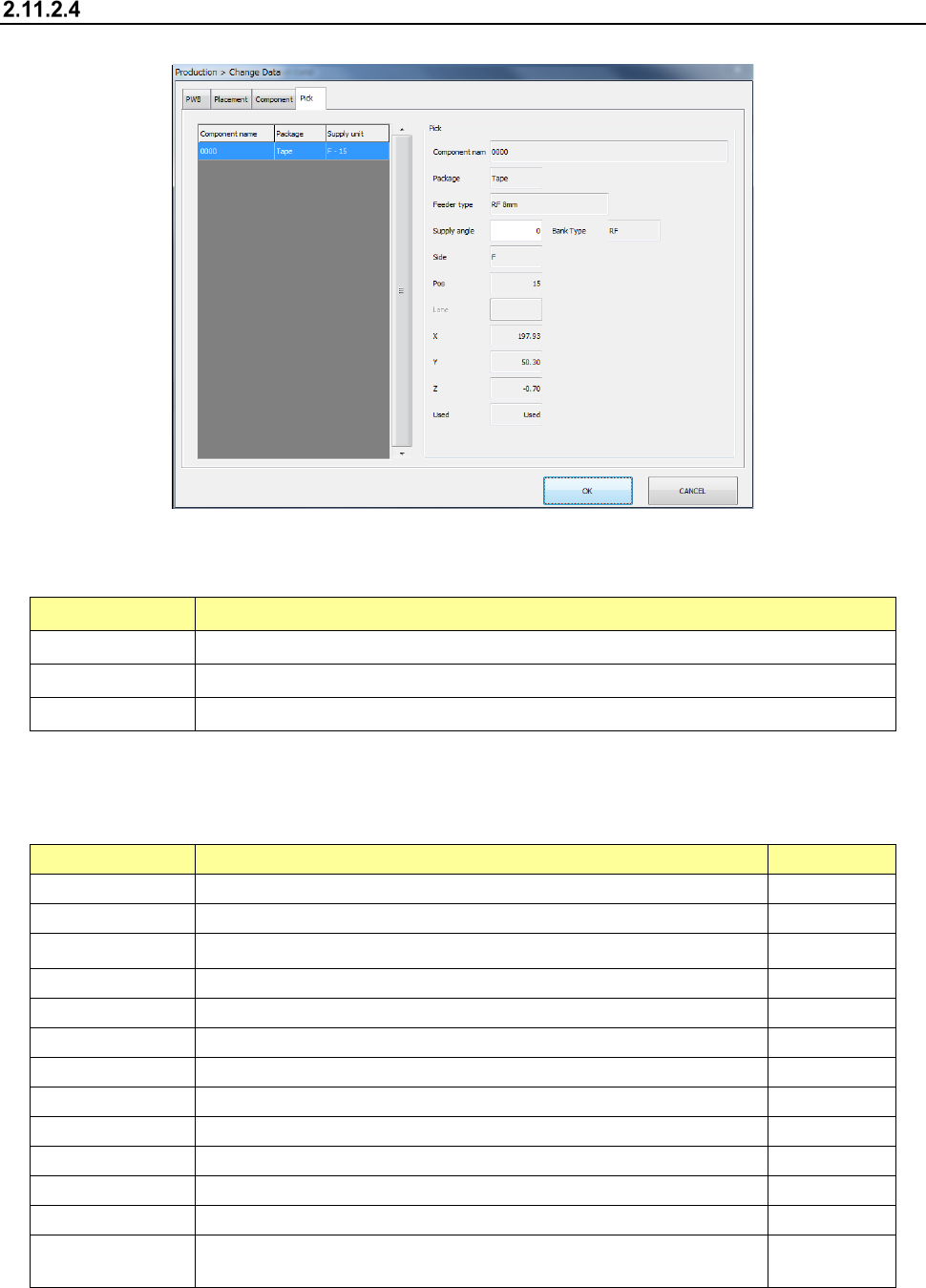
Pick
Select the “Pick” tab displayed on the top of the screen.
(1) List of the displayed menu items
Pick data is shown in the list.
Menu item Description
Component name Displays the name of a component to be picked up.
Package Displays the package style of a component to be picked up.
Supply unit Displays the supply position of a component to be picked up.
(2) Pick information
These menu items allow you to display and/or edit the information on pick operation you
selected in the list.
Menu item
Description
User level
Component name
Displays the name of a component to be picked up.
Package Displays the package style of a component to be picked up.
Supply unit Displays the supply unit.
Supply angle
Enter the component supply angle.
Programmer
Bank type
Displays the bank type of the feeder. (RF or RF/EF)
Side
Displays the bank from which a component is supplied.
Feeder type
Displays the feeder type.
Pos
Displays the pick-up number.
Lane Displays the lane number (if the component type is “Stick”).
X
Displays an X coordinate of a component pick-up position.
Y
Displays a Y coordinate of a component pick-up position.
Z
Displays a Z coordinate of a component pick-up position.
Used Select whether to pick a component based on this data to produce
PWBs.
Operator