RS-1_instruction manual.pdf - 第817页
Pa r t 2 Det ai l ed Des c r i pti on o f Ea c h Fu nc ti on Chapter 10 M ach i ne Manage m e nt Infor m ation 10 -4 (2) C ount W hen you sel ect the “ Coun t ” tab on t he “ Mac hine Op er ation i nf orm ati on” scr een…
Part 2 Detailed Description of Each Function Chapter 10 Machine Management Information
10-3
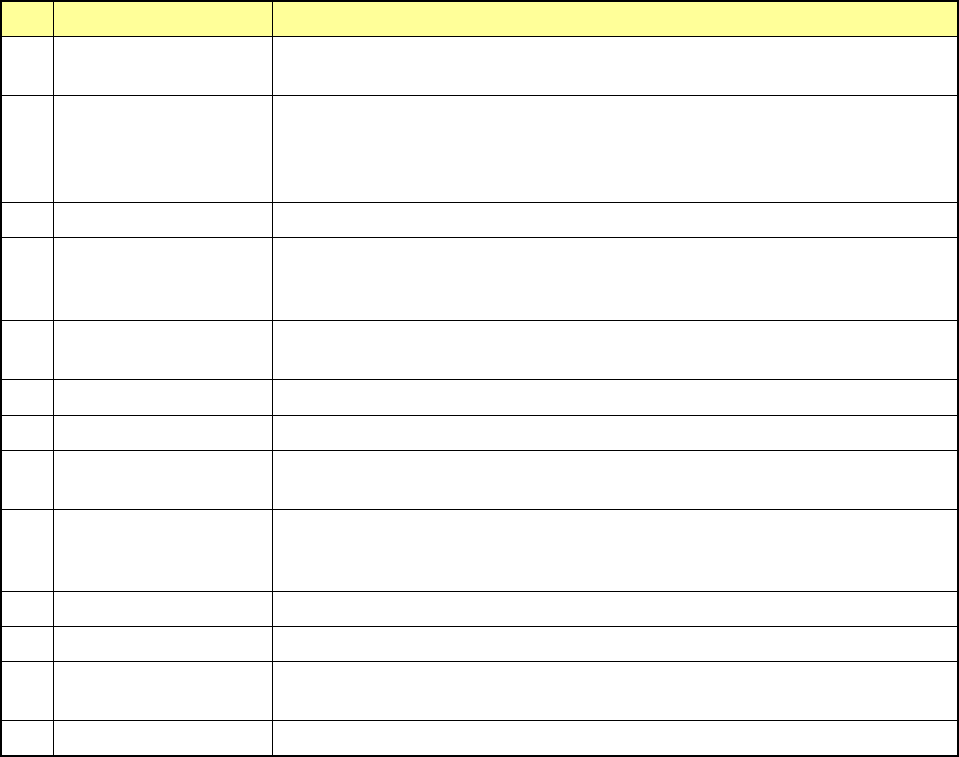
No. Item Description
1 Number of PWBs
produced
Total number of PWBs produced after the machine starts collecting data.
This number is counted independently of a production program.
2 Number of circuits
produced
Total number of PWBs produced after the machine starts collecting data.
This number is updated when one PWB is produced completely, and does
not include the number of circuits on which a bad mark was detected (does
not include PWBs whose production was interrupted halfway either).
3 Power on time Total time passed since power-on or the machine starts collecting data
4 Operation time Total time spent in producing PWBs since the machine starts collecting data
This time represents the time spent in picking and placing components (and
also discarding them).
5 Preparation time Total time for which the machine does not produce any PWB such as time
spent in editing data.
6 Maintenance stop time Total time for which the machine pauses in response to user request
7 Stop time (error) Total time for which the machine pauses due to an error.
8 Stop time
(component-run-out)
Total time for which the machine stops because the stocked components run
out.
9 Mean Time Between
Assists
Average interval between stops
“Operation time” / (“number of stops due to component run-out errors” +
“number of stops due to troubles” + 1)
10 PWB load wait time Wait time from when a PWB can be loaded until the next one is.
11 PWB eject wait time Wait time from when a PWB can be ejected until it is.
12 Conveyor wait time Wait time from when a clamped PWB is released until clamp / ejection are
completed.
13 PWB wait time Total time waited for a PWB to be transported (loaded/unloaded)
Part 2 Detailed Description of Each Function Chapter 10 Machine Management Information
10-4
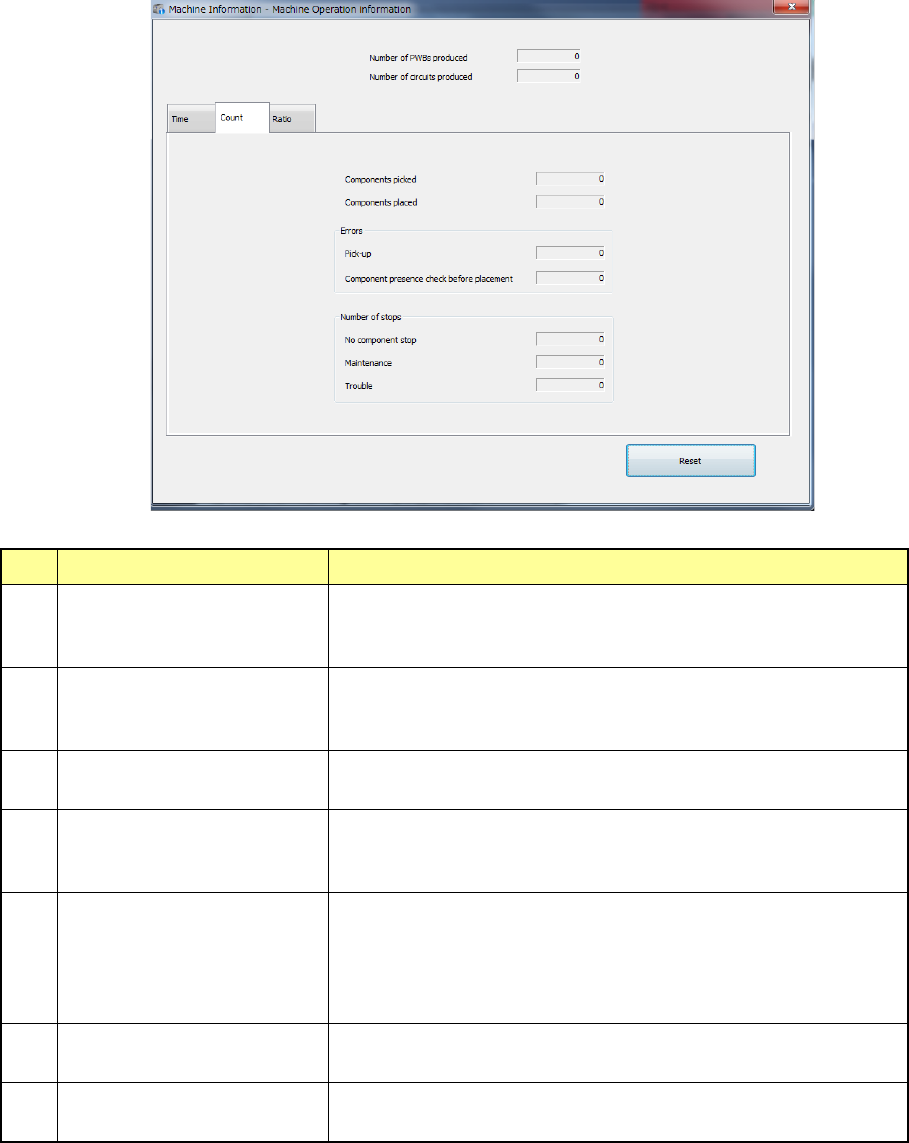
(2) Count
When you select the “Count” tab on the “Machine Operation information” screen, the “Count”
screen appears, and the following items are displayed.
No. Item Description
1 Number of picked
components
Total number of times the machine picked components
successfully (This number is counted independently of a
production program/component supply device.)
2 Number of placed
components
Total number of times the machine placed components
successfully (This number is counted independently of a
production program/component supply device.)
3 Number of errors Total number of times a pick-up error occurred (This number is
counted independently of a production program/feeder unit)
4 Number of pre-placement
component presence check
errors
Total number of times a component posture check error
occurred before the system placed a component
5 Number of stops due to no
components
Total number of times the machine stopped because the
stocked components run out. If you do not push the <Stop
system when components run out.> push button on the
“Production (Pause)” tab invoked from the “Operation option”
menu, the system will not count this number.
6 Number of stops for
maintenance
Total number of times the machine pauses in response to the
user request
7 Number of stops due to
trouble
Total number of times the machine pauses due to an error.
Part 2 Detailed Description of Each Function Chapter 10 Machine Management Information
10-5
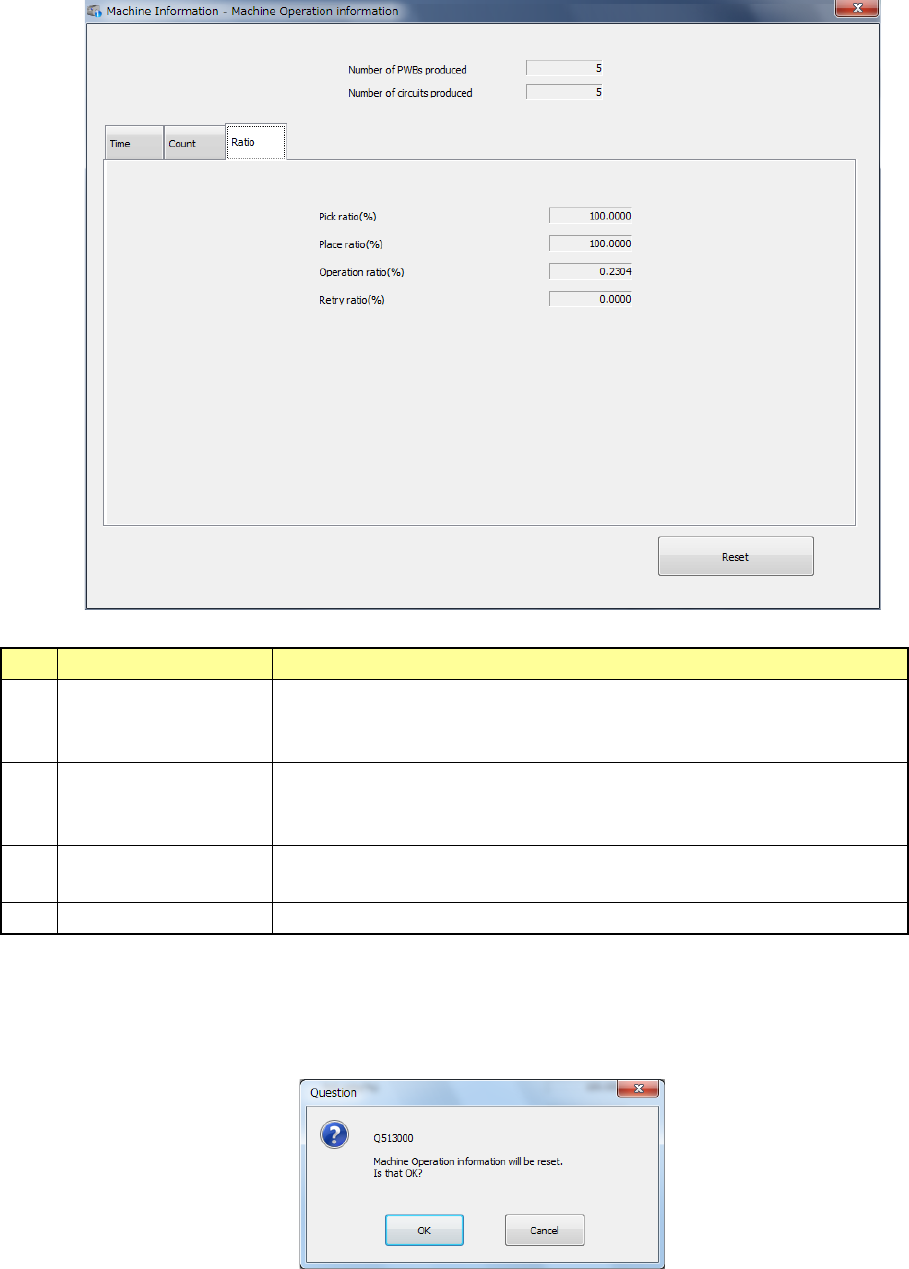
(3) Ratio
When you select the “Ratio” tab on the “Machine Operation information” screen, the “Ratio”
screen appears, and the following items are displayed.
No.
Item
Description
1 Ratio of Pick-up Component picking ratio (%)
(“Number of picked components” / “Number of picked components” +
“Number of errors : Pick-up”) x 100 (%)
2 Ratio of Placement Machine placing ratio (%)
(“Number of picked components” / “Number of picked components” +
“Number of errors : Pick-up”) x 100 (%)
3 Ratio of Operation Machine operating ratio (%)
“Operation time” / “Power on time” x 100 (%)
4
Ratio of Retry 100 - (Ratio of Pick-up)
(4) Reset
When you press the <Reset> button or press [Initialize] – [Reset] in the main menu, the
following message is displayed.
You can clear the certain information or all information listed on the screen.