RS-1_instruction manual.pdf - 第956页
Part 2 D etaile d Descript ion of E ach Functi on Chapter 12 Handling th e Optional Device s 12 - 72 ( 5) Procedure of a co ntinuous verification c heck. 1) Picking up of a target compone nt (sequentia l pick - up) 2) Po…
Part 2 Detailed Description of Each Function Chapter 12 Handling the Optional Devices
12-71
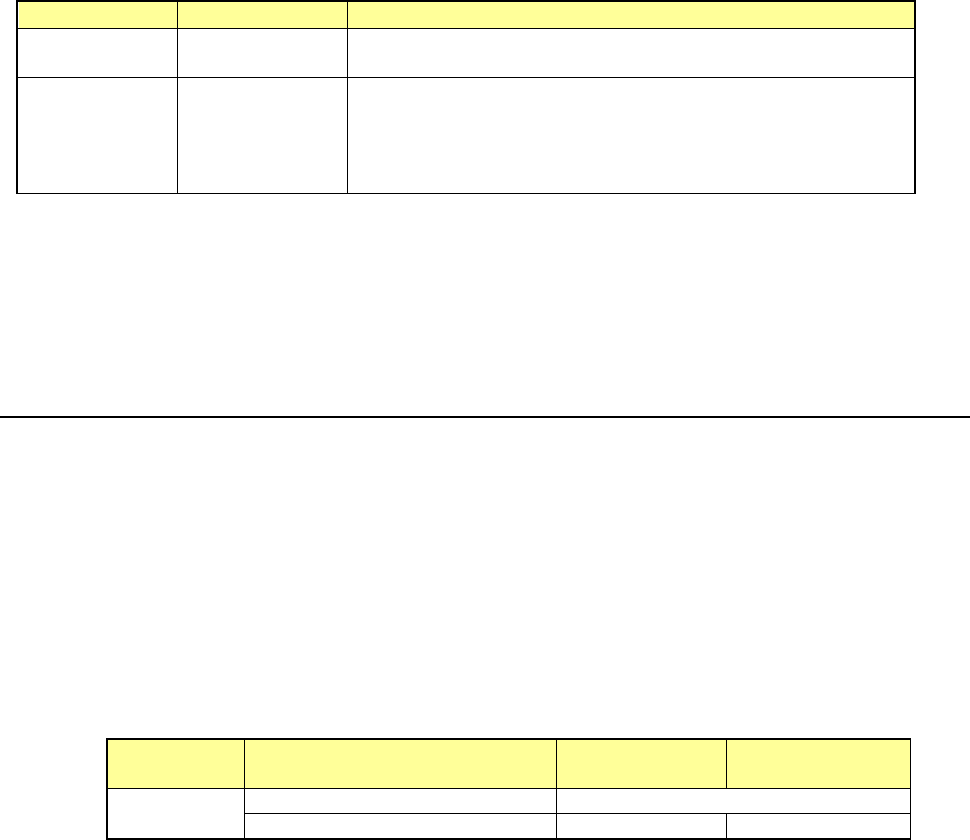
Tool menu
Operation mode
Description
Verify Current
check
Single check
Checks each component that caused an error in Continuous
verification mode.
Verify All check Continuous check
Checks all components or components that satisfy the requirements
you specified in a production program: checks up to 8 components
at the same time.
Single mode, the machine can check a component that failed to be
inspected.
* To use the verification function, a No. 7680 nozzle (for a 0201 or 03015 component) or the
following nozzle dedicated for the CVS is required.
Standard nozzles: 7500CVS, 7501CVS, 7502CVS, 7503CVS, 7504CVS, 7505CVS, 7509CVS
12.12.1.4 Actions to be taken during measurement
(1) Head used to pick up a component
8 axes can be measured simultaneously.
The system automatically selects a head that is used to pick up a component.
(2) Returning a component after checking it
The system returns some checked components onto their original positions, or discards other
ones depending on their packaging style as shown in Table below.
Since a component whose shorter side length is 1 mm or less may stand on its side or may be
turned over when it is returned, select the operation the system shall do on the dialog box.
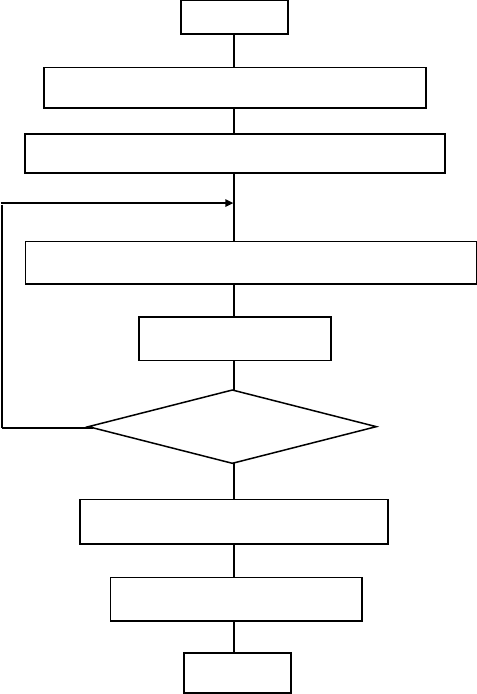
- Components return and disposal conditions
Packaging
style
Requirement
When returning
a component
When discarding
a component
Tape
The shorter side is 1 mm or shorter.
Question dialog box *1
The shorter side is 1 mm or longer.
○
○
*2
*1 The system displays the dialog box to prompt you to select whether to return or discard a
component. When the system is set to measure components continuously, it displays
the dialog box at start of continuous measurement.
*2 The system discards a checked component when the menu item “Compo Reject to” is set
to “Trash conveyor” or “Protect.”
(3) Selection of a feeder from which the machine picks up a component
If the same type of components are assigned to two or more feeders (on the “Pick data”
screen), the machine starts picking up components in numerical order of holes form smallest
to largest by default. You can change this feeder order intentionally only in Single Check
mode.
(4) Changing the coordinates of a component pick-up position
When pick is not successful, perform teaching about coordinates and change the pick position
coordinates.
Part 2 Detailed Description of Each Function Chapter 12 Handling the Optional Devices
12-72
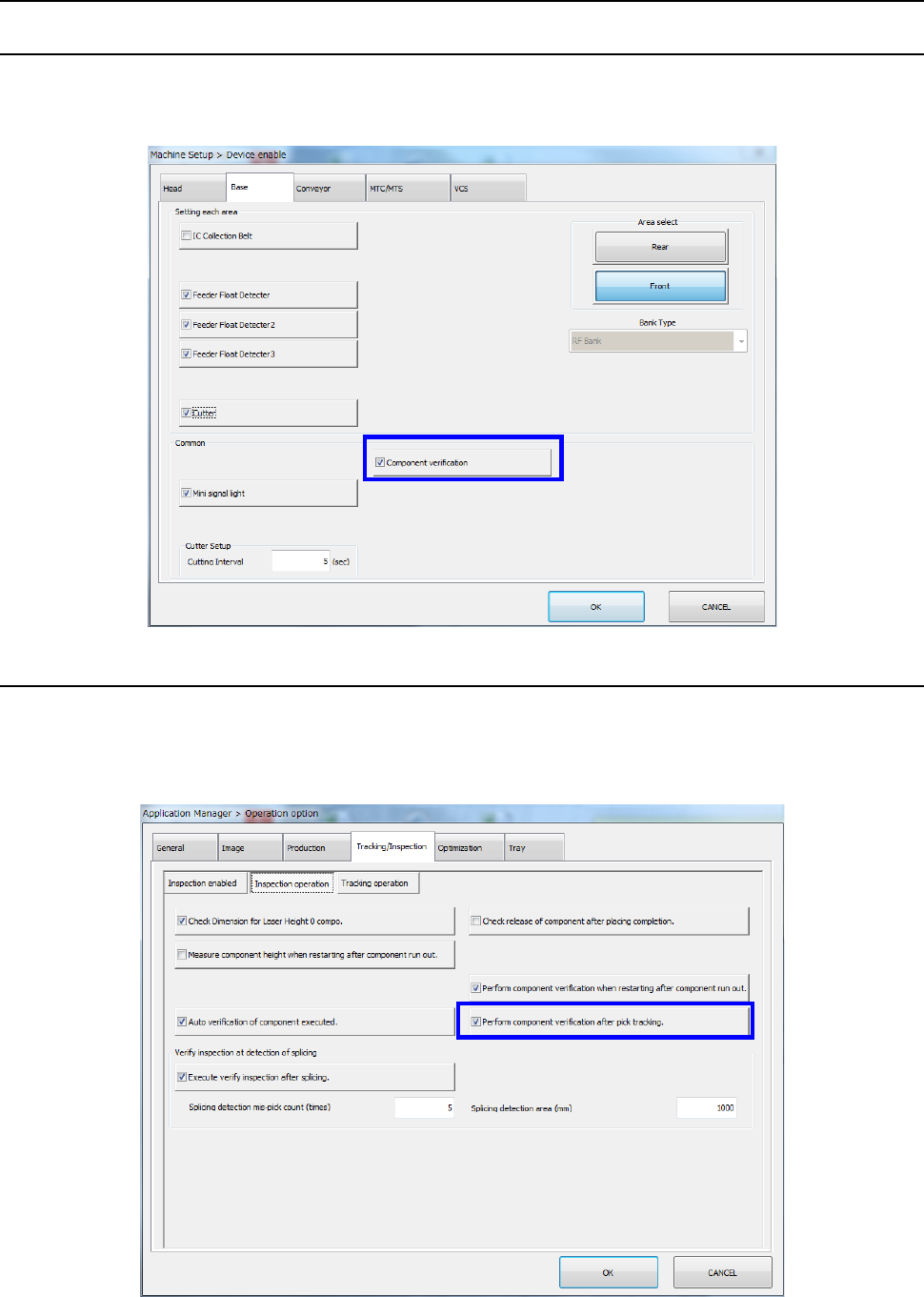
(5) Procedure of a continuous verification check.
1) Picking up of a target component (sequential pick-up)
2) Position correction with a recognition device
3) Move to the measurement position on the CVS unit
4) Measurement of the resistance, the capacitance of a capacitor and the polarity
If simultaneous measurement can not be performed, repeat 3) and 4)
5) Discarding/returning of a component
6) Decision of acceptance
Start
Sequential pick-up of target components
Position correction with a recognition device
Move to the measurement position on the CVS unit
Finish checking all
components?
Decision of acceptance
End
Measurement
Discarding/returning of
Part 2 Detailed Description of Each Function Chapter 12 Handling the Optional Devices
12-73
12.12.2 Operations
12.12.2.1 Machine Setup
Select [Device enable] – [Option device enable] on the machine setup screen and make sure that
[Component verification] is checked off by the [Option device enable] tab.
For the setting method, refer to the Section 8.3.1.2 "Option Device Enable"
12.12.2.2 Setting the Operation options
(1) Performing component verification after tracking a component pick-up operation
Select [Machine setting] – [Operation option] in the menu and select [Inspection operation]
from the “Tracking/inspection” tab. Then, make sure that [Verify inspection after pick
tracking] is checked off.