RS-1_instruction manual.pdf - 第601页
Part 1 B asic O peration Chapter 4 Cr eating a Produc tion Progra m 4- 266 ⑪ Superimpose s creen For component pickup, ret urn or discard, ima ge shot with t he OCC camera is d isplayed. At execution of t eaching, image …
Part 1 Basic Operation Chapter 4 Creating a Production Program
4-265
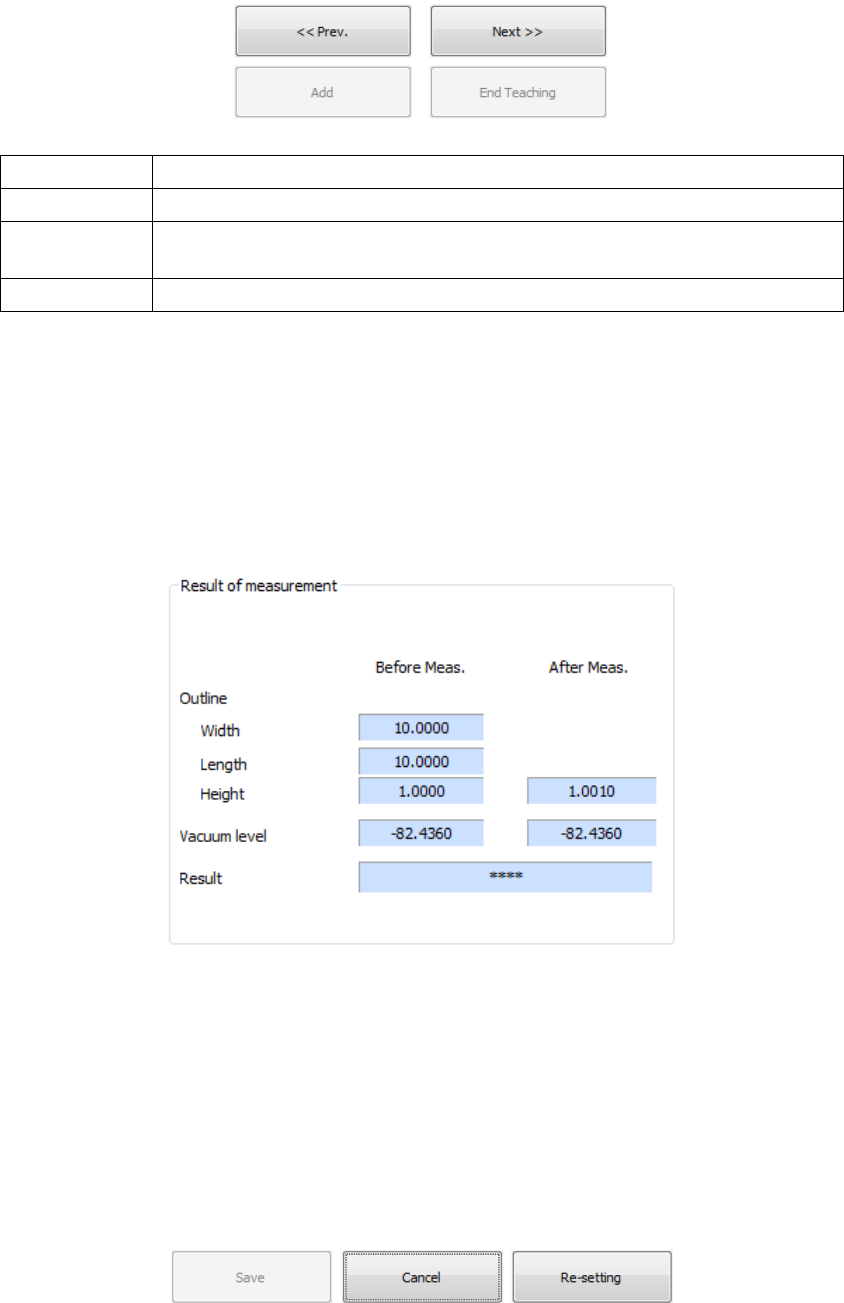
⑥ Processing changeover button
This button is used for a changeover, retrial, and termination of the contents of processing.
Prev. The processing preceding the current processing is performed once again.
Next The current processing is finished, proceeding to the next processing.
Add
An exclusion area is added (BGA/FBGA component only) or a pole area is added
(general-purpose component only).
End Teaching The teaching processing is completed and recognition is executed.
⑦ Result of measurement
The outer dimensions (length, width, and height) prior and subsequent to measurement,
vacuum pressure, and recognition result are displayed.
The post-measurement values of the items, which were not measured, are not displayed.
("****" is indicated.)
To save a measurement result, the recognition result must be "OK."
When "****" or "NG" is displayed, the measurement result cannot be saved.
⑧ Save
The measurement result is saved and the execution screen is closed. This key can be
executed only when the recognition result is "OK."
⑨ Cancel
During or after execution, the result is discarded and the execution dialog box is closed.
⑩ Re-setting
During or after execution, the result is discarded and teaching is executed from the
beginning.
Part 1 Basic Operation Chapter 4 Creating a Production Program
4-266
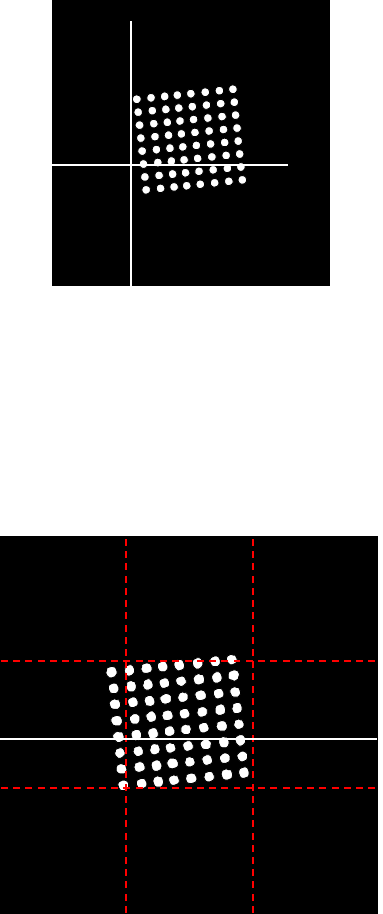
⑪ Superimpose screen
For component pickup, return or discard, image shot with the OCC camera is displayed. At
execution of teaching, image shot with the VCS camera is displayed.
During teaching, the cursor and recognition result are displayed.
• Cursor moving method (touch panel)
When you push a position on the screen while the cursor is displayed, the cursor
can be moved in one of eight directions.
(Characters in red are not displayed on the screen actually.)
Upper
Upper right
Uppe
Lef
Right
Bottom left
Bottom right
Bottom
Part 1 Basic Operation Chapter 4 Creating a Production Program
4-267
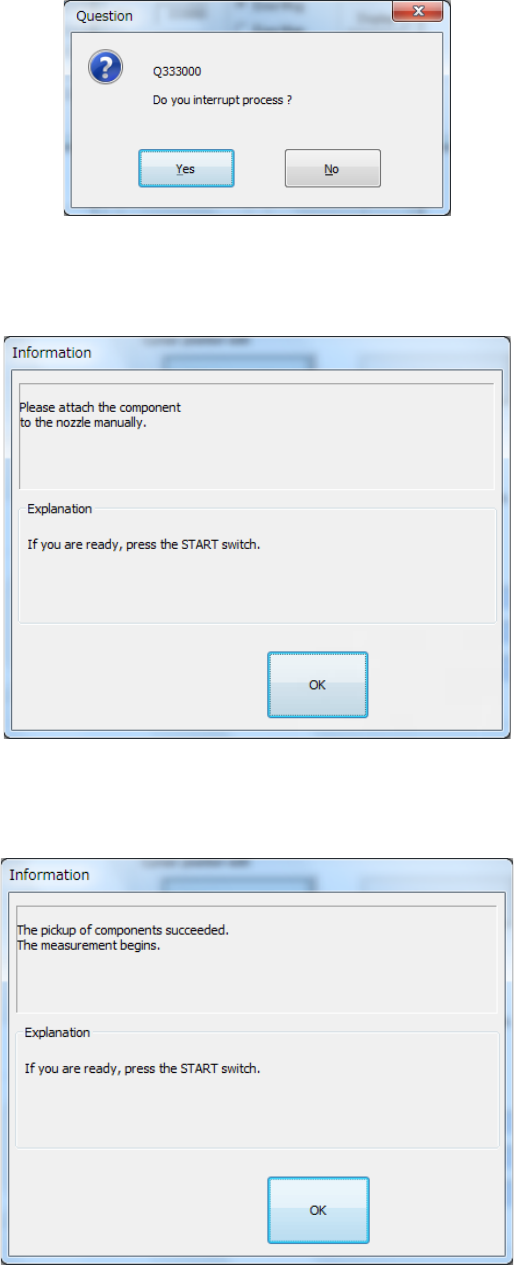
To abort teaching forcibly, press the <STOP> button. The following message appears on
the screen. Select whether to finish measurement or not.
When a component is picked up manually, the message that prompts you to pick it up
appears on the screen.
When a component is picked up with your hands successfully, the following dialog box
appears on the screen.