RS-1_instruction manual.pdf - 第80页
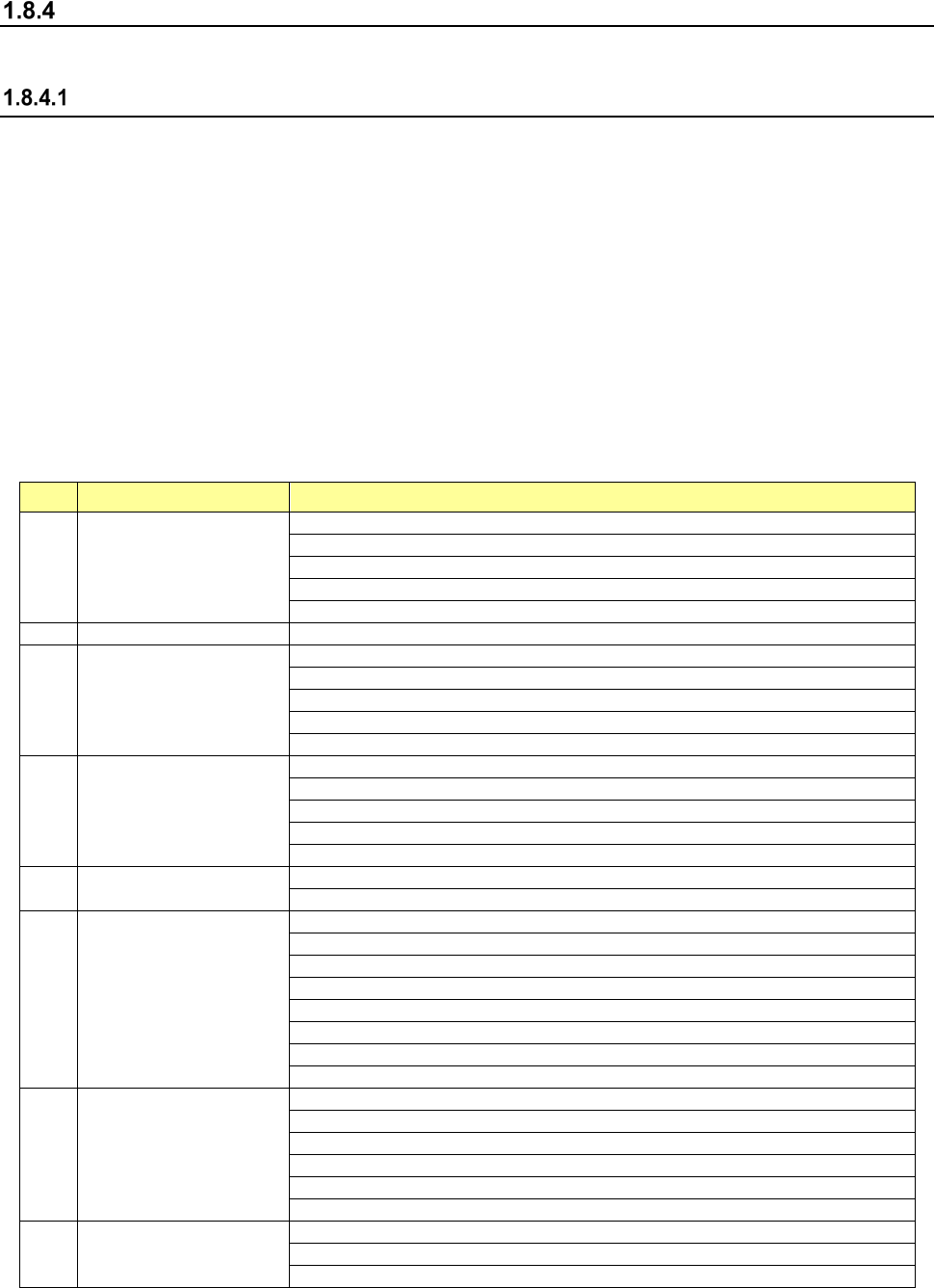
Part 1 B asic O peration Chapter 1 Overv iew of the Machine 1- 62 (2) Menu organiz ation of the Progra m Editor screen No. Operation are a Sub menu 1 File New Open Save Save as Save to fi le Environme nt Settin g 2 Edit …
Part 1 Basic Operation Chapter 1 Overview of the Machine
1-61
Menus and Function Buttons
You can operate the operation screen with menus or function buttons.
Menu organization
Two types of menus are displayed with the system: the main menu that can be operated on the
desktop screen displayed at start-up of the system, and local menus that are invoked from the main
menu.
Totally, the system displays the following menus:
1 Desktop screen (main menu)
2 Program Editor
3 Production
4 Machine Setup
5 Manual Control
6 Machine Management Info.
7 Self Check Function
The organization of each menu above is described below.
(1) Menu organization of the desktop screen
No. Operation area Sub menu
1 File
New
Open
Save
Save as
Save to file
2
Program Editor
Program Editor
3 Arrange
Control Data Management
Get and Save Machine Data
Save Image data
Machine Management Info.
Originating
4 Product
Pwb Production
Trial Run
Dry Run
Path-Thru Mode
Warm-Up
5 Setting
Machine Setup
Option Setting
6 Maintenance
Manual Control
Mech. Ctrl. Parameter Setting
MS-Parameter Setting
Maintenance Log
Self-Check
FCS
X axis Correct of curve
Y axis Correct of curve
7 Env. Setting
Change User Group/Environmental Setting
Default Folder
Language Selection
Area Setting
Operation Environment Setting
About Programs
8 Startup
File Management (Explorer)
Safely Remove Hardware
Date and Time Setting

Part 1 Basic Operation Chapter 1 Overview of the Machine
1-62
(2) Menu organization of the Program Editor screen
No.
Operation area
Sub menu
1 File
New
Open
Save
Save as
Save to file
Environment Setting
2 Edit
Replacement
Change component name
Update layers (All component)
Update layers (Current component)
Update pick offset
Mark copy
Mark paste
Mark database
Matrix Copy
Production program copy
3 Data
Data completion status
Data coherence check
4 Optimization
Optimization
Divided placement data
Nozzle layout
Component supply count
5 View
Feeder layout
All displays List Items
Select List Items
6 Machine operation
BOC mark
Area mark
Feeder bank mark (Front)
Feeder bank mark (Rear)
Place
Pick position
Pick height
7 Meas/Insp
Current component
All component
PWB Height
Vision Recognize
Coplanarity Inspection
Verify speed
Vision teaching
Bad mark teaching
Single Verification
Continuous Verification
8 Database
Register
Call List
Collective recall

Part 1 Basic Operation Chapter 1 Overview of the Machine
1-63
(3) Menu organization of the production screen
No. Operation area Sub menu
1 File
Open
Save
Save as
Get and Save Machine Data
Save Management Info
Cont. prod. File Delete
2 Window
Prod Cond
Production status (Production condition)
Production status (Vision)
Production status (Operation condition)
Production status (Number of produced PWB)
Management Info (All)
Management Info (Head)
Management Info (Feeder)
Management Info (Pick)
Electric feeder check
Collation confirmation
3 Program
Retry list (Supplier)
Retry list (Not placed)
Component supply
Edit data
Program Check
Management Info is cleared.
4 Support
Plan support
Placement tracking
Verify Current check
Verify All check
GNRL. Vision direction single inspection
GNRL. Vision direction continuous inspection
Laser check
Auto-Correct pick position Clear
5 Tool
Operation option
Setting of displayed items
IFS server reconnect
6 Electric feeder check No submenu provided.
7 Cycle stop No submenu provided.
8 Feeder removal mode No submenu provided.
9 Feeder Bank Enable
Front bank valid
Rear bank valid