RS-1_instruction manual.pdf - 第575页
Part 1 B asic O peration Chapter 4 Cr eating a Produc tion Progra m 4- 240 4) When continuo us measur ement fi nis hes When the syst em finish es measur ing all component s that satisfy the spec i fied cond i tions, the …
Part 1 Basic Operation Chapter 4 Creating a Production Program
4-239
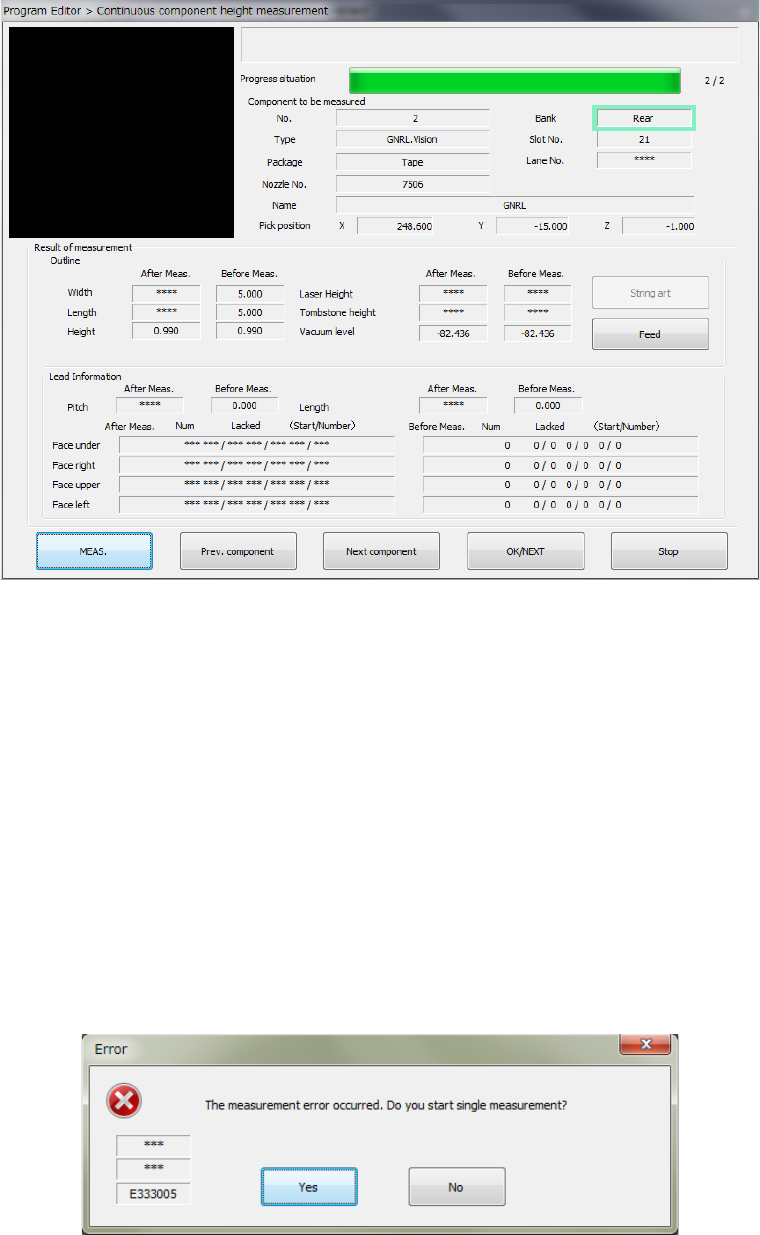
3) Result of the continuous measurement
When continuous measurement of components finishes, the following result screen
appears.
① <OK> button
This button validates the measurement result, and then stores the values obtained with the
measurement into the Component data. Then, the system measures the next component.
② <Cancel> button
This button cancels the measurement result, and then stops continuous measurement.
The system displays the previous screen for setting the continuous measurement conditions
again.
③ <MEAS.> button
This button measures a component being measured in Single Measurement mode.
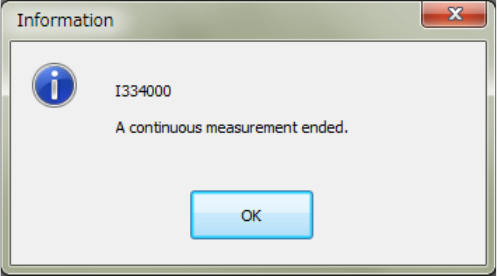
④ If a measurement error occurs
If a measurement error occurs for any reason, the following dialog box appears on the
screen. When you click the <Yes> button, the system enters Single Measurement mode.
When you select "No", the next component is measured.
Part 1 Basic Operation Chapter 4 Creating a Production Program
4-240
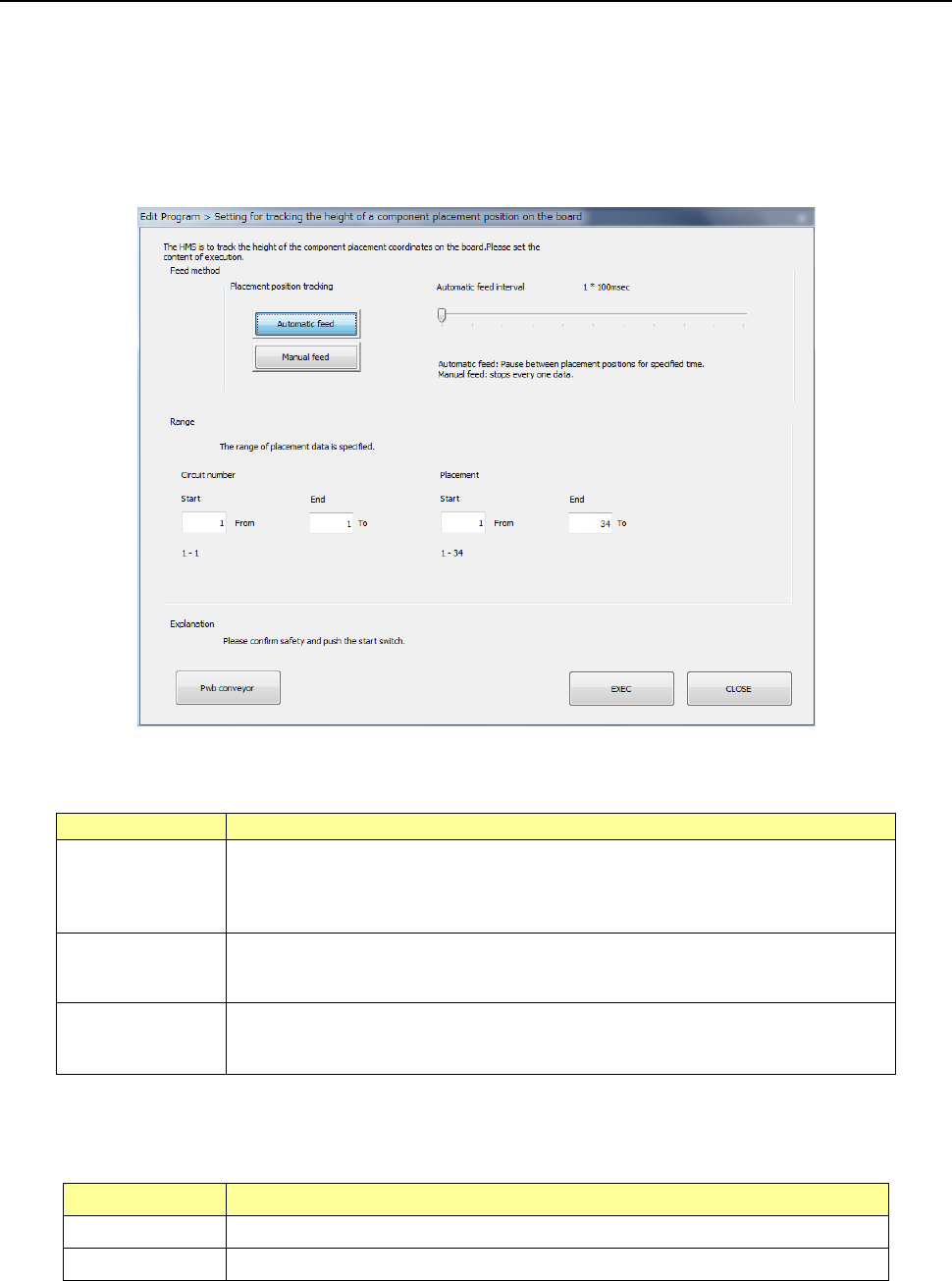
4) When continuous measurement finishes
When the system finishes measuring all components that satisfy the specified conditions,
the following dialog box appears on the screen.
Part 1 Basic Operation Chapter 4 Creating a Production Program
4-241
4.5.7.2 PWB Height
This command measures the height of the surface of a PWB at a component placement position
with the HMS.
(1) Setting for tracking the height of a PWB on which components are placed
When you select the [PWB Height] command from the “Meas/Insp” menu, the following “Setting for
tracking the height of a component placement position on the board” dialog box appears on the
screen.
1) Feed method
Set the camera operation to be performed during measurement.
Menu item
Overview
Automatic feed
This button measures the height of a PWB at component placement positions one
by one at regular intervals.
The camera stops for the period of time set with the “Auto feed interval,” and then
the camera moves to the next position after lapse of this time.
Manual feed
The camera stops without moving to the next position until the user operates the
system after the system measures the height of a PWB at the component
placement position.
Auto feed interval
This menu item adjusts the stop interval of the camera when you select the
<Automatic feed> button.
You can set the interval in the range of 10 msec to 5 seconds.
2) Range
Specify the tracking range of the Placement data. By default, all placement positions are to
be tracked.
Menu item Overview
Circuit number Specifies the measurement range with the circuit numbers.
Placement Specifies the measurement range with the placement positions.
After setting the range, press the <EXEC> button to start measurement.