RS-1_instruction manual.pdf - 第492页
Part 1 B asic O peration Chapter 4 Cr eating a Produc tion Progra m 4- 157 4.5.1 .3 Update layers This command incorporat es a layer spec i fied in t he C ompon ent data into the Placem ent data. The system in corporates…
Part 1 Basic Operation Chapter 4 Creating a Production Program
4-156
4.5.1.2 Change Component Name
This command changes the specified component name stored in the Component data.
Screen Function
PWB data
Basic setting screen
This command cannot be used.
Dimension setup screen
Circuit Layout screen
Ex. Bad Mark screen
PWB Conveyor screen
Placement data
List screen You can change a component name.
Area Mark screen
This command cannot be used.
Area Bad Mark screen
Component data
List screen
You can change a component name.
Form screen
Pick data
List screen
Form screen
The system changes a component name only, and any other data does not change.
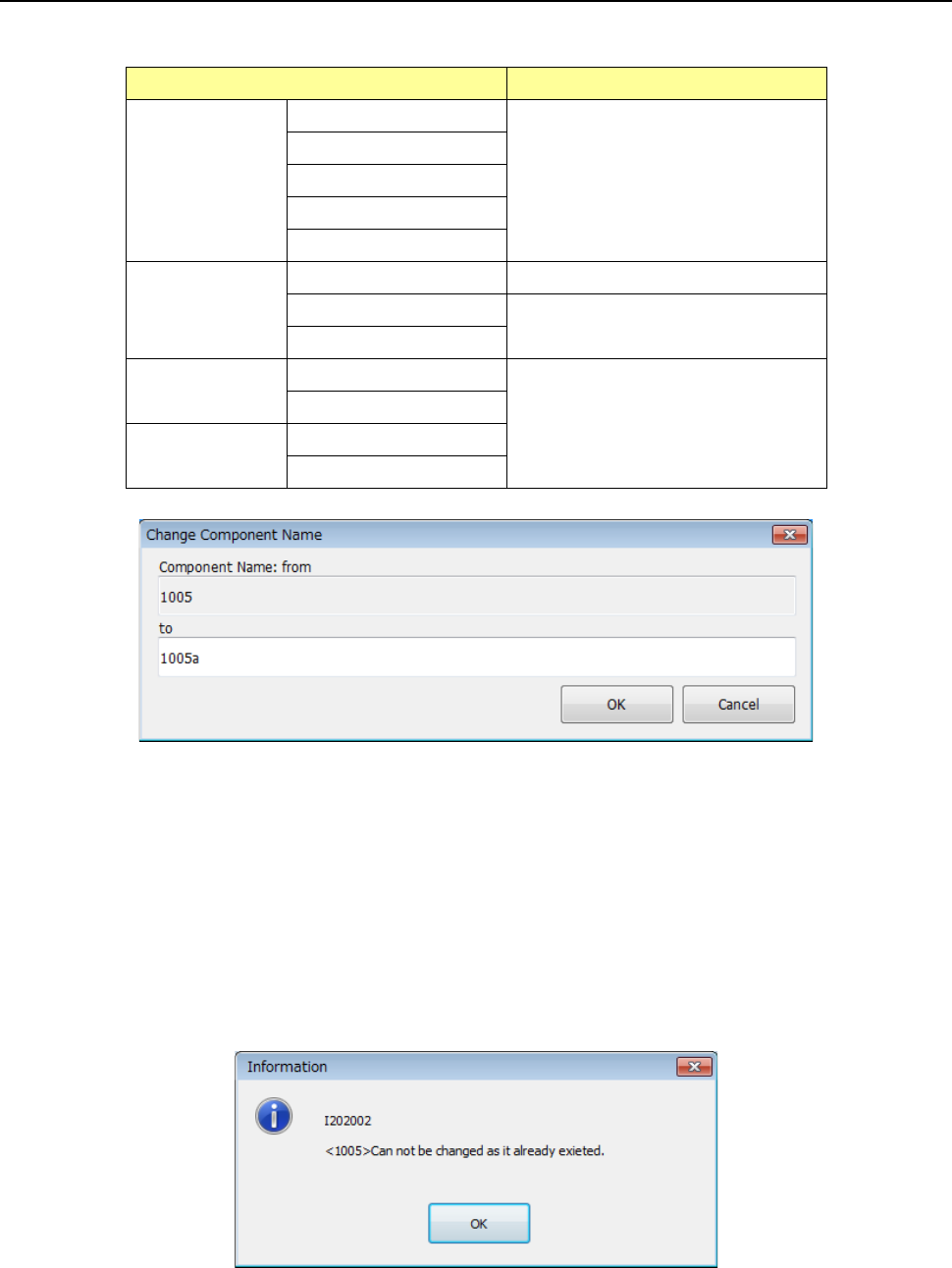
A component name specified before changing is displayed in the “Component Name: from” area.
A component name specified before changing is highlighted in the “To” edit box.
Enter a new name in this “To” edit box.
When you press the <OK> button, the component name is changed to the new name you entered.
When you press the <Cancel> button, the component name does not change, and the previous
screen reappears.
If the entered new name is already used in another component, the dialog box like one shown
below appears on the screen.
Part 1 Basic Operation Chapter 4 Creating a Production Program
4-157
4.5.1.3 Update layers
This command incorporates a layer specified in the Component data into the Placement data.
The system incorporates a layer in the following two ways.
All component: The system incorporates layers specified in all component data records
into the Placement data.
Current component: The system incorporates a layer of the specified component into the
Placement data.
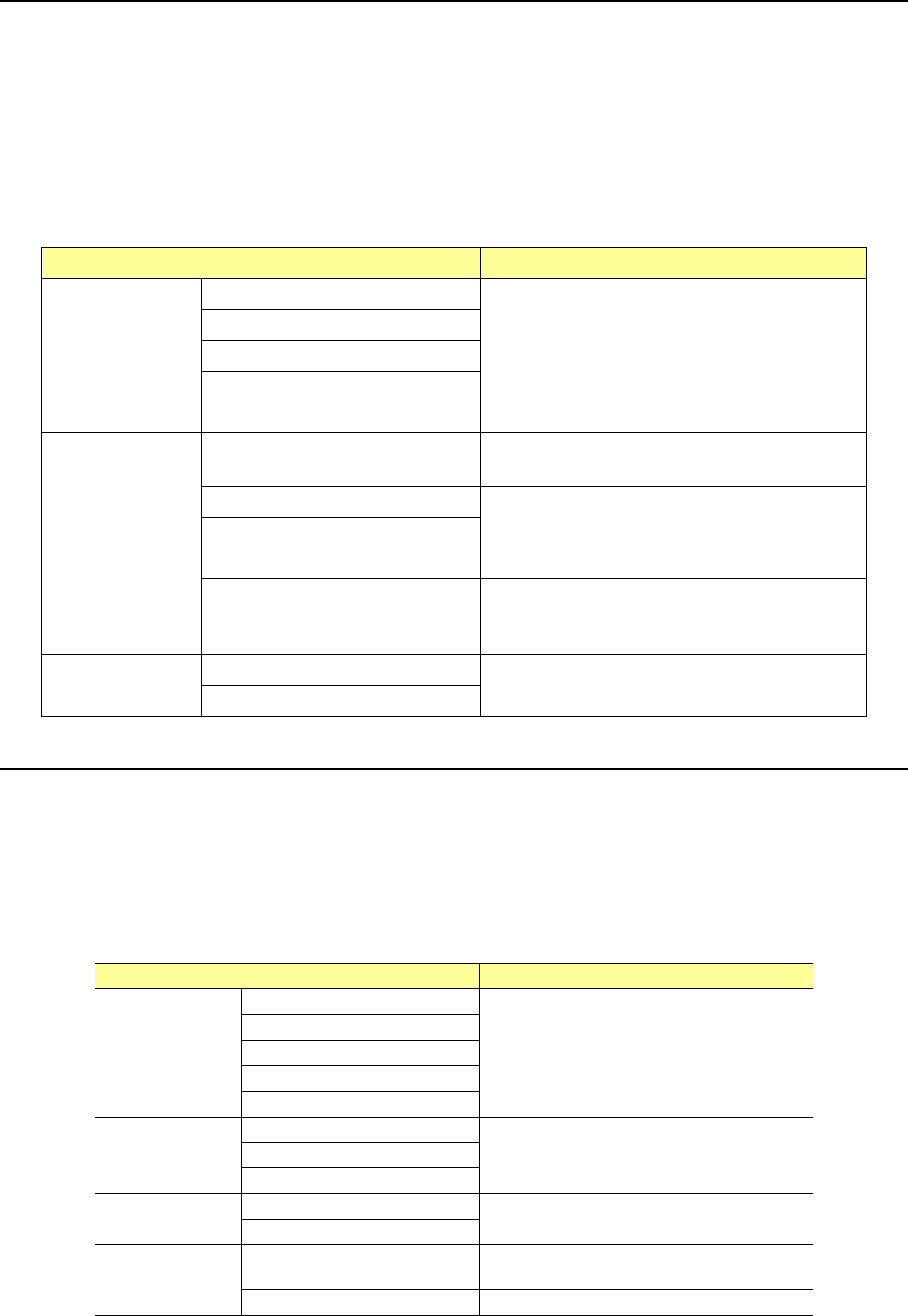
Screen Function
PWB data
Basic setting screen
This command cannot be used.s
Dimension setup screen
Circuit Layout screen
Ex. Bad Mark screen
PWB Conveyor screen
Placement data
List screen
When all Component data is created
completely, you can select the <All> button.
Area Mark screen
This command cannot be used.
Area Bad Mark screen
Component data
List screen
Form screen
When the corresponding component data is
created completely, you can select the <Current
component> button.
Pick data
List screen
Form screen
Form screen
4.5.1.4 Update pick offset
This command uses the “Pick position” set on the “Pick” data screen to specify the “Picking offset”
on the “Component” data screen.
When you select one data record on the “Pick” data screen and the [Update pick offset] command
after data editing operation such as teaching, the difference between the default pick-up value of
the selected “Pick” data record and the input value can be used for the “Picking offset” on the
“Component” data screen.
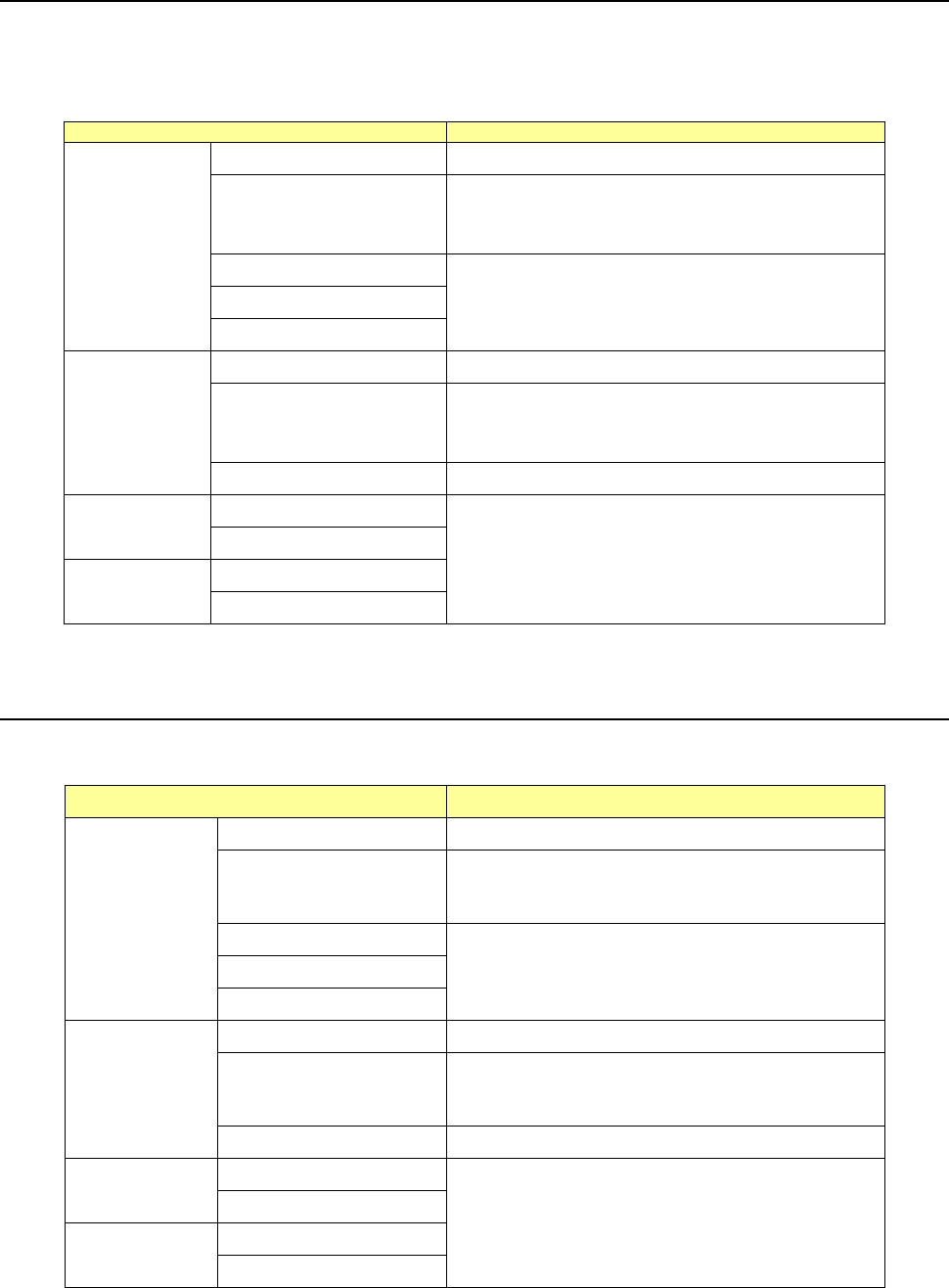
Screen
Description
PWB data
“Basic setting” screen
This command cannot be used.
“Dimension setup” screen
“Circuit Layout” screen
“Ex. Bad Mark” screen
“PWB Conveyor” screen
Placement data
“List” screen
This command cannot be used.
“Area Mark” screen
“Area Bad Mark” screen
Component data
“List” screen
This command cannot be used.
“Form” screen
Pick data
“List” screen
This command can be used when you
select the menu item “XYZ.”
“Form” screen
This command cannot be used.
Part 1 Basic Operation Chapter 4 Creating a Production Program
4-158
4.5.1.5 Mark copy
This command copies the selected mark data into the memory buffer. To paste mark data onto
another mark data, execute the [Mark paste] command.
The copied mark data is effective on the displayed screen only. When you move to another
screen, it becomes invalid.
Screen
Function
PWB data
Basic setting screen This command cannot be used.
Dimension setup screen
Only when the cursors is located in the “BOC mark
name” cell or the ( ) cell, you can select this
command from the menu.
Circuit Layout screen
This command cannot be used. Ex. Bad Mark screen
PWB Conveyor screen
Placement
data
List screen This command cannot be used.
This command cannot be
used.
Only when the cursor is located in the “Mark Name”
cell or the “TI” cell, you can select this command
from the menu.
Area Mark screen This command cannot be used.
Component
data
List screen
This command cannot be used.
Form screen
Pick data
List screen
Form screen
If you used the sort function, you cannot select the [Mark paste] command.
4.5.1.6 Mark paste
This command pastes the mark data loaded with the [Mark copy] command into the specified mark
data.
Screen Function
PWB data
Basic setting screen This command cannot be used.
Dimension setup screen
Only when the cursors is located in the “BOC mark
name” cell or the ( ) cell, you can select this
command from the menu.
Circuit Layout screen
This command cannot be used.
Ex. Bad Mark screen
PWB Conveyor screen
Placement data
List screen This command cannot be used.
Area Mark screen
Only when the cursor is located in the “Mark Name”
cell or the “TI” cell, you can select this command
from the menu.
Area Bad Mark screen This command cannot be used.
Component
data
List screen
This command cannot be used.
Form screen
Pick data
List screen
Form screen
If you used the sort function, you cannot select the [Mark paste] command.