RS-1_instruction manual.pdf - 第783页
Part 2 D etaile d Descript ion of E ach Functi on Chapter 9 M anual Control 9- 11 9.3.3 .1 Control item: Vacuum ctrl. This button t urns ON/ OFF the v acuum dev ice of the sele cted head. W he n the contr ol item “ V acu…
Part 2 Detailed Description of Each Function Chapter 9 Manual Control
9-10
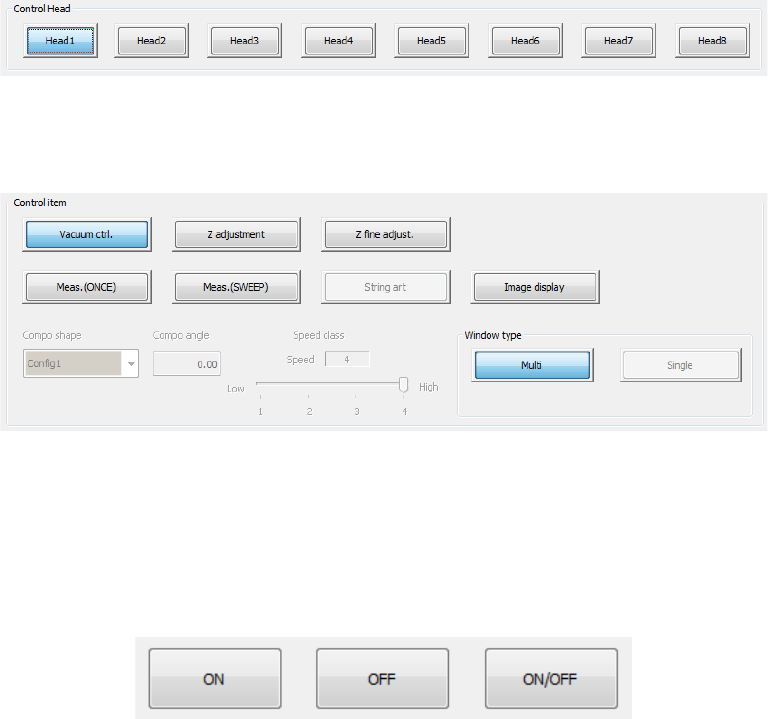
(2) Control Head
Select the head to be controlled with the radio button.
This selection is not affected by the setting of the “Device enable” tab invoked from the
“Machine Setup” screen.
(3) Control item
Select an item to be controlled with the corresponding push button.
An outline of each control will be described later. Refer to “9.3.3.1 Control items: Vacuum
control and later.
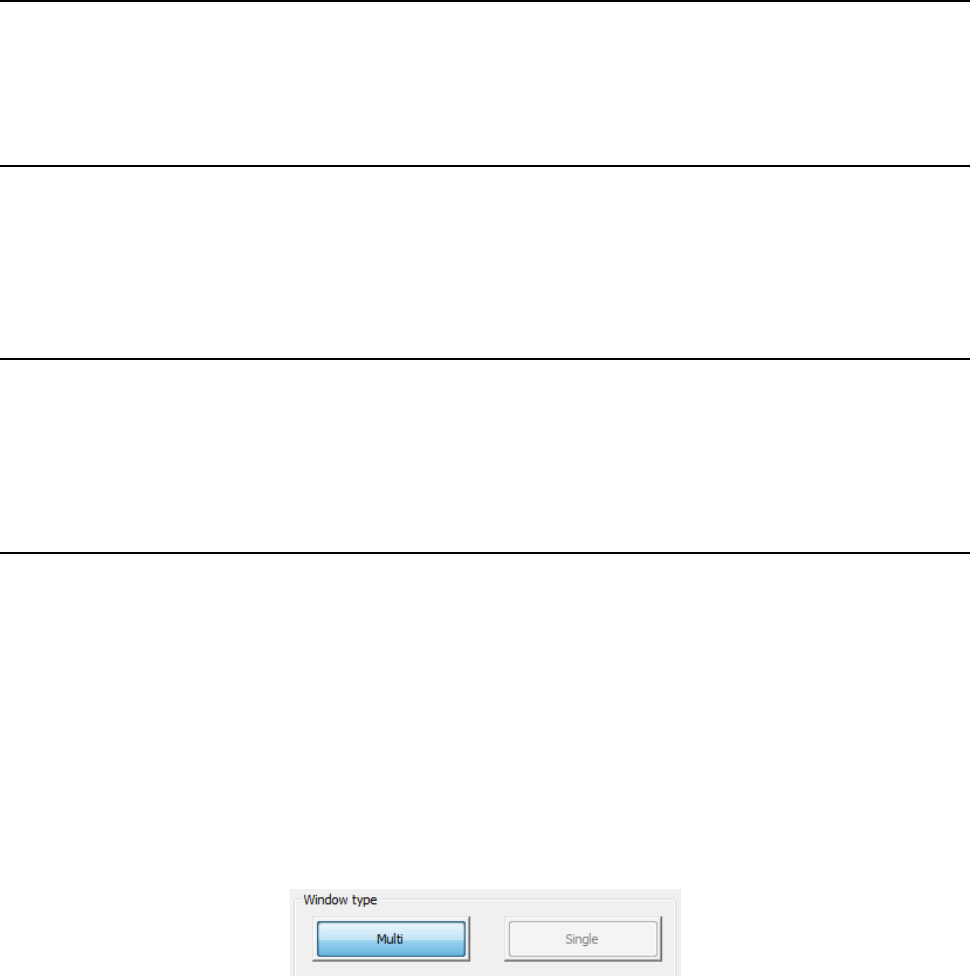
(4) Control buttons
Execute control items by using the control buttons in the lower part of the screen.
The control button display varies depending on control items. (* The figure shows an
example.)
Part 2 Detailed Description of Each Function Chapter 9 Manual Control
9-11
9.3.3.1 Control item: Vacuum ctrl.
This button turns ON/OFF the vacuum device of the selected head.
When the control item “Vacuum control” is selected, press the <ON> button, <OFF> button, or
<ON/OFF> button for control.
The displayed pressure is updated when the system finishes controlling the vacuum condition.
9.3.3.2 Control item: Z adjustment
This button controls the Z-axis coordinate of the selected head.
Use this button to pick up a component with a nozzle.
When the control item “Z adjustment” is selected, press he <Up> button, <Down> button, or
<Up/Down> button for control.
The displayed coordinate is updated when the head finishes moving completely.
9.3.3.3 Control item: Z fine adjust.
This button controls the Z-axis coordinate of the selected head.
Use this button to move the picked component to the laser measurement height.
When the control item “Z fine adjust” is selected, press the <Up> button, <Down> button, or
<Up/Down> button for control.
The displayed coordinate is updated when the head finishes moving completely.
9.3.3.4 Control item: Meas. (ONCE)
This button measures the head with laser (ONCE).
“ONCE” is the function for obtaining the information on the shadow shot with the sensor at the
present. The measurement result is displayed in the “Status” table.
When the control item “Meas. (ONCE)” is elected, press the <Exec> button for control. When
you select <LA> button, the head is moved to the end (bottom surface of component when a
component is picked up) of this head.
The measurement result displayed in the “Status” table is updated when the system finishes
measuring.
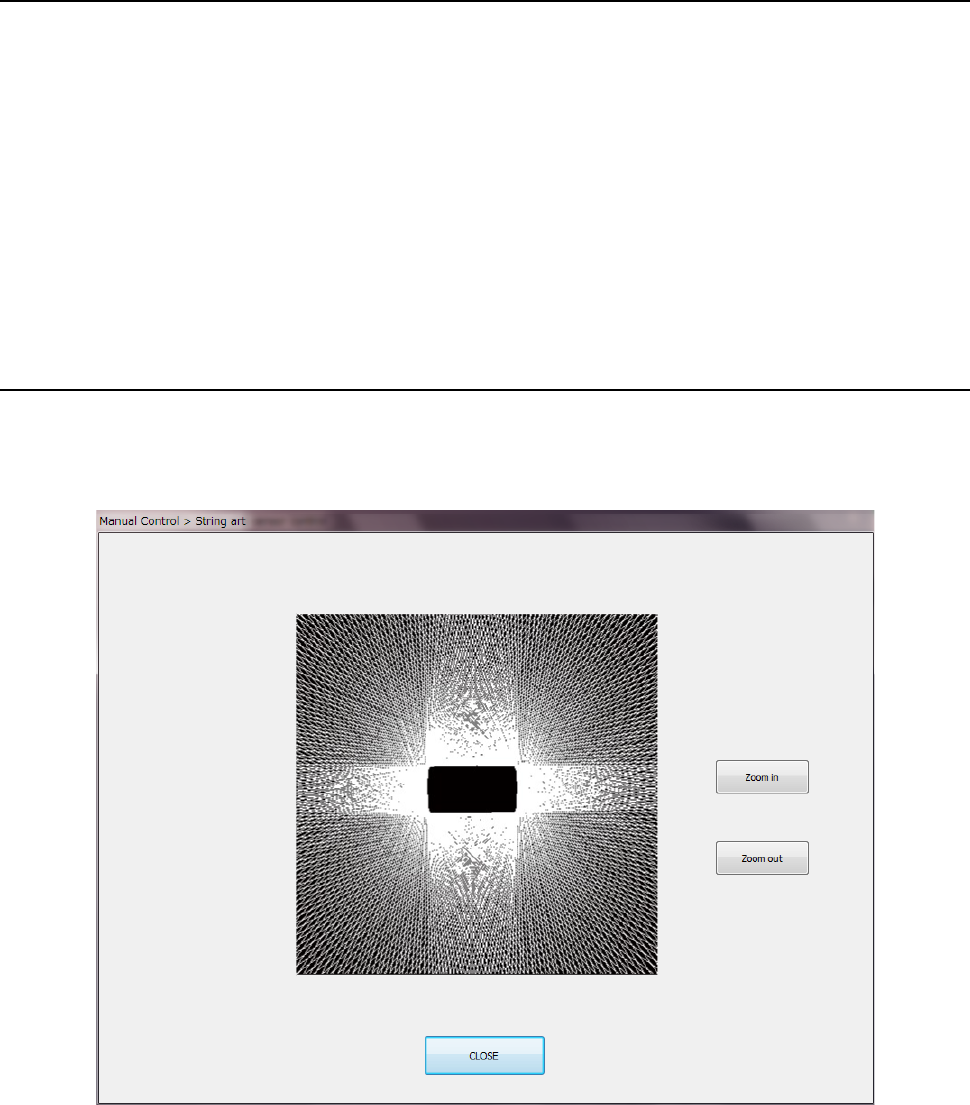
Select the window type to be used during measurement with the corresponding push button
displayed on the right bottom corner of the screen.
When you select other than the control item “Meas. (ONCE)” or “Meas. (SWEEP),” setting is
disabled.
a) Multi
This button sets an area in which two or more heads can measure components at the same
time as the window size.
(Center of the rotation of the nozzle attached on the specified head ±5.5mm)
When you plan to measure a component whose size exceeds this window size, select the
<Single> button.
b) Single
This button sets an area in which the maximum size component can be measured with laser
as the window size.
When you select this button, the system uses the measurement areas (windows) of other
heads also.
Therefore, if another head is moved down to the laser height, the system may fail to
measure a component.
Before measurement, check to see if any other head is not moved down to the laser
measurement height.
Part 2 Detailed Description of Each Function Chapter 9 Manual Control
9-12
9.3.3.5 Control item: Meas. (SWEEP)
This control item measures the head with laser (SWEEP).
The SWEEP function rotates a substance to be measured in the detection area to detect a
component pick-up error, angle error and size. The laser unit analyzes the obtained data based
on the component shape specified in the “Compo shape” combo box to calculate the
measurement results. The measurement results are displayed in the “Status” area.
When the control item “Meas. (SWEEP)” is selected, press the <Exec> button for control. When
you select <LA> button, the head is moved to the end (bottom surface of the component when a
component is picked up) of this head.
The status displayed in the “Measurement result” area is updated when the system finishes
measuring.
For the window type at measurement, refer to “9.3.3.4 Control item: Meas. (ONCE).
9.3.3.6 Control item: String art
This button displays the string art (outline of a component) based on data obtained with the
SWEEP function.
When the control item “String art” is elected, press the <Exec> button for control.
For an example of string art based on the laser height, refer to the table shown on the next page.