semi合集-English.pdf - 第1438页
SEMI 30.1-0200 © SEMI 1998, 2000 13 ensure that the data an d the material remain synchronous. As a result, in some cases material processing may be delay ed due to extended data process ing time. 8.1.2 T he m ost fundam…
SEMI 30.1-0200 © SEMI 1998, 2000 12
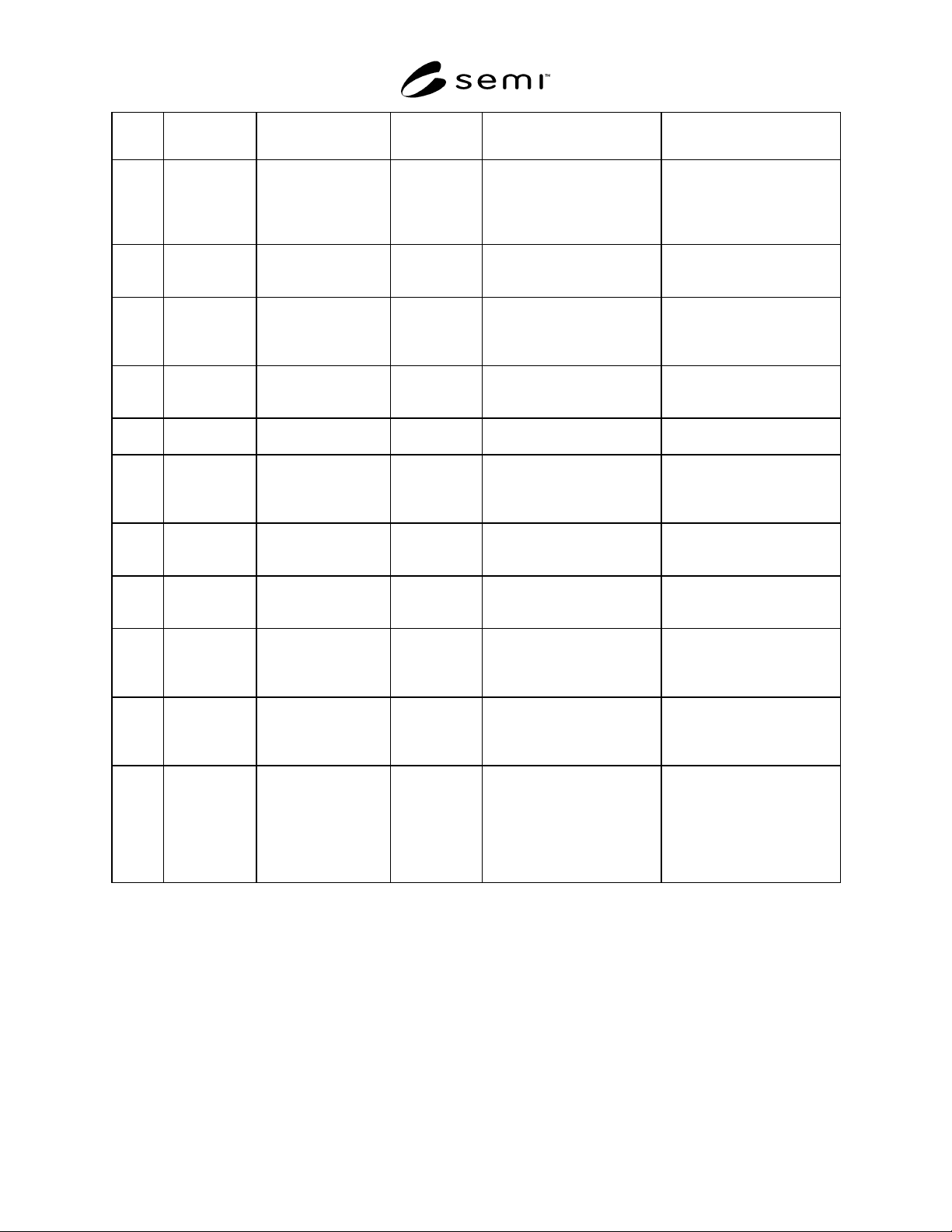
Transi-
tion #
Previous State Trigger New State Actions Comments
34 ACQUIRE
ANOMALY
DATA
Anomaly data has
been acquired for the
review, or no more
anomaly data is
available.
REVIEW
SETUP
The equipment determines
what to do.
35 REVIEW
SETUP
The equipment has
anomaly data, and the
review is not complete.
ACQUIRE
ANOMALY
IMAGE
The equipment acquires the
anomaly image at the specified
site.
The image may be a stored
image or from an imaging
device.
36 ACQUIRE
ANOMALY
IMAGE
The equipment has
acquired the anomaly
image for the specified
site.
CLASSIFY The operator or equipment
classifies the anomaly.
None
37 CLASSIFY All anomalies have
been classified for the
site.
REVIEW
SETUP
The equipment determines
what to do.
None
38 REVIEW
SETUP
The review of the align
area is complete.
REVIEW
COMPLETE
Transition to next state is to be
determined.
None
39 REVIEW
COMPLETE
The review of this
alignment area ended,
and additional review
is required.
ALIGN A review group is complete,
and additional alignment is
required.
None
40 INSPECT The alignment area
inspection is complete,
and review is required.
REVIEW The material is reviewed. This transition is to the
REVIEW SETUP Sub-State of
REVIEW.
41 REVIEW
COMPLETE
The review is
complete, and
inspection is required.
INSPECT The material is inspected. This transition is to the
INSPECT SETUP Sub-State
of INSPECT.
42 CHECKING Validation of
requested process
program changes
failed.
PAUSED The equipment is waiting for a
new command.
No process program
parameters have been changed.
43 PAUSED The equipment
receives a PP-
UPDATE command.
CHECKING The equipment begins
validating requested changes
to the process program.
No process program
parameters are updated or
changed before “all” requested
changes are validated.
44 LOAD Previous process
program has
completed, and there
are additional process
programs assigned to
the “CARRIERBLD”.
See Section 13.
SETTING UP The equipment performs setup
according to specifications of
the next process program.
PROCESS-BLD-GROUP may
include an AUTOSTART
command within its body.
Otherwise, the equipment
waits for a START command.
8 Collection Event List
This section identifies data collection events and defines (Stream 6) reporting levels for variable items. The host can
use the report definition scenario defined in SEMI E30 to define reports at ISEM-defined levels. The intent of this
section is to ensure data is available at specific events and to optimize data reporting to the SECS-II host by
allowing data to be grouped at reporting levels.
8.1 Requirements
8.1.1 This standard requires all collection events listed in the SEMI E30 standard. This standard requires the ISEM
events in Table 2 for data collection (RunDataComplete, SubstrateDataComplete, GroupDataComplete,
RegionDataComplete, and AnomalyDataComplete). These events are separate from the processing state transitions.
These collection events shall occur before or on the processing state transition specified in Table 1. This was done to
SEMI 30.1-0200 © SEMI 1998, 200013
ensure that the data and the material remain synchronous. As a result, in some cases material processing may be
delayed due to extended data processing time.
8.1.2 The most fundamental level of data defined for ISEM equipment is the anomaly level for review equipment
and region level for inspection equipment. For example, review equipment has data available for individual
anomalies at the AnomalyDataComplete event. Anomaly data may be grouped for level reporting. For example, data
for anomalies found within a region on a substrate would be available at the RegionDataComplete event. This data
would be available as a list variable item for Region Anomalies. All anomalies found on a substrate would be
available at the SubstrateDataComplete event. This could either be 1) a list of list variable items for Region
Anomaly, or 2) a single list variable item of all Substrate Anomalies. In this way, data can be reported with less
high-level event reports, rather than as more low-level event reports.
8.1.3 Data produced by ISEM equipment is customarily grouped for reporting by processing, material, and
equipment constraints which are called reporting levels (i.e., run, substrate, group, site, and anomaly data). Level
data is grouped by these constraints for a reporting level. Data shall be grouped within a reporting level according to
other constraints by degree of processing (e.g., raw sensor, basic, or analyzed data), or statistically (e.g., summary,
correlation, or comparison).
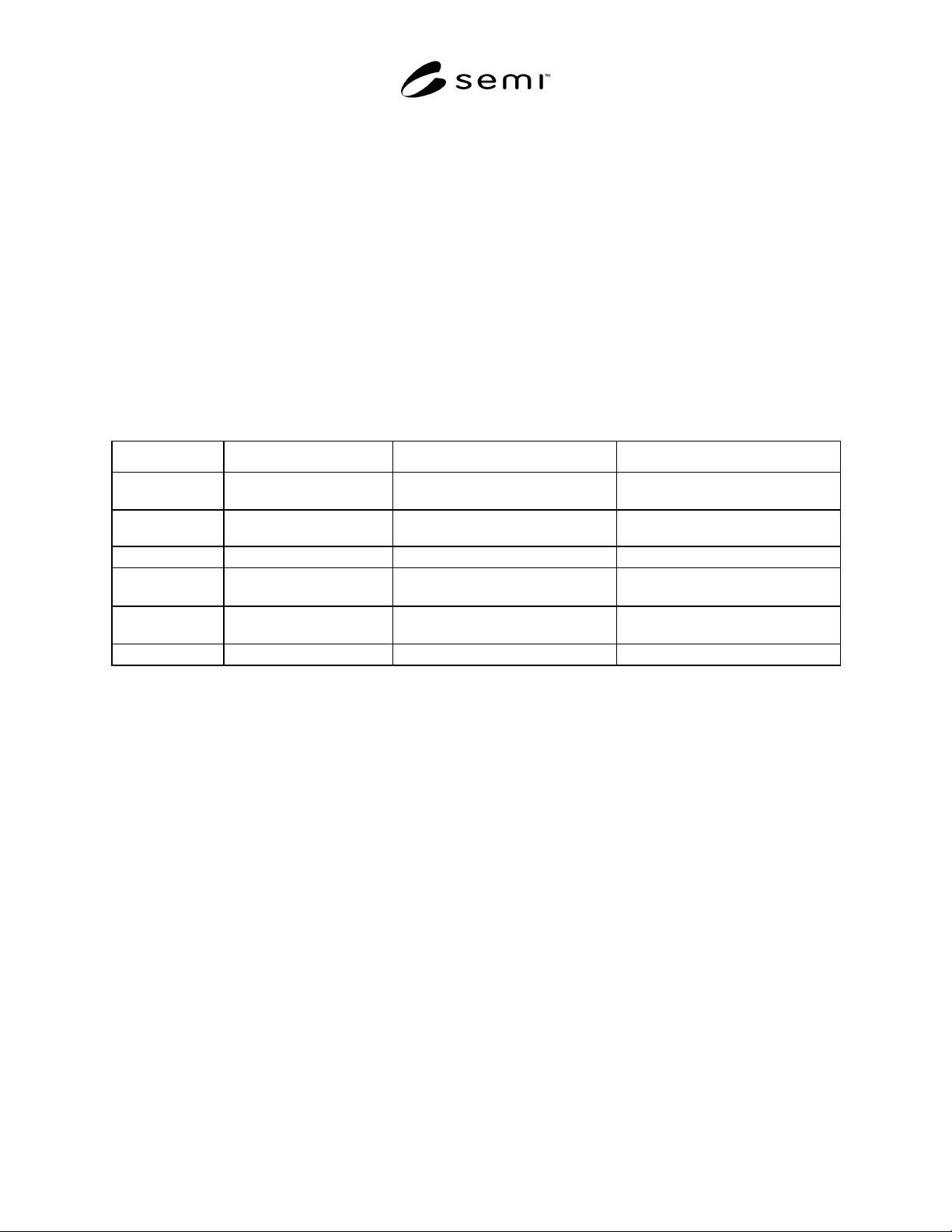
Table 2 Collection Events for ISEM Data Reporting
Reporting Level Data Collection Event Inspection Equipment Review Equipment
Run RunDataComplete
STOPPING → IDLE and LOAD →
SETTING UP
STOPPING → IDLE and LOAD →
SETTING UP
ProcessGroup ProcessBuildGroup-
Complete
LOAD → SETTING UP LOAD → SETTING UP
Substrate SubstrateDataComplete
UNLOAD → LOAD UNLOAD → LOAD
Group GroupDataComplete
INSPECT COMPLETE → ALIGN or
WORKING → UNLOAD
REVIEW COMPLETE → ALIGN or
WORKING → UNLOAD
Region RegionDataComplete
INSPECT REGION → INSPECT
SETUP
Not Defined
Anomaly AnomalyDataComplete Not Defined
CLASSIFY → REVIEW SETUP
NOTE 1: The data collection event shall occur before or on the processing state transition.
9 Variable Items
The purpose of this section is to define the list of variable item requirements for inspection and review equipment.
Values of these variables shall be available to the host via collection event reports and host status queries. These
variable items are separated into three categories: (a) common to all ISEM equipment; (b) specific to inspection
equipment; (c) and specific to review equipment.
If equipment supports the data item functionality defined by ISEM, then it is required and shall be implemented as
specified in Table 4 “Variable Item Dictionary”. That is, a variable item is only required if the equipment supports
the functionality necessary to support it. For example, if an inspection instrument only has the hardware to count
detected anomalies and lacks the hardware to determine their size, then the ISEM requires it to report anomaly count
(e.g., as SubstrateAnomalyCount), but reporting anomaly size (as AnomalySize) is not required by the ISEM.
9.1 Requirements
• All variable items and data item restrictions defined in SEMI E30 are required on ISEM equipment.
• All variable items in the ISEM Variable Item Dictionary for specific equipment classifications are required for
ISEM equipment. The data item restrictions are also required.
9.1.1 Variable items are categorized in the Variable Item Dictionary as follows:
• Common Variables (CV) — variables common to all ISEM equipment.
• Inspection-Specific Variables (ISV) — variables required only for inspection equipment.
• Review-Specific Variables (RSV) — variables required only for review equipment.
SEMI 30.1-0200 © SEMI 1998, 2000 14
9.2 Variable Items and Reporting Levels — Table 3 defines reporting levels and associated Data Collection Events
for which Variable Items are valid for.
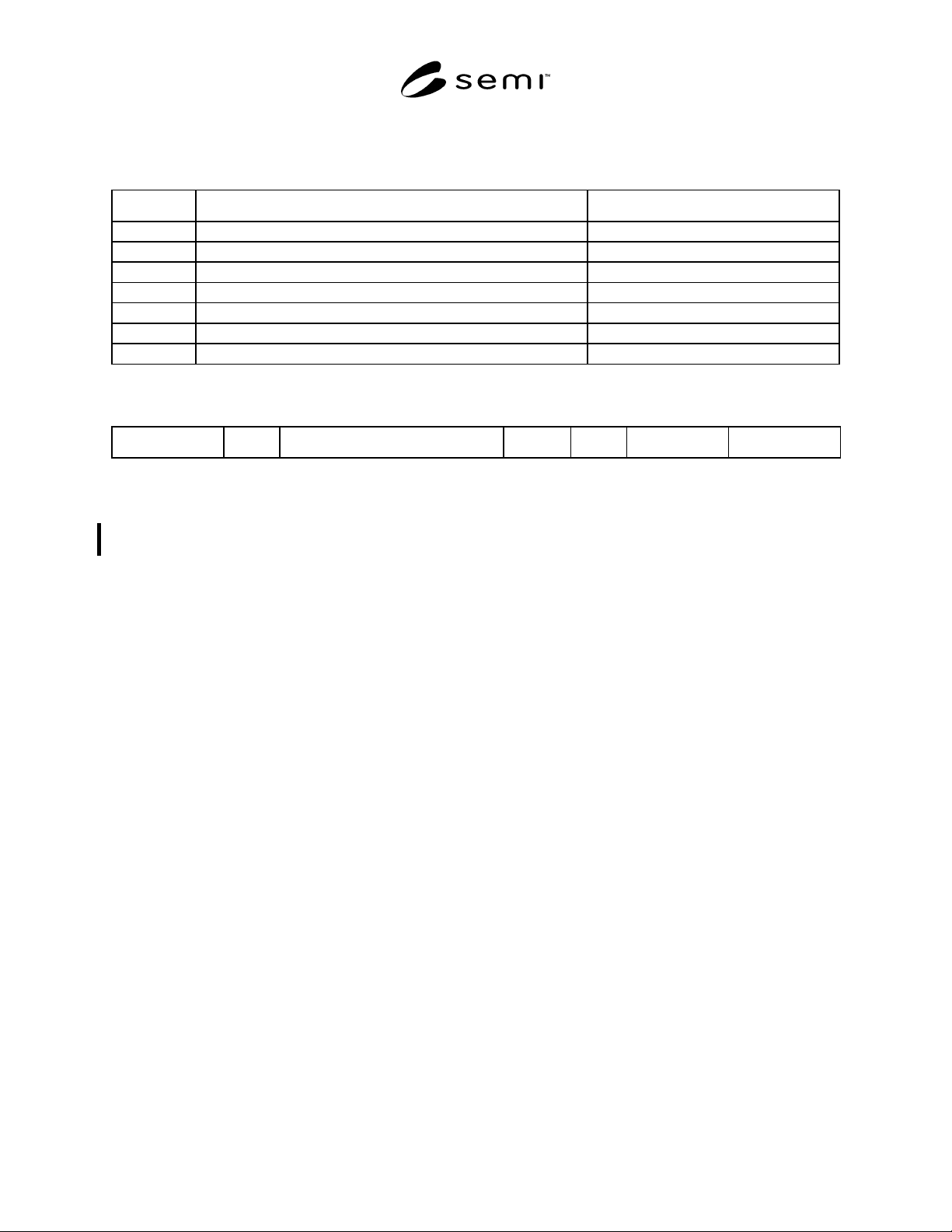
Table 3 Variable Items and Reporting Levels
Level Reporting Level Data Collection Event
R Run RunDataComplete
P ProcessGroup ProcessGroupComplete
S Substrate SubstrateDataComplete
G Group GroupDataComplete
X Region RegionDataComplete
A Anomaly AnomalyDataComplete
ALL Run, Substrate, Group, Region, and Anomaly All of the above.
9.2.1 Variable items are documented in the ISEM Variable Item Dictionary using the following format:
Variable Name Type Description Level Class Format Comments
Where:
Variable Name: A unique name for the variable item (this name is for reference only).
Type: Defined as Common (CV), Inspection (ISV), Review (RSV), or Inspection/Review specific
variables (IRSV).
Description: If class is DVVAL, then the description shall contain a statement of when data is valid in terms of
ISEM events.
Level: The report level at which this variable is used <R| S| G| X| A| ALL> as defined in Table 3. It also
indicates when the variable item is valid.
Class: The data type of the item.
Format: <SECS Message Language (SML) mnemonic> acceptable formats are SEMI E5 lists, ASCII,
floating point, unsigned integer, or signed integer. A description of “ANY” indicates that only the
above formats are acceptable and is left to the tool vendor to decide.
Comments: Any additional information pertinent to the variable name.
9.3 Variable Item Types
9.3.1 Equipment Constants (ECV) — The value can be changed by the host using S2,F15. The operator may have
the ability to change some or all of the values. The value of an equipment constant may be queried at any time by
the host using the S2,F13/14 transaction or Stream 6 reports.
9.3.2 Status Variables (SV) — The values are valid at all times. A SV may not be changed by the host or operator
but may be changed by the equipment. A host or operator command may change an equipment status, thus changing
an SV. The value of status variables may be queried by the host at any time using the S1,F3/4 or Stream 6 reports.
9.3.3 Data Variables (DVVAL) — These are variables which are valid upon the occurrence of a specific collection
event and which may or may not be valid at other times, depending upon the equipment. An attempt to read a
variable item when it is invalid will not result in an error, but the data reported may not have relevant meaning.
9.4 Variable Item Dictionary
9.4.1 Data Validity — The “Level” column in Table 4 defines when the variable item is valid. The entry in this
column corresponds to a reporting level defined in Section 9.2 “Variable Items and Reporting Levels”. For example,
“RunAnomalyCount” is valid at the “RunDataComplete” event, and “AnomalySize” is valid at all reporting level
data collection events.