semi合集-English.pdf - 第6558页
SEMI G84-0303 © SEMI 2001, 2003 8 11 Application Scenarios 11.1 Strip Ma p Download Host Equipment Equipment/Operator Actions which should be perfor med Host Actions which should be performed GetAttr Request (G AR) S14,F…

SEMI G84-0303 © SEMI 2001, 2003 7
3. L,2
1. <ATTRID = ' Columns '>
2. <ATTRDATA = 24>
4. L,2
1. <ATTRID = ' CellStatus'>
2. <ATTRDATA = 6>
5. L,2
1. <ATTRID = ' LotID '>
2. <ATTRDATA = 'Lot1>
2. L,2
1. <OBJACK = 0>
2. L,0
10.3.2 Strip Map Upload (Example)
S6,F11 Event Report M, H<-E
10.3.2.1 Description: This message is used to report the current map status. This event will occur at the end of a
strip as well as at any point during the processing of the strip when the equipment enters a condition where an
operator may have the opportunity to handle the strip or the equipment has an opportunity for error. This event shall
always be sent with the current status of the map at the time the equipment gets changed from local to remote.
10.3.2.1.1 For a description of filters, see S6,F11.
Structure: L,3
1. <DATAID>
2. <CEID>
3. L,1
1. L,2
1. <RPTID>
2. <L,n
1. <xxxx>
n. <yyyy>
S6,F12 Event Report Acknowledge H->E
Description: Acknowledge or Error
Structure: <ACKC6>
SEMI G84-0303 © SEMI 2001, 2003 8
11 Application Scenarios
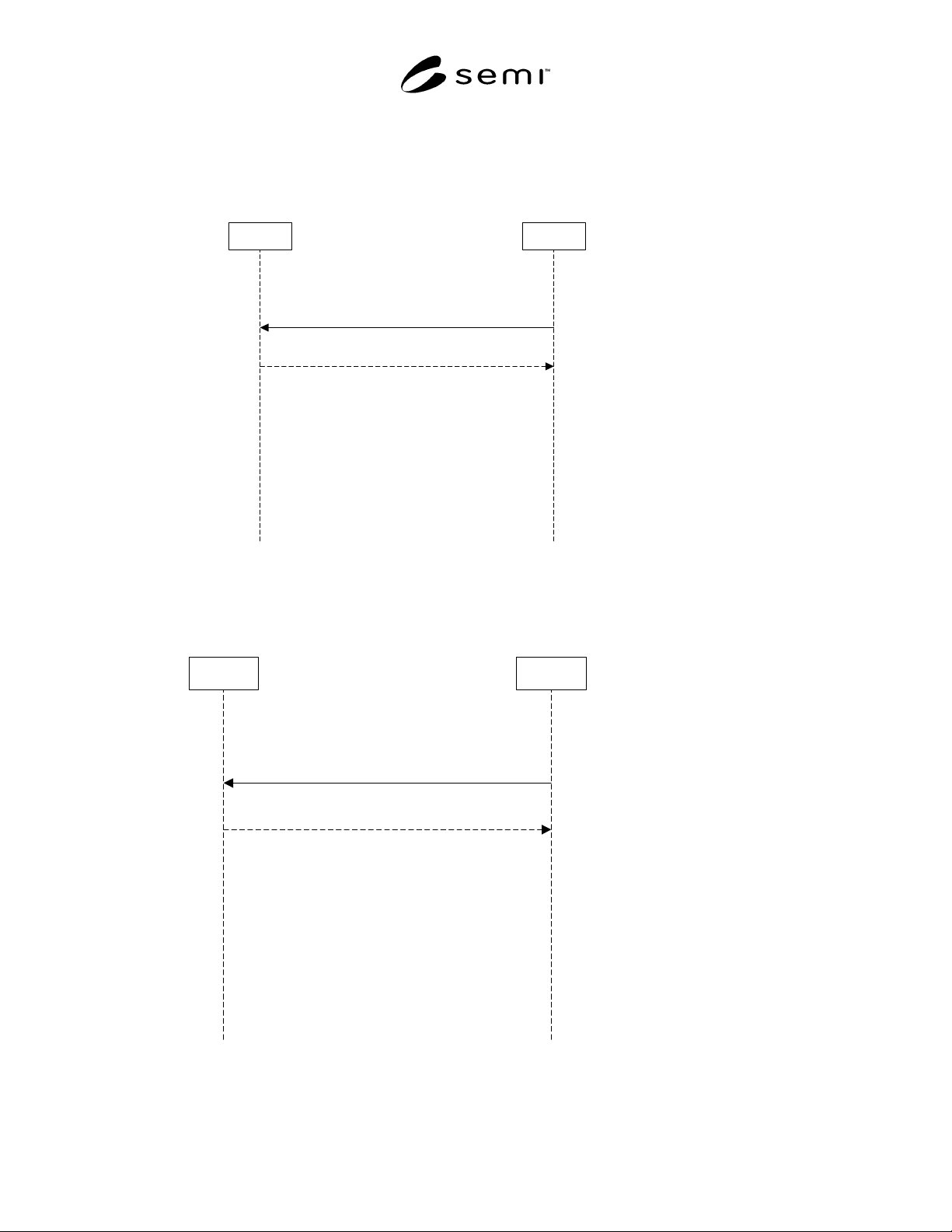
11.1 Strip Map Download
Host Equipment
Equipment/Operator
Actions which should be
performed
Host Actions which should
be performed
GetAttr Request (GAR) S14,F1
Strip ID ok
OBJACK = 0
GetAttr Data (GAD) S14,F2
Equipment is started and loads the first
strip into the indexer. Equipment reads
the Strip ID from the strip and requests
the strip map.
Figure 1
Strip Map Download
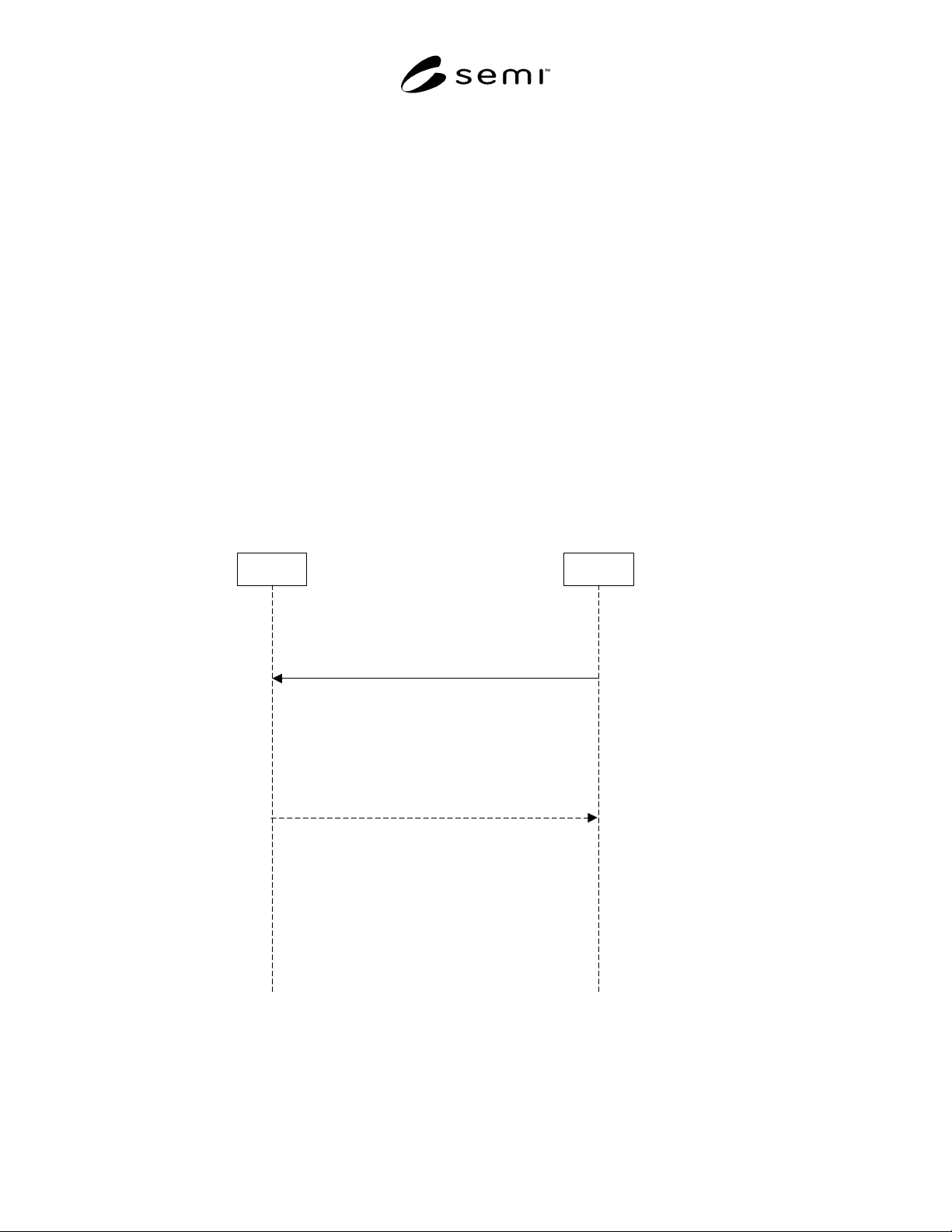
Host Equipment
Equipment is started and loads the first strip
into the indexer. Equipment reads the Strip ID
from the strip and requests the strip map.
Equipment/Operator
Actions which should be
performed
Host Actions which should
be performed
GetAttr Request (GAR) S14,F1
Strip ID not found
OBJACK > 0
GetAttr Data (GAD) S14,F2
Equipment creates strip map according to
configuration setting on the equipment.
The equipment shall have the folllowing
modes of operations:
- autocreate: will automatically create the
strip map.
- user confirm: will query operator for
"Retry map request" or "Create map" or
"Abort".
Map Creation:
CellStatus will be initialized to
Unknown via a strip update
command. If an equipment initializes
CellStatus to Unknown it must
provide an update map at the end of
strip processings - see upload
scenario.
Figure 2
Strip Map Create
SEMI G84-0303 © SEMI 2001, 2003 9
11.1.1 A typical equipment scenario is that for each
strip arriving at the equipment input, a strip map request
(S14,F1) and subsequent download (S14,F2) will
occur. See Figure 1. Depending on the equipment type,
there may be some variations on the optional attributes
requested, the timing of events and exception handling.
11.2 Strip Map Creation
11.2.1 A map must exist before it can be sent to an
equipment type. Some equipment may be required to
support the creating of the map for the first time. See
Figure 2. For these equipment two modes are
identified, “autocreate” and “user confirm”. To use
these modes the equipment shall behave as indicated
below.
11.2.2 If equipment supports an “autocreate” mode the
equipment will process the strip as normal when a new
strip arrives. The equipment will assume each location
on the strip has an unknown status. Should the
equipment be required to send a strip map during
processing due to equipment errors, the strip map shall
contain the unknown CellStatus value whenever the
status is unknown. All other CellStatus indicators shall
be “Good” or “Bad”. See Upload scenario.
11.2.3 If equipment supports a “user confirm” mode,
the equipment shall request operator intervention to
decide how to deal with a missing strip map. The
options are “Create map” or “Abort”. If the operator
selects “Create map” the above scenario will be valid.
If the operator selects “Abort”, the equipment shall
send an alarm to the host and not process the strip. The
strip will not be processed unless the equipment is
removed from the “strip map” mode.
11.3 Strip Map Upload
11.3.1 For equipment with the capability of detecting
defective units on a strip, a strip map upload is required.
The upload will report new definitions of each “cell”.
Event Report Acknowledge
S6,F12
Strip map is checked
for conflicts and when
OK is stored in strip
map server.
Equipment updates the map as
defects are detected during
processing of the strip .
Event Report Send "Update Map"
S6,F11
Equipment
Equipment/Operator
Actions which should
be performed
Host Actions
which should be
performed
Host
Figure 3
“Update Map” Event