semi合集-English.pdf - 第2530页
SEMI E88-1104 E © SEMI 1999, 2004 27 12.3.12 Remote Commands and Associated Host Command Parameters 12.3.12.1 This table describes the allowable command pa rameters (CPNAME) for each remote command (RCMD). Equipment shal…
SEMI E88-1104
E
© SEMI 1999, 2004 26
Table 10 Alarm ID, Alarm Set/Cleared Event Table
Alarm ID (ALID) Alarm SET Event (CEID
set
) Alarm CLEARED Event (CEID
cleared
)
12 Remote Commands
12.1 The purpose of this section is to identify remote
commands, command parameters, and valid commands
versus states pertinent to the Stocker SEM.
12.2 A. Requirements
The equipment shall support the SEMI E30
(according to the GEM capabilities required per
Section 13) required remote commands.
All the remote commands defined by Stocker SEM
are required to be implemented as specified.
The alphanumeric strings defined by Stocker SEM
for RCMD and CPNAME are required.
A completed table must be generated where an “X”
is placed in the table for each state that a given
command is valid.
If additional remote commands are supported then
a “remote commands versus valid states” matrix
must be generated for these additional commands.
For additional commands, a table must be
generated similar to the remote command
descriptions summary.
12.3 Remote Commands Description
12.3.1 ABORT — This command terminates the
activity of a specific TRANSFER command based on
CommandID while the command is in the ACTIVE
state. This command might not be accepted due to
mechanical issues if the stocker is in a specific con-
dition (e.g., moving a carrier). The exact conditions
surrounding when the ABORT command is not ac-
cepted by the SC must be documented by the Stocker
SEM equipment supplier. If accepted, this command
shall clear any error condition that was generated by the
TRANSFER command being aborted. For example, if
a ‘DestOccupied’ or ‘SourceEmpty’ error had occurred,
the error shall be cleared.
12.3.2 CANCEL — This command terminates the
activity of a specific TRANSFER command based on
CommandID while the command is in the QUEUED
state. This command must always be accepted by the
SC when in the QUEUED state.
12.3.3 INSTALL — This is used to update the SC
database by adding a specified CarrierID record to a
specified CarrierLoc. If the CarrierID specified by the
Host is already in the SC database then the additional
fields will be updated based on the information
contained in this command.
12.3.4 LOCATE — This command is used by the Host
to query the SC for database carrier information.
12.3.5 PAUSE — This command puts the SC in the
PAUSING state.
12.3.6 REMOVE — This is used to update the SC
database by deleting a specified carrier. This command
would be used for database recovery.
12.3.7 RESUME — This command puts the SC in the
AUTO state.
12.3.8 RETRY (Supplier Option) — This command
may be used by the Host when an error is encountered
by the stocker. The Host would use this command to
allow the stocker to retry the movement which gener-
ated the error condition. This command shall clear the
error condition that is being addressed by the command.
12.3.9 TRANSFER — This is a SECS-II Enhanced
Remote Command instead of a SECS-II Host
Command Send (S2,F49 instead of S2,F41). See the
examples in Section 15.1 for details.
12.3.10 This command is used to perform the entire
transfer command for the carrier to be transferred
between stocker locations. The execution of this com-
mand will include allocation of resources, acquiring the
carrier, moving the carrier to the destination, queuing
the carrier at an alternate destination (if needed),
depositing the carrier, and returning the resources for
other use. The number of carriers in the TRANSFER
command is always equal to one (i.e., the size of the
transfer unit is always equal to one carrier).
12.3.11 INFOUPDATE — This is used to associate
information with a carrier while in the SC database.
This command is an optional feature and is not required
for compliance. If this command is not supported, then
a HCACK of ‘1’ (Command does not exist ) shall be
returned. If the carrier does not exist in the SC
database, then a HCACK of ‘3’ (At least one parameter
is invalid) shall be returned.

SEMI E88-1104
E
© SEMI 1999, 2004 27
12.3.12 Remote Commands and Associated Host Command Parameters
12.3.12.1 This table describes the allowable command parameters (CPNAME) for each remote command
(RCMD). Equipment shall support all parameters. The column marked Req/Opt, specifies which parameters are
required to be sent by the host and which parameters may be optionally sent by the host.
Table 11 Allowable Command Parameters
Parameters
Remote
Command
Cpname Req/Opt Comment
ABORT “COMMANDID” R Must specify the commandID that was used for the TRANSFER command
that is being ABORT’ed.
CANCEL “COMMANDID” R Must specify the commandID that was used for the TRANSFER command
that is being CANCEL’ed.
INSTALL “CARRIERID”
“CARRIERLOC”
R
R
“CARRIERID”
or
“ZONENAME”
or
“CARRIERLOC”
O
SC will check its database and return the carrier information to the Host
with a single ‘CarrierLocateCompleted’ event for all relevant carriers. If
the Host issues the LOCATE command with CARRIERID then SC returns
information associated with the carrier specified by the Host.
If the Host issues the LOCATE command with ZONENAME or
CARRIERLOC, all carrier information in the specified area (ZONENAME
or CARRIERLOC) will be returned.
If the Host issues the LOCATE command without a Cpname, all carrier
information in the SC database will be returned.
LOCATE
“COMMANDID” O
Unique Command Identifier for the LOCATE command. It does not have
a relationship to the CommandId of a TRANSFER command.
PAUSE None N/A Once received by the SC, the SC will queue any TRANSFER commands
until the SC receives and successfully executes the RESUME command.
Once in the AUTO state the SC will process the TRANSFER commands in
its queue.
REMOVE “CARRIERID” R
RESUME None N/A Returns the PAUSEd SC to the AUTO state.
RETRY
Supplier Option
“ERRORNUMBER” R Since more than one error can occur for the same TRANSFER command,
an ERRORNUMBER must be used to identify the ERRORNUMBER to
which to apply the RETRY.
TRANSFER “COMMANDINFO”
“TRANSFERINFO”
R
R
INFOUPDATE “CARRIERID”
“hostDefined”
R
O
The “HostDefined” cpnames are used to indicate the name of the data that
is to be associated with a carrier. See Section 13 for example scenarios.
The data associated with a carrier is for display purposes only and
information such as the carrier’s current location and state cannot be
changed with this command.
12.3.13 Host Command Parameters Name and Values
Table 12 Host Command Parameters CPNAMES
Parameter Value
Cpname
Description Range Format
CARRIERID Unique ID of the carrier.
A[164]
CARRIERLOC Unique carrier location within the stocker.
A[164]
COMMANDID Unique command identifier created by the Host.
A[164]
SEMI E88-1104
E
© SEMI 1999, 2004 28
Parameter Value
Cpname
Description Range Format
COMMANDINFO L,2
COMMANDID
PRIORITY
L,2
DEST Destination location identifier. Must be a valid ZoneName.
Must be a loading port for a move to an
output shuttle (DEST = LP).
A[164]
ERRORNUMBER Unique error identifier created by the stocker.
A[164]
PRIORITY Remote command priority. 0 is not valid.
1 is the LOWEST priority, 99 is the highest
priority.
U2
SOURCE Unique source location identifier. Stocker Robot/Crane is a valid SOURCE
(Supplier Option).
A[164]
TRANSFERINFO L,3
CARRIERID
SOURCE
DEST
SOURCE may intentionally be left blank by
the Host. If this is true, the stocker must
determine the carrier’s current location by
checking its database for the specified
CARRIERID.
L,3
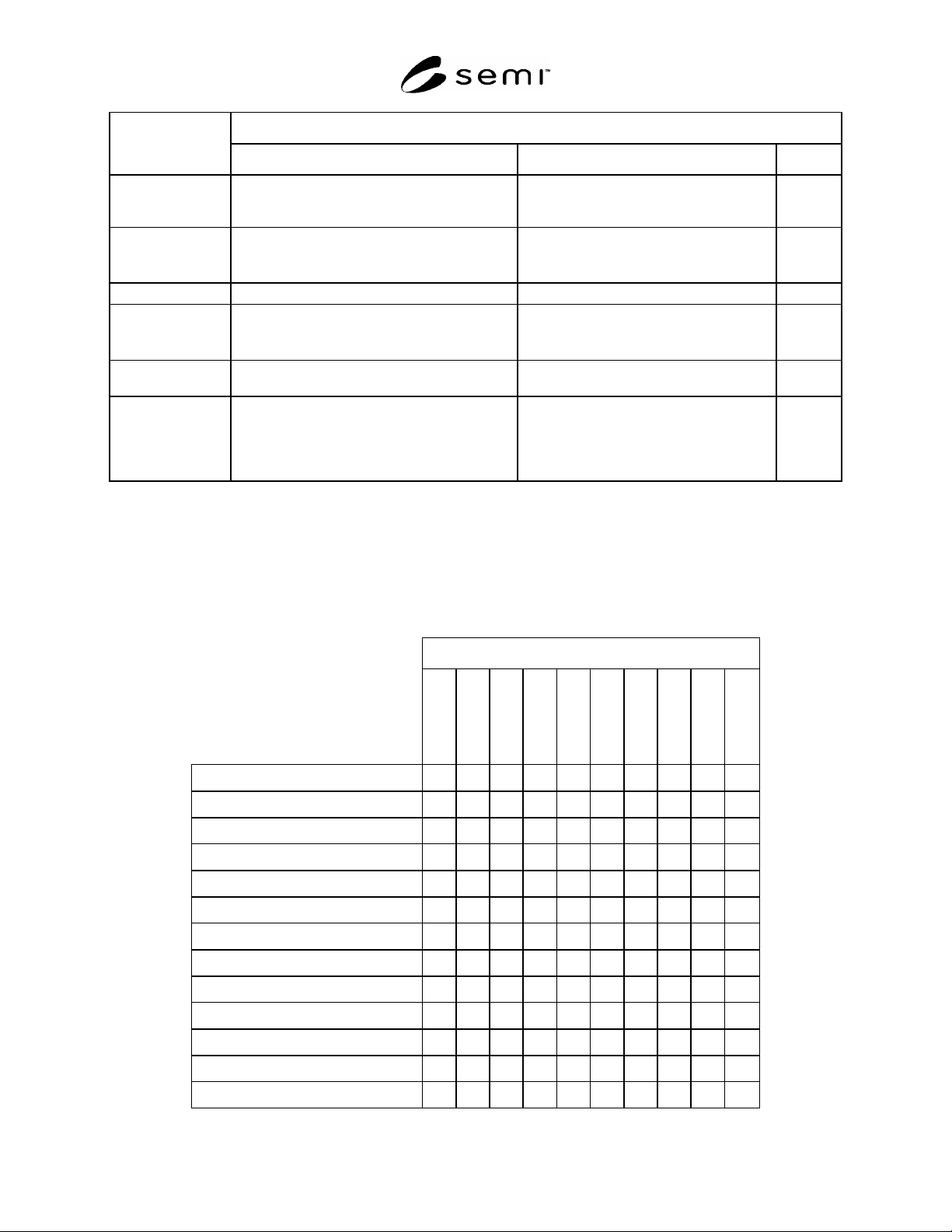
12.3.14 Remote Commands versus SC, Transfer Command and Stocker Carrier States
12.3.14.1 The following table indicates SC, TRANSFER Command and Stocker Carrier States where the remote
commands are allowed. This is indicated with a “X” mark. Remote commands act independently of other state
models (e.g., Stocker Crane States are independent from the Stocker SEM remote commands). “NA” (Not
Applicable) means that States and Remote Commands have no direct relationship.
Table 13 Remote Commands versus SC and TRANSFER Command States
COMMAND
TRANSFER
RETRY
RESUME
REMOVE
PAUSE
LOCATE
INSTALL
CANCEL
ABORT
INFOUPDATE
SC STATE
AUTO X X X X X X X X X
ALARMS X X X X X X X X X X
SC INIT
NO ALARMS X X X X X X X X X
PAUSED X X X X X X X X X
PAUSING X X X X X X X X X
TRANSFER COMMAND STATE
ACTIVE (PAUSED) NA X NA NA X X NA
ACTIVE (QUEUED AT ALT.) NA NA NA X X NA
ACTIVE (TRANSFERRING) NA NA NA X X NA
ABORTING NA NA NA X NA
CANCELING NA NA NA X NA