semi合集-English.pdf - 第3687页
SEMI PR8-0703 © SEMI 2003 17 HTTP headers used for these m essages are “urn:semi-org: ws:eda_ps_v0. 0:EdaEnabled” , “urn:sem i- org:ws:eda_ ps_v0.0:E daDisabled”, and “urn:s emi-org: ws:eda_ps_ v0.0:EdaDat a”, respective…
SEMI PR8-0703 © SEMI 2003 16
Tag Name Description XML Datatype Behavior
DateTimeArrayVal An array of dateTimes List: itermType=dateTime Optional;
maxOccurrances=unbounded
Base64BinaryVal A base64 values Base64Binary Optional;
maxOccurrances=unbounded
AnyURIVal A URI AnyURI Optional;
maxOccurrances=unbounded
BoolVal A Boolean value Boolean Optional;
maxOccurrances=unbounded
BoolArrayVal An array of Boolean values List: itemType=boolean Optional;
maxOccurrances=unbounded
StructVal Container for groups of simple types. May
contain an unlimited number of the simple
types defined for value.
Complex Optional;
maxOccurrances=unbounded
MeasTime Time of the measurement, if applicable. dateTime Optional
Locator Unique identifier for the tool entity, or
namable, to which the param applies.
String Required
Extension Element containing any additional fields
provided by the supplier.
Any Optional
7.7.4.3 Value Elements — The elements within the Value element may contain a single scalar value, a space
delimited array, or a StructVal element. StructVal elements may not be nested.
Example 1: simple parametric data point named pressure
<Param>
<Name>Pressure</Name>
<Value>
<FloatVal>43.56</FloatVal>
</Value>
<MeasTime>1999-05-31T13:20:00.087-05:00</MeasTime
</Param>
Example 2: Collection event ID
<Param>
<Name>CEID</Name>
<Value>
<IntVal>1278</ IntVal >
<StructVal>
<DateTimeVal>…….</DateTimeVal>
<FloatVal>………</FloatVal>
</StructVal>
</Value>
</Param>
7.7.5 DateTime XML Datatype — Whenever an element is given the dateTime XML DataType in this specification
it shall conform to the dateTime built-in data type defined in XML Schema Part 2-Datatypes. The dateTime
representation shall include the difference from UTC and the fractional seconds precision shall be at least .01
seconds (i.e., ss.ss). Equipment shall pad the fractional seconds field with zeros beyond its measurable precision.
7.7.6 Eda Client Operations — This specification defines three different notifications that EDA clients must
support: EdaEnabled, EdaDisabled, and EdaData. The EdaData notification includes both Event and Exception
data. Extensions to the Event data for the EdaData message are described in related information. The SOAPAction
SEMI PR8-0703 © SEMI 2003 17
HTTP headers used for these messages are “urn:semi-org:ws:eda_ps_v0.0:EdaEnabled”, “urn:semi-
org:ws:eda_ps_v0.0:EdaDisabled”, and “urn:semi-org:ws:eda_ps_v0.0:EdaData”, respectively.
7.7.6.1 EdaEnabled — Whenever the equipment EDA port enters the EDAEnabled state, it shall send the
EdaEnabled message to each configured client. The equipment will not send any additional messages to a
configured client until it receives a successful response to the EdaEnabled message from that client. If the response
is not received the equipment will retry the EdaEnabled message a specific number of times and at a specific
interval. Both the number of retries and the retry interval shall be configurable at the equipment. If at the end of
this retry cycle the expected response to the EdaEnabled message has not been received from that client then the
equipment shall deactivate all of that client’s hibernating data collection plans and each of those DCPs shall enter
the Inactive state (see transition 7 in Figure 5). The equipment will activate those DCPs again only when a
subsequent ActivatePlan request is received from a configured client.
7.7.6.2 EdaDisabled — Whenever the equipment EDA port is entering the EDADisabled state, the equipment shall
send the EdaDisabled message to each configured client.
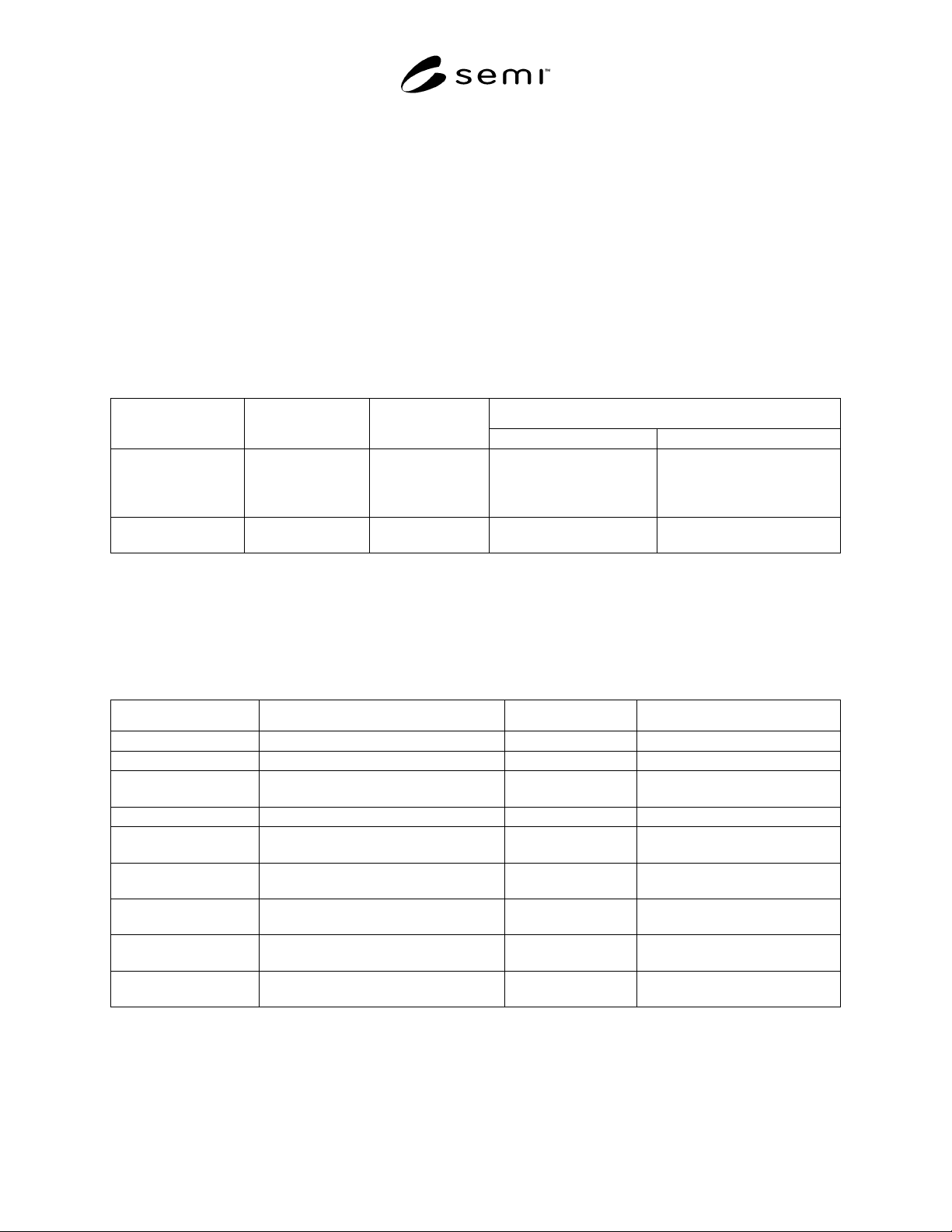
Table 19 EdaEnabled/Disabled Message
Behavior
Tag Name Description XML Datatype
EdaEnabled EdaDisabled
See columns 3 and 4
in this row for tag
names, shown in
quotes.
Operation Name
element
Complex Required-“EdaEnabled” Required- “EdaDisabled”
EquipmentID EquipmentID
element
Complex Required Required
7.7.7 Event Data — The Event data format is a simple, general-purpose event format intended for communicating
fundamental events from the SECS/GEM interface, and other similar data. The event may be used as a container for
parametric data that does not have a particular context within either an operational segment or an exception event.
Event data can be provided anywhere within the EdaData message structure following the EquipmentID element. It
can appear zero or more times, and can be interspersed with Exception data.
Table 20 Event Description
Tag Name Description XML Datatype Behavior
Event Operation Name Complex Required
EventTime Event time and date stamp. dateTime Required
Locator Unique identifier for the tool entity, or
namable, to which the event applies.
String Required
EventID Event identifier String Required
Context Complex element containing all context
Param elements.
Complex Optional- 0 or 1
Param Complex element that contains all fields
pertaining to a single context param.
Complex 1 Required (if Context element
included), Many Optional
Data Complex element containing all data
param elements.
Complex Required-Exactly 1
Param Complex element that contains all fields
pertaining to a single data param.
Complex 1 Required, Many Optional
Extension Element containing any additional
information provided by the supplier.
Any Optional

SEMI PR8-0703 © SEMI 2003 18
Example: Equipment Event
<EdaData>
<EquipmentID>
<Supplier>Some Supplier</Supplier>
<Model>8400</Model>
<ImmutableID >998948< ImmutableID >
</EquipmentID>
<Event>
<EventTime>1999-05-31T13:20:00-05:00</EventTime>
<Locator>cluster.tool.module</Locator>
<EventID>274</EventID>
<Context>
<Param>
<Name>PrJobID</Name>
<Value>
<IntVal>898887</IntVal>
</Value>
</Param>
<Param>
<Name>ShotNum</Name>
<Value>
<IntVal>898</IntVal>
</Value>
</Param
</Context>
<Data>
<Param>
<Name>Temperature</Name>
<Value>
<IntVal>184</IntVal>
</Value>
</Param>
<Param>
<Name>Pressure</Name>
<Value>
<IntVal>9984</IntVal>
</Value>
</Param>
</Data>
</Event>
</EdaData>
7.7.8 Locator — This attribute provides a unique identifier for a particular equipment component based on its
position in the tool hierarchy. Legal values for the locator attribute are derived by starting with the name of root
equipment component in the hierarchy followed by the ‘.’ character, followed by the names of any components
between the root and target component (each name separated by the ‘.’ character), followed by the name of the
target component. A shorthand notation for this pattern is: “root.node.node.node.target”.