semi合集-English.pdf - 第2063页
SEMI E54.10-0600 © SEMI 2 000 8 Table 8 Dev ice Manager Behavior EXECUTING Sub-Stat e Description State Descr iption EXEC UTING Laser is in one of the fol lowing enu merated states as ind icated in t he Laser Status Devi…
SEMI E54.10-0600 © SEMI 20007
8.2.2 Device Manager Object Services — The services provided by the Device Manager object are defined in
SEMI E54.1 [1]. The Device Manager object supports the additional services listed below.
Table 7 Device Manager Object Services
Service Service Identifier Type Description
Laser On S1 R Used to prompt the device to take the laser from the
LASER OFF state to LASER ON AND STABLE state as
defined by the Laser Status attribute.
Laser Off S2 R Used to prompt the device to take the laser immediately to
the LASER OFF state as defined by the Laser Status
attribute.
Reserved S3–S64 — Reserved for future expansion
Manufacturer Specified > S64 — Manufacturer Specific services
8.2.2.1 Laser On (Optional) — This service is used to prompt the device to take the laser from the LASER OFF
state through supported laser states 1 and/or 2, to state 3, as defined by the Laser Status attribute. If the laser turns on
successfully, a “success” response code is returned. If the sensor is missing or interlocked off, a “object state
conflict” error response is returned and the laser remains in the appropriate state.
8.2.2.2 Laser Off (Optional) — This service is used to prompt the device to take the laser to the LASER OFF state
immediately. If the laser turns off successfully, a “success” response is returned. If the sensor is in an interlocked
state, a “object state conflict” error response is returned and the laser remains in the interlocked off state.
8.2.3 Device Manager Object Behavior — The behavior exhibited by the Device Manager object is defined in
SEMI E54.1 [1]. Additional behavior is detailed below.
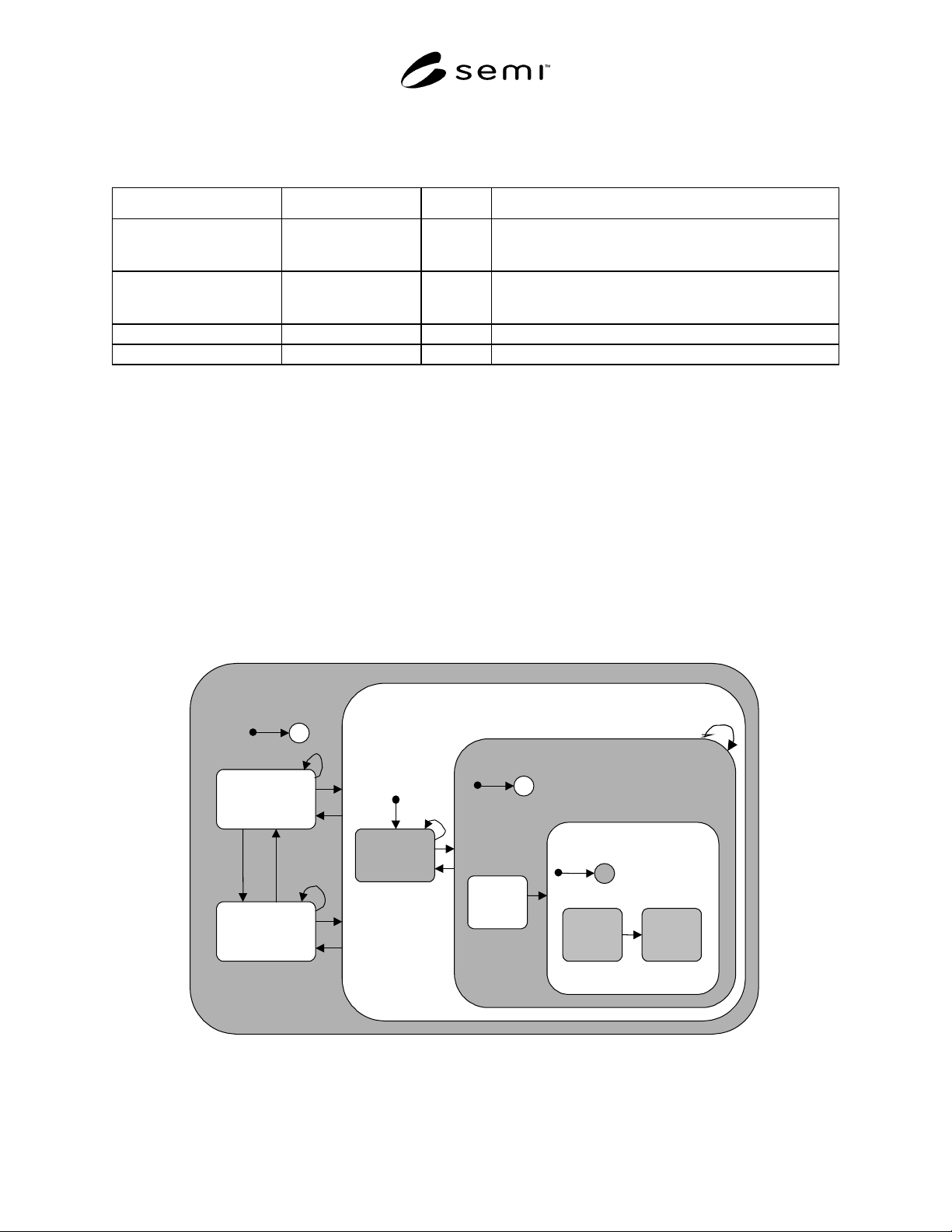
8.2.3.1 Device Manager EXECUTING State Behavior — Required sub-states within the EXECUTING state,
descriptions of these substates, and a transition matrix associated with these sub-states are given in Figure 2, Table
8, and Table 9 respectively.
LASER
INTERLOCKED
SENSOR
MISSING
EXECUTING
C
1
2
3
4
5
10
11
6
7
LASER
OFF
12,13
8
9
LASER NOT OFF
LASER
TURNING
ON
C
15
16
LASER ON
LASER
ON AND
STABLE
LASER
ON AND
NOT
STABLE
18
C
17
LASER ADDRESSABLE
14
Figure 2
Device Manager Object Behavior Within the EXECUTING State

SEMI E54.10-0600 © SEMI 2000 8
Table 8 Device Manager Behavior EXECUTING Sub-State Description
State Description
EXECUTING Laser is in one of the following enumerated states as indicated in the Laser Status Device Manager
attribute: LASER INTERLOCKED (optional), LASER MISSING (optional), or LASER OFF. Device
will respond to Laser On and Laser Off services as appropriate to move between sub-states within the
EXECUTING and LASER ADDRESSABLE states.
LASER
ADDRESSABLE
Laser is in one of the following enumerated states as indicated in the Laser Status Device Manager
attribute: LASER OFF, LASER ON AND STABLE, LASER TURNING ON (optional), or LASER ON
BUT NOT STABLE (optional). Device will respond to Laser On and Laser Off services as appropriate
to move between sub-states within the LASER ADDRESSABLE state.
LASER OFF This is the entry sub-state to LASER ADDRESSABLE; Laser is Off; Laser Status Device Manager
attribute is in the enumerated state: LASER OFF. Device is not performing the “counting” process.
(See NOTE 1.)
LASER ON AND
STABLE
Sub-state of LASER ADDRESSABLE; device is “counting” (See NOTE 1); Laser Status Device
Manager attribute is the enumerated state: LASER ON AND STABLE. Laser is performing the
“counting” process.
LASER
INTERLOCKED
Laser is Interlocked off; Laser Status Device Manager attribute is in the enumerated state: LASER
INTERLOCKED. Device is not performing the “counting” process. (See NOTE 1.) Sensor may or may
not be missing. Device cannot move to the LASER ADDRESSABLE or SENSOR MISSING states
until the interlock is removed.
SENSOR
MISSING
Laser sensor is missing; Laser Status Device Manager attribute is in the enumerated state: SENSOR
MISSING. Device is not performing the “counting” process. (See NOTE 1.) Device cannot move to the
LASER ADDRESSABLE state until the sensor is replaced.
LASER NOT OFF Laser is in one of the enumerated states as indicated in the Laser Status Device Manager attribute:
LASER TURNING ON (optional), LASER ON AND NOT STABLE (optional), or LASER ON AND
STABLE. Device will respond to Laser Off service as appropriate to move between sub-states within
the LASER ADDRESSABLE state.
LASER
TURNING ON
An optional sub-state of LASER NOT OFF. This is a conditional entry sub-state to LASER NOT OFF.
Device is preparing to turn on. Device is not performing the “counting” process. (See NOTE 1.)
LASER ON Laser is in one of the enumerated states as indicated in the Laser Status Device Manager attribute:
LASER ON AND NOT STABLE (optional) or LASER ON AND STABLE. Device will respond to
Laser Off service as appropriate to move between sub-states within the LASER ADDRESSABLE
state.
LASER ON AND
NOT STABLE
Sub-state of LASER ON; device is not “counting” (See NOTE 1); Laser Status Device Manager
attribute is the enumerated state: LASER ON AND NOT STABLE. Laser is not performing the
“counting” process.
NOTE 1: The “counting” process is defined in Section 8.8.3.1.
Table 9 Device Manager Behavior EXECUTING Sub-State Transition Matrix (See NOTE 1.)
# Current State Trigger New State Action Comment
1 Entry into
EXECUTING
Device detects interlock
condition, and
availability and state of
laser.
Conditional:
LASER
ADDRESSABLE/
LASER OFF or
LASER
INTERLOCKED
or SENSOR
MISSING
If the sensor is in an
interlocked or missing
condition then state is
LASER
INTERLOCKED. If
laser interlock and or
laser missing is not
supported then state is
LASER OFF.
Set Laser Status
attribute to
appropriate value.
Entry state depends
on availability of
laser and physical
laser interlock
setting on device.
2LASER
INTERLOCKED
Device detects removal
of interlock condition
LASER MISSING Set Laser Status
attribute to
Device moves to
LASER OFF state.

SEMI E54.10-0600 © SEMI 20009
# Current State Trigger New State Action Comment
and determines that
sensor is not missing.
appropriate value.
3LASER
ADDRESSABLE
Device detects that it has
been set to a laser
interlock condition.
LASER
INTERLOCKED
Set Laser Status
attribute to
appropriate value.
Valid for all sub-
states of LASER
ADDRESSABLE.
4LASER
INTERLOCKED
Device detects removal
of interlock condition
and determines that
sensor is missing.
SENSOR
MISSING
Set Laser Status
attribute to
appropriate value.
5SENSOR
MISSING
Device detects that it has
been set to a laser
interlock condition.
LASER
INTERLOCKED
Set Laser Status
attribute to
appropriate value.
6SENSOR
MISSING
Device detects
replacement of sensor.
LASER
ADDRESSABLE/
LASER OFF
Set Laser Status
attribute to
appropriate value.
Device moves to
LASER OFF.
7LASER
ADDRESSABLE/
LASER OFF
Device detects that
sensor is missing.
SENSOR
MISSING
Set Laser Status
attribute to
appropriate value.
8 LASER OFF Laser On request LASER ON AND
STABLE
Take the object from
the LASER OFF state
through optional laser
states LASER
TURNING ON and
LASER ON BUT
NOT STABLE to the
required LASER ON
AND STABLE state,
turning on the laser
and stabilizing it
respectively. Set the
Laser Status attribute
to the appropriate
values throughout the
transition. Issue
Laser On response
and begin the
“counting” process.
(See NOTE 2.)
LASER TURNING
ON and “LASER
ON BUT NOT
STABLE” are
optional
intermediate states
between LASER
OFF and LASER
ON AND STABLE.
Laser must not be
missing or in an
interlocked off state.
Service response is
not issued until
transition to LASER
ON AND STABLE
is completed.
9 LASER ON AND
STABLE
Laser Off request LASER OFF Stop the “counting”
process. (See NOTE
2.) Turn the laser off.
Issue Laser Off
response.
10 LASER
INTERLOCKED
Laser Off request or
Laser On request
LASER
INTERLOCKED
Error response Object cannot move
from this state until
interlock is turned
off.
11 SENSOR
MISSING
Laser Off request or
Laser On request
SENSOR
MISSING
Error response Object cannot move
to LASER
ADDRESSABLE
state until sensor is
replaced.
12 LASER OFF Laser Off request LASER OFF Error response Laser is already off.
13 LASER OFF Laser On request LASER OFF Device attempts to
take the laser from the
“Laser Off” state
through optional laser
Behavior associated
with determining
that laser will not
turn on properly or