semi合集-English.pdf - 第3042页
SEMI E122-0703 © SEMI 2003 23 14 Additional SEMI E30 Requirements The purpose of th is section is to specify any GEM additional capabilities th at are required to be supported by this class of equipment. 14.1 Requirement…

SEMI E122-0703 © SEMI 2003 22
2. The SELECT-TEST-SITE parameter on the START remote command establishes a single execution subset of
the initial default set of test-sites established with the PP-SELECT remote command.
3. The ENABLE-SITE and DISABLE-SITE remote commands provide for a persistent override of the initial
default set of test-sites to be established with the PP-SELECT remote command.
• The DISABLE-SITE remote command will persistently disable a test-site originally enabled via the
ENABLE-SITE parameter of the PP-SELECT remote command.
• The ENABLE-SITE remote command will persistently re-enable a test-site that was disabled via the
DISABLE-SITE remote command.
• The ENABLE-SITE remote command may not enable a test-site that was not initially enabled via the
ENABLE-SITE parameter on the PP-SELECT remote command.
13.7 Remote Commands and TSEM Process Model Mapping
13.7.1 Table 9 illustrates the relationship between remote commands and states of the TSEM processing state
model. An “X” indicates that a command is valid for use in this state. If a remote command is attempted during a
non-valid state, the equipment would reject the remote command.
Table 9 Remote Commands vs. Process States
COMMAND
ABORT
START EXEC
STOP EXEC
PAUSE
ENABLE-SITE
DISABLE-SITE
PP-SELECT
DEFINE-DATALOG-PLAN
RESUME
START
STOP
PROCESSING STATE
GEM READY X
INIT
INIT WITH ALARMS
IDLE X X
IDLE WITH ALARMS X
PROCESSING ACTIVE
PROCESS X X X
SETTING UP X X X
READY X X X X X X X
EXECUTING X X X
PAUSE X X
PROCESS PAUSE X X
PAUSING X X X
PAUSED X X X X X X
CHECKING X X
ALARM PAUSED X X
ABORTING
STOPPING X

SEMI E122-0703 © SEMI 2003 23
14 Additional SEMI E30 Requirements
The purpose of this section is to specify any GEM
additional capabilities that are required to be supported
by this class of equipment.
14.1 Requirements — The following GEM additional
capabilities required by TSEM are:
• Establish Communications,
• Dynamic Event Report Configuration,
• Variable Data Collection,
• Status Data Collection,
• Alarm Management,
• Remote Control,
• Equipment Constants,
• Process Program Management,
• Equipment Terminal Services,
• Clock,
• Spooling, and
• Control (Host-Initiated).
15 TSEM Unique Capabilities
15.1 The purpose of this section is to specify additional
capabilities required for the TSEM that are unique to
this class of equipment.
15.2 Host Access to Test Results Information — TSEM
requires the equipment manufacturer to make test
datalog information available to the host. Because
equipment configurations vary for datalog content and
format, the equipment manufacturer must document the
format and content of datalog information used by the
equipment and make that information available across
the communications interface. A test data acquisition
interface and mechanism for management of test data
collection is described below.
15.3 Datalog Plan — The datalog plan describes a
method by which the host can request test result data to
be communicated in an automated fashion by the
equipment. It specifies the set of data in which Host is
interested in and that the equipment should send off-
tool. It includes a mechanism for organizing related
data into groups or categories to make it more
straightforward for Host to enable or disable a large
number of data sources, and to allow Host to organize
related data into groups according to their purpose.
15.4 Defining a Datalog Plan — The remote command
DEFINE-DATALOG-PLAN will assign a name to a set
of reports and datasets. Named datalog plans defined in
this manner are undefined when the tester leaves the
PROCESSING ACTIVE state. There must be one
predefined datalog plan called “NONE” that will
disable all datalog reports.
15.5 Test Data Types — The types of test data that are
commonly collected are described in the following
sections, grouped by the type of test that generated the
data. This list, which may not be exhaustive, represents
the minimum required data to be supported by the test
equipment. In datalog plans, the TestType can be used
to enable or disable an entire group of data to be
communicated to the host; see TestType data variable
for enumerated values of TestTypes. Upon loading of
the test recipe or process program, the test equipment
should have knowledge of all test steps as well as their
respective TestTypes.
15.5.1 Functional Test Data — Test data associated
with a functional test, such as pattern name and the
functional test result. Functional test results are
normally a vector of pass/fail values.
15.5.2 Parametric Test Data — Test data associated
with a parametric test. Parametric test results are
normally a measured value from within a range.
15.5.3 Text Test Data — Test data associated with a
text test. Text test results contain an arbitrary string of
text.
15.6 Test Steps — Upon successful completion of
process program load, the tester should have full
knowledge of all the functional, parametric, etc. test
steps defined by the process program. Each test step is
uniquely identified by a test step ID and associated with
a TestType. Information on all test steps defined must
be available to Host via defined reports and can be
attached to program load complete collection event, see
TEST-LIST report.
15.7 Collection Plan Definition — Definition of a
datalog plan to the equipment specifies the exact test
data to be collected and/or communicated to the host
and specifies a way to group data. This plan will
remain effective until changed by host via another plan.
Below outlines the general structure of the collection
plan.
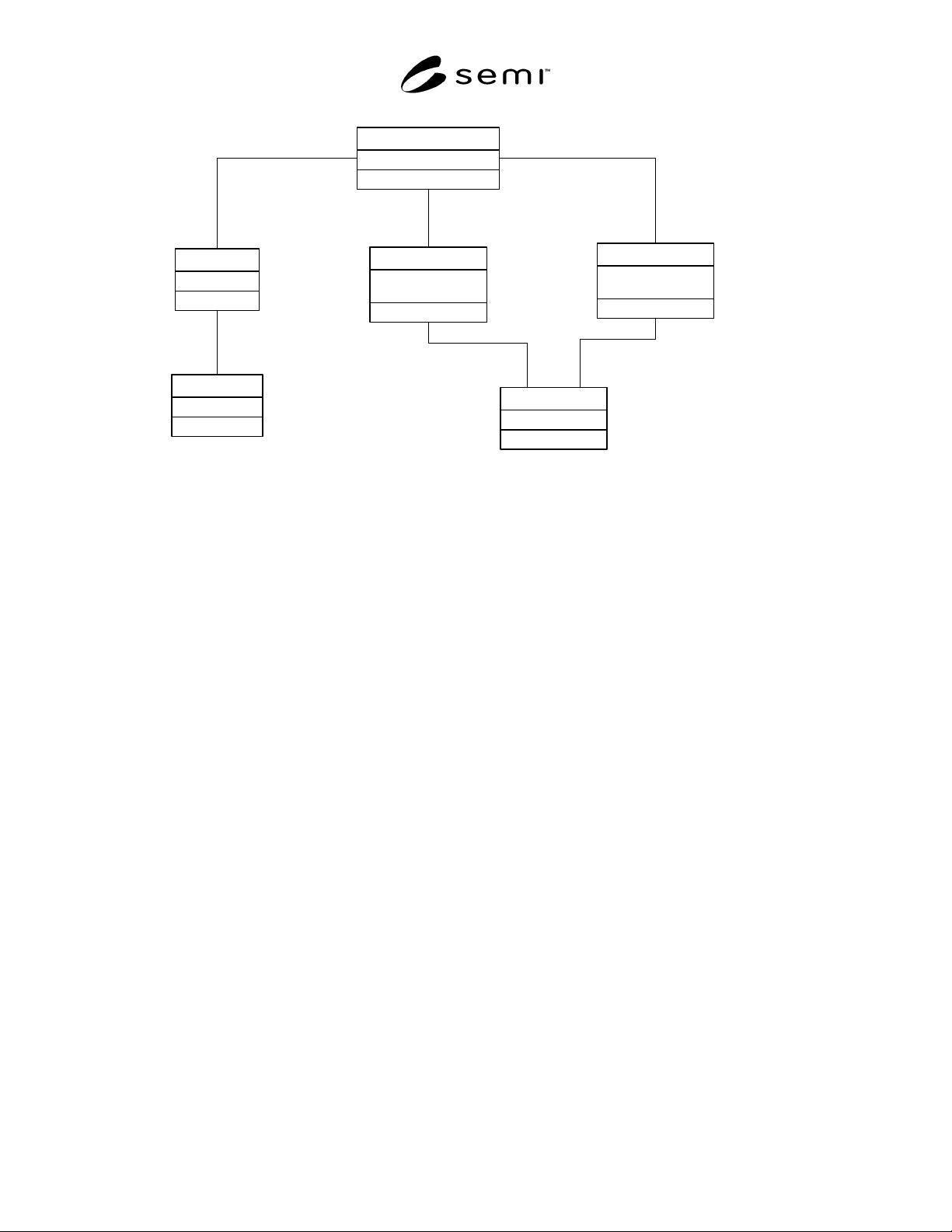
SEMI E122-0703 © SEMI 2003 24
DatalogPlan
-TestType : Integer
-TestStatus : Integer
TestTypeData
-TestID : Integer
-TestStatus : Integer
TestStepData
-Name : String
DataSet
-SiteID : Integer
TestSite
-ReportID : Integer
TestReport
1
-dataSets 0..*
1
-enabledTestTypes
0..*
1
-enabledTestSteps0..*
1
-attachedReport
1
1
1
1
-testSites
0..*
Figure 2
Datalog Plan
15.7.1 Datalog Plan — The plan specifies what
TestTypes, test steps are enabled for data collection and
describes the data to be collected. It also specifies a
way to group the data into data sets based on test-site.
15.7.2 Dataset — The Dataset defines a grouping of
data based on test-site of unit data. One or more test-
sites may be specified for each dataset. If no test-site is
specified, all test-sites is assumed. Each Dataset is
associated with a name.
15.7.3 TestSite — TestSite specifies the processing
test-site of the unit where test data was produced.
15.7.4 TestTypeData — TestTypeData defines the data
to be collected for a particular TestType (functional,
parametric etc) via an attached data report definition.
15.7.4.1 TestType — Specifies the type of test for
which to collect data on via the attached report
definition.
15.7.4.2 TestStatus — Specifies the pass/fail status of
test for which data will be communicated to host.
15.7.5 TestStepData — TestStepData defines the data
to be collected for a particular test via an attached data
report definition. TestID specifies the ID of the test as
provided by the TEST-LIST report, and TestStatus
specifies pass/fail condition for which data will be
communicated to host.
15.7.6 TestReport — TestReport defines the structured
format and the data variables to communicate to host.
The ReportID uniquely identifies the report defined in
the equipment.
15.8 Test Data Reporting — Test data reporting is
enabled by specifying a DATALOG-PLAN parameter
in the START command or by defining an unnamed
datalog plan in the STARTcommand using the
DATALOG-DATASETS, DATALOG-BY-
TESTTYPE, DATALOG-BY-TESTID, and
DATALOG-OPTIONS parameters. If no datalog plan
is specified in the START command, the last supplied
datalog plan is used. Initially (after a PP-SELECT), all
test data reporting will be disabled (using datalog plan
“NONE”). The unnamed plan defined in the START
command will be undefined as soon as another datalog
plan is activated.
15.8.1 Sample test data reporting can be done by
setting the DATALOG-PLAN to “NONE” and then,
every once in a while, setting it to another datalog plan
that generates the desired reports.
15.8.2 If limited test data reporting is desired at all
times, but full test data reporting is required on a
sample basis, two datalog plans can be defined and each
START command can indicate the appropriate datalog
plan.