semi合集-English.pdf - 第2612页
SEMI E91-0600 © SEMI 1999 , 2000 17 Command Parameter Command Na me Name OPT /REQ Description Forma t ProberJ obID REQ. Prober Job I D A [ 30] PROCID REQ. Process ID A[20] LOC OP T Port num ber of the casse tte in which …
SEMI E91-0600 © SEMI 1999, 2000 16
10.3.4 PRE-DATA_DOWNLOAD — Downloads previous result data which instructs the details of processing for a
wafer.
10.3.5 ONLINE-LOCAL — Change the control state from On-Line Remote to On-Line Local.
10.3.6 ONLINE-REMOTE — Change the control state from On-Line Local to On-Line Remote.
10.3.7 PAUSE — Instructs the equipment to pause the processing. This command puts the prober into PAUSING
state when the current operation is completed.
10.3.8 PP-SELECT — This command instructs the prober to copy the indicated Process Program from non-volatile
storage to the prober’s Process Program execution area.
10.3.9 RESUME — Instructs the equipment in pause to resume operation. This command makes the equipment
resume the processing from a point where the processing PAUSED.
10.3.10 START — Instructs to start Pro ber Job.
10.3.11 STOP — Instructs the equipment to stop the processing. This command completes the current processing
unit, stops the equipment in safe state, and puts the equipment back to IDLE state. STOP has an intention of causing
a normal completion after the current unit is completed. Also, whether the processing unit is die or wafer can be
specified by the equipment constant Stop Unit.
10.4 Parameter Related to Remote Command
Table 13 Description of Remote Command
Command Parameter
Command Name
Name OPT/REQ Description Format
ABORT No parameter.
JOB_CANCEL ProberJobID REQ. ID of deleted Prober Job A[30]
ProberJobID REQ. ID of created Prober Job (Used as lot ID.) A[30]
LOC REQ. Location number of the cassette in which
processed wafers are placed.
B
PRODID OPT Product name i.e., Device type A[24]
PPID OPT Product type master record name. Unless
otherwise specified, use the current PPID.
A[]
NO-OF-WAFER OPT Number of wafers held in the cassette (regardless
of whether the wafers are subject to processing or
not).
A[20]
SLOT-ORD OPT Specify the wafer pick-up order from the cassette. BOOL
JOB_CREATE
SLOT-INFO OPT Set a wafer ID and whether a wafer is subject to
processing or not.
Example:
L[25,26]
1. L[2]
1. A[1,28] ; wafer ID
2. B ; whether a wafer is subject to
processing or not.
:
n. L[2]
1. A[1,28] ; wafer ID
2. B ; whether a wafer is subject to
processing or not.
(Notes) n = 25 or 26
L[25,26]
SEMI E91-0600 © SEMI 1999, 200017
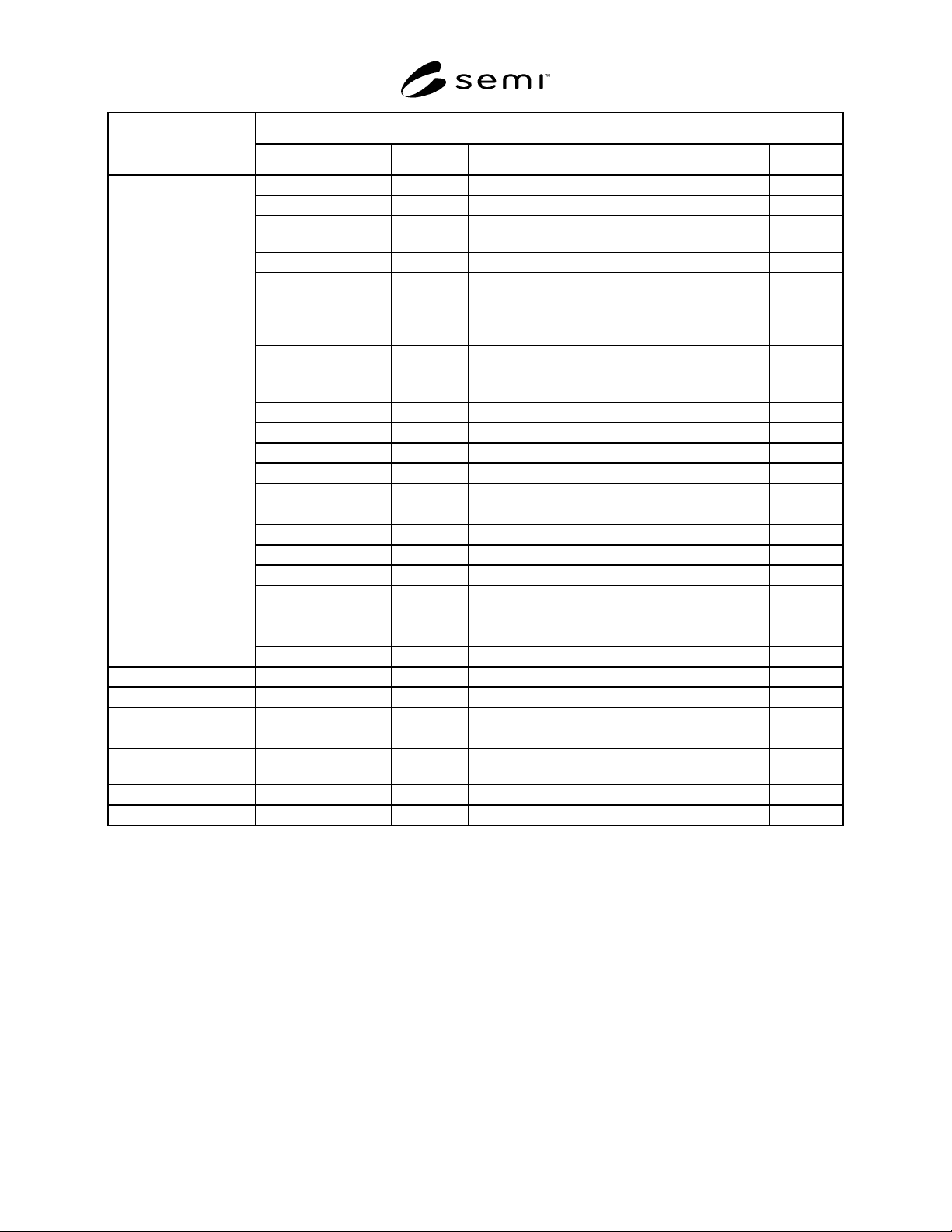
Command Parameter
Command Name
Name OPT/REQ Description Format
ProberJobID REQ. Prober Job ID A[30]
PROCID REQ. Process ID A[20]
LOC OPT Port number of the cassette in which wafers to be
processed are placed.
B
PRODID OPT Product name (i.e., Device type) A[24]
SLOTNO OPT (See
NOTE 1.)
Slot number in which the wafer is held. A[2]
WAFERNO OPT (See
NOTE 1.)
Wafer number set by the host or operator. A[2]
WAFERID OPT (See
NOTE 1.)
Wafer ID read by OCR. A[28]
IDTYP REQ. ID type to recognize a wafer. A[8]
WAFSIZE OPT Wafer size A[3]
FLAT OPT Flat or Notch A[5]
FLATANGLE OPT Flat angle A[3]
ROW REQ. Row count U2
COLUMN REQ. Column count U2
DIESIZE_X OPT X die size A[6]
DIESIZE_Y OPT Y die size A[6]
REFDIECOORD_X REQ. X coordinator of reference die A[4]
REFDIECOORD_Y REQ. Y coordinator of reference die A[4]
REFDIEPOS_X REQ. X address of reference die from wafer center I4
REFDIEPOS_Y REQ. Y address of reference die from wafer center I4
BINLIST OPT Bin value array containing pass/fail information. B[n]
PRE-
DATA_DOWNLOAD
PreviousResultData REQ. Previous result data information L[n]
ONLINE-LOCAL No parameter
ONLINE-REMOTE No parameter
PAUSE No parameter
PP-SELECT PPID REQ. Product type master record name. A[]
RESUME Resume-Die OPT Specify which die to restart the processing
(e.g., last die, current die, next die).
B
START ProberJobID REQ. ID of Prober Job to be started. A[30]
STOP No parameter
NOTE 1: At least one of <SLOTNO>, <WAFERNO>, and <WAFERID> need to be set.
10.5 Remote Commands and PSEM Process Model Mapping
10.5.1 Each remote command either can or cannot be executed depending on a state other than the control state.
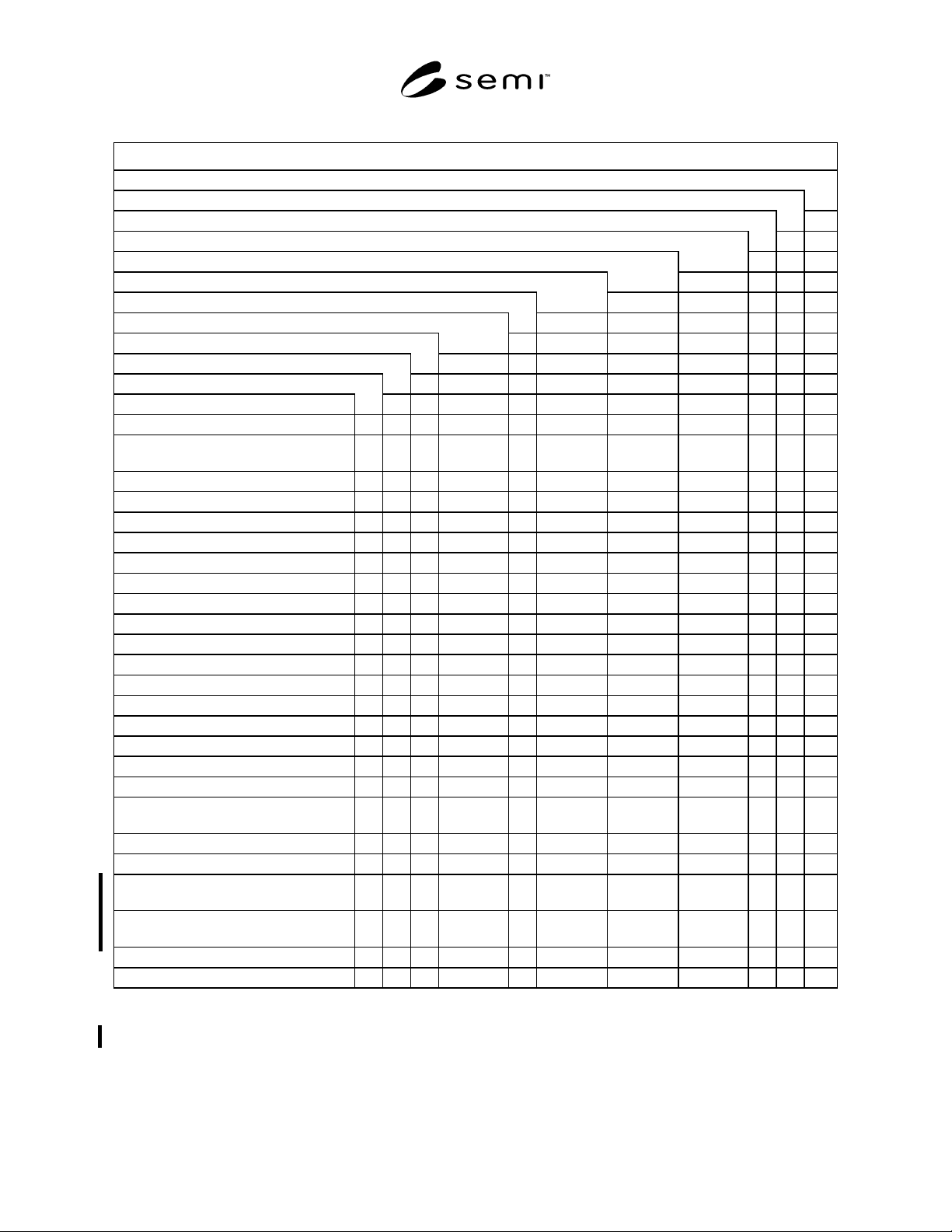
10.5.2 The following table shows remote commands and the relationship between process state to be operated by
these commands and Prober Job state.
SEMI E91-0600 © SEMI 1999, 2000 18
Table 14 Remote Command vs. Process State/Prober Job State
Command Name
ABORT
JOB_CANCEL
JOB_CREATE
PRE-DATA_DOWNLOAD (See NOTE 3.)
ONLINE-LOCAL
ONLINE-REMOTE
PAUSE
PP-SELECT
RESUME
START
STOP
PROCESSING STATE
INIT
IDLE X (See
NOTE 1.)
X (See
NOTE 2.)
X (See
NOTE 2.)
IDLE with ALARMS
MAINTENANCE
PROCESSING ACTIVE
...PROCESS
......SETTING UP X X X
......EXECUTING X X X
...PAUSE
......PROCESS PAUSE
.........PAUSING X X
.........PAUSED X X X
.........CHECKING X X
.........PAUSED SETTING UP X X
......ALARM PAUSED X X
...STOPPING X
...ABORTING
Prober Job STATE
Undefined X (See
NOTE 1.)
X (See
NOTE 2.)
X (See
NOTE 2.)
X
JOB CREATED X X
JOB ACTIVE
...JOB SET UP X (See
NOTE 3.)
...JOB PROCESSING X (See
NOTE 3.)
(X)
JOB STOPPING
JOB ABORTING
NOTE 1: Both IDLE and Undefined need hold true for PP-SELECT.
NOTE 2: Both IDLE and Undefined need hold true for ONLINE-REMOTE and ONLINE-LOCAL.
NOTE 3: PRE-DATA_DOWNLOAD is valid when Ready to Receive Previous Data event is reported.